
This document explains how to configure a FedEx account in Integration Management using sandbox credentials. Use the sandbox selector to safely test your FedEx integration before going live in production.
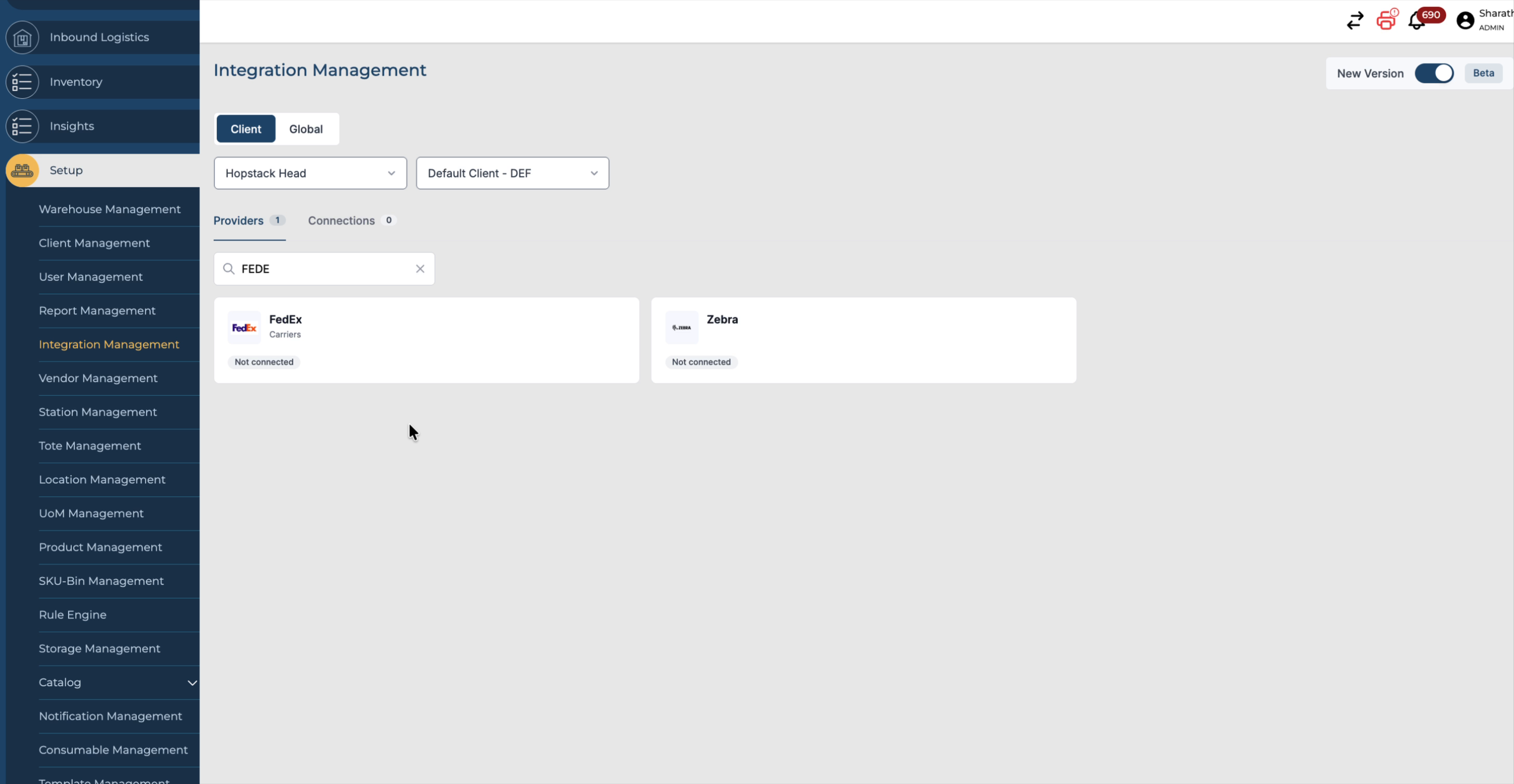
Step 1: Search for FedEx in Integration Management
In Integration Management, search for “FedEx” and open the FedEx account configuration page.
Step 2: Enter FedEx Account Credentials
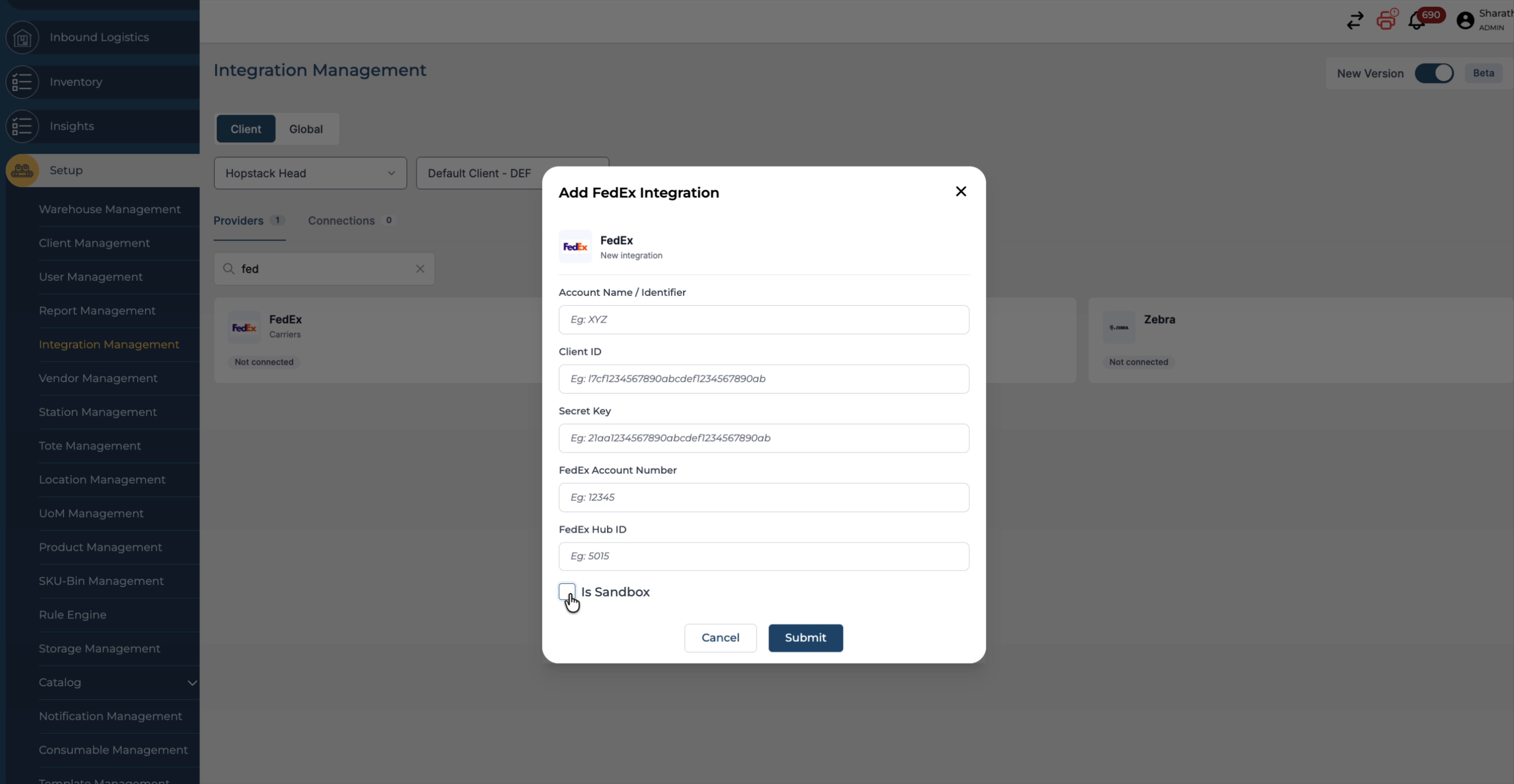
Provide all required details for your FedEx account, including the account name, client ID, and secret key. Ensure that the credentials you enter are correct and complete.
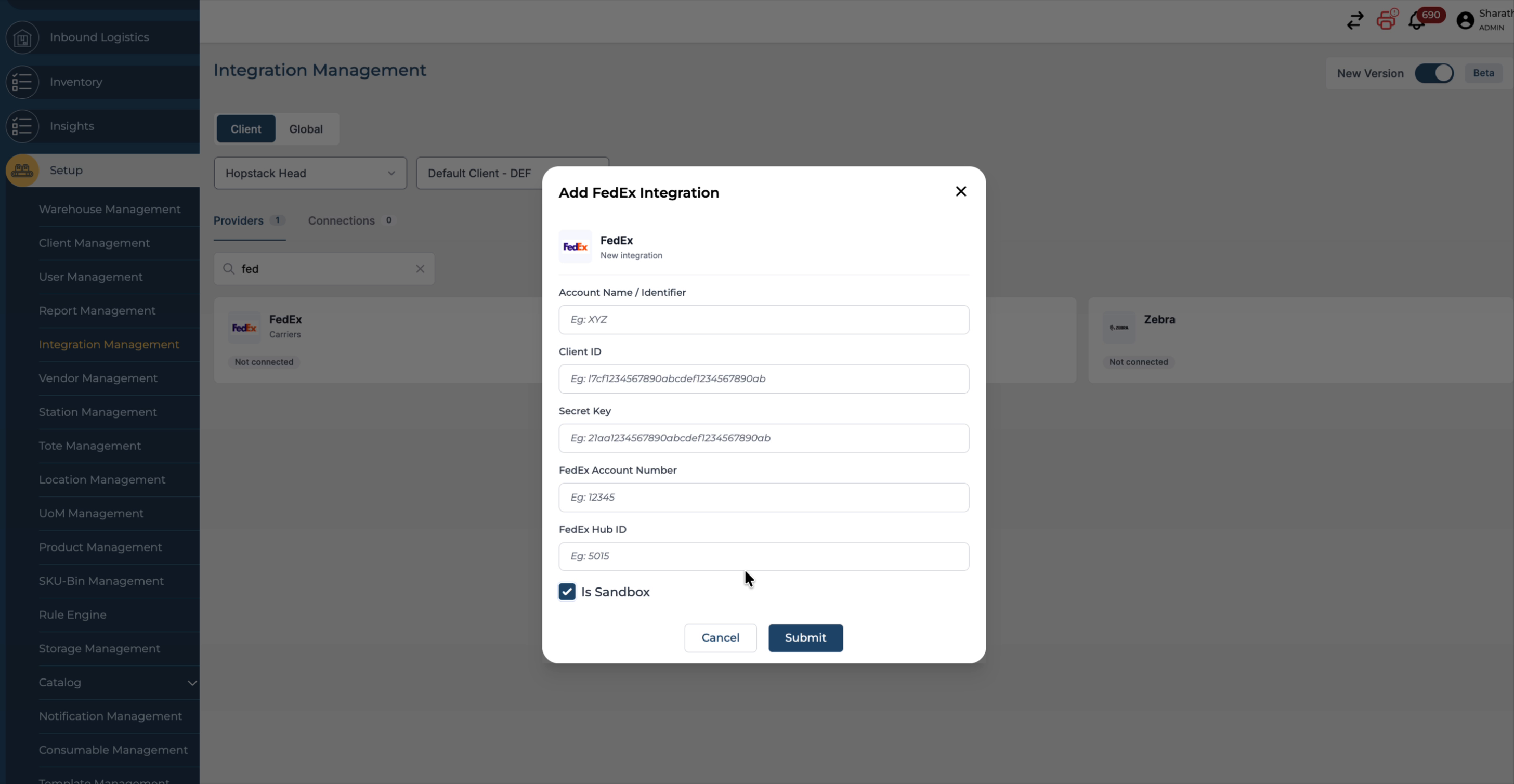
Step 3: Enable the Sandbox Environment
If you are using sandbox (test) credentials, enable the sandbox environment:
-
Turn on the sandbox toggle.
-
Select the sandbox checkbox so that the system recognises these as sandbox credentials.
Step 4: Submit and Save the Configuration
Click Submit to save your FedEx account settings with the sandbox configuration.
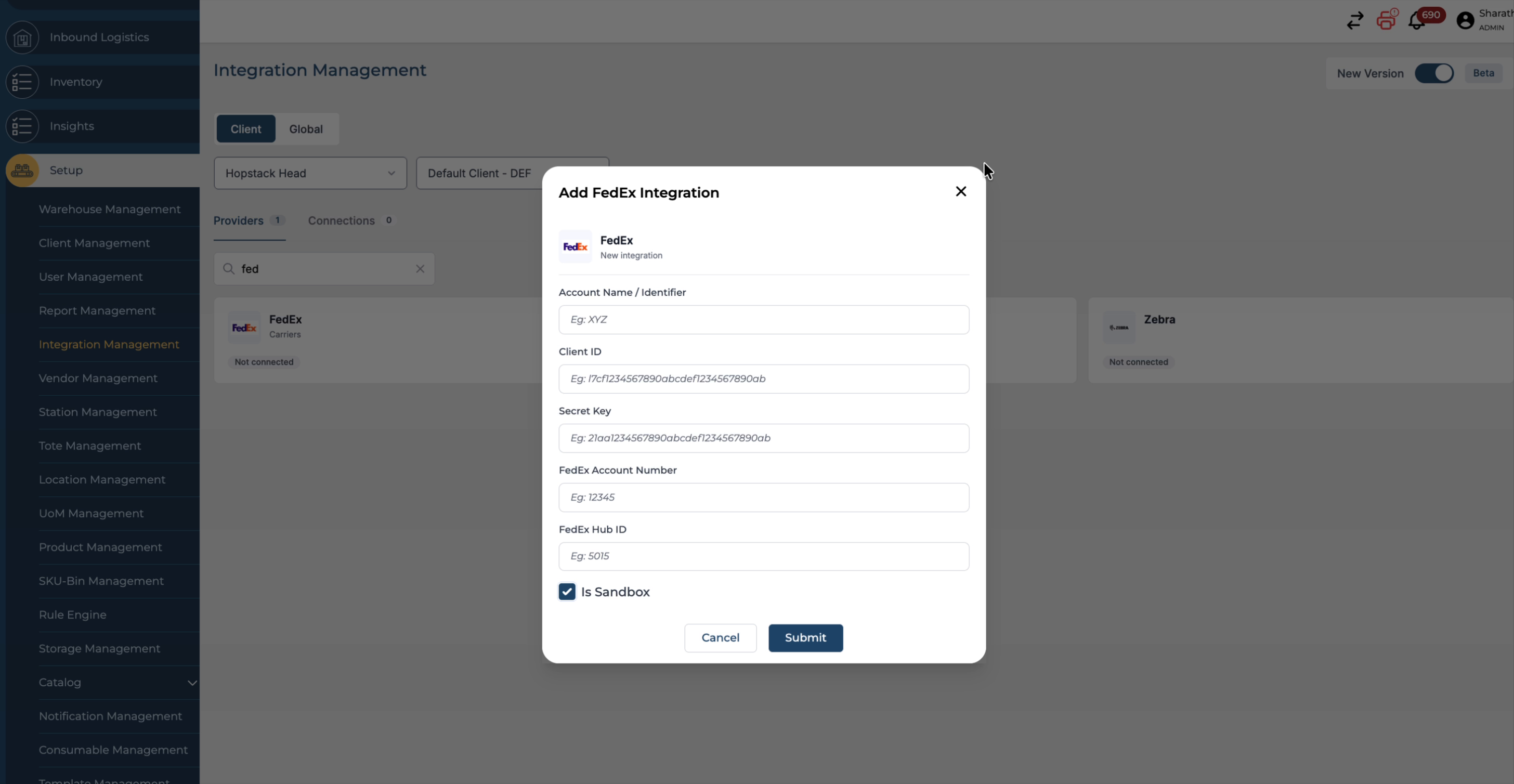
You can now test your FedEx account in the sandbox environment before going live on the platform.