
Follow the steps below to enable EHUB for a client:
-
Log in to the Hopstack Platform
Use your credentials to log into your Hopstack account. -
Navigate to Setup
In the left navigation bar, click on Setup, then select Integration Management under the Setup section.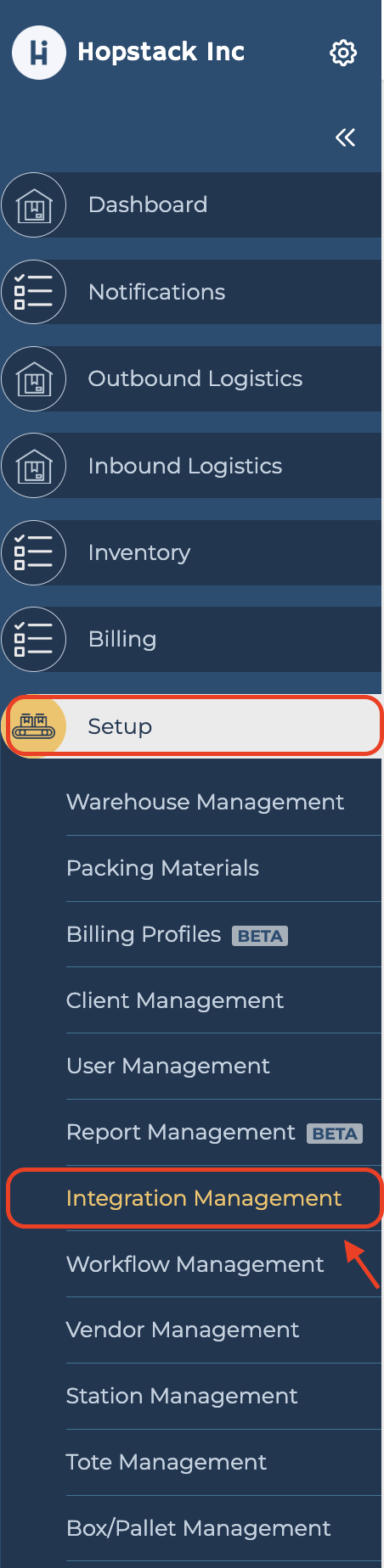
-
Select the Client
You’ll see a list of clients. Use the dropdown menu at the top left corner to select the client for whom you want to enable EHUB.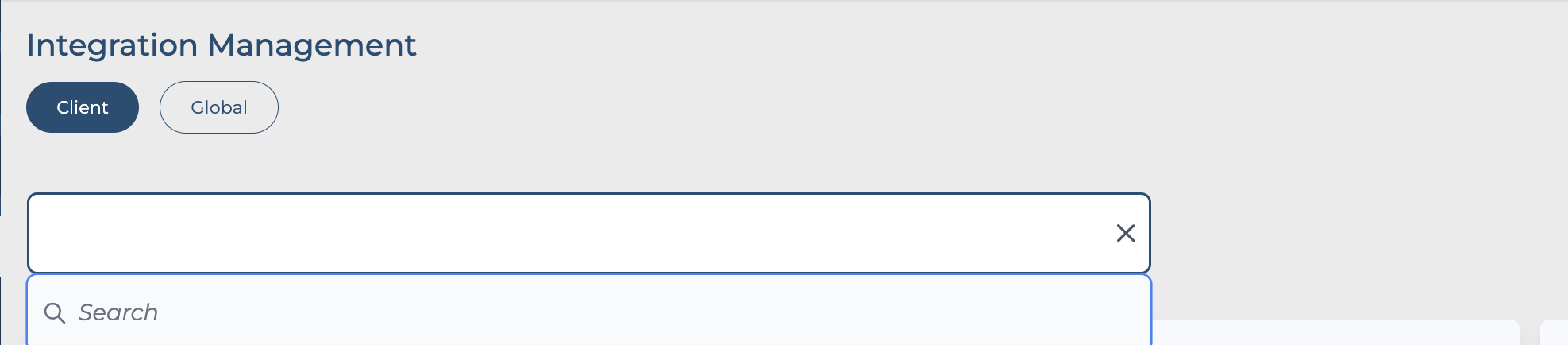
-
Enable EHUB
Scroll down to find the EHUB section. Click on Connect and paste the API key in the designated field.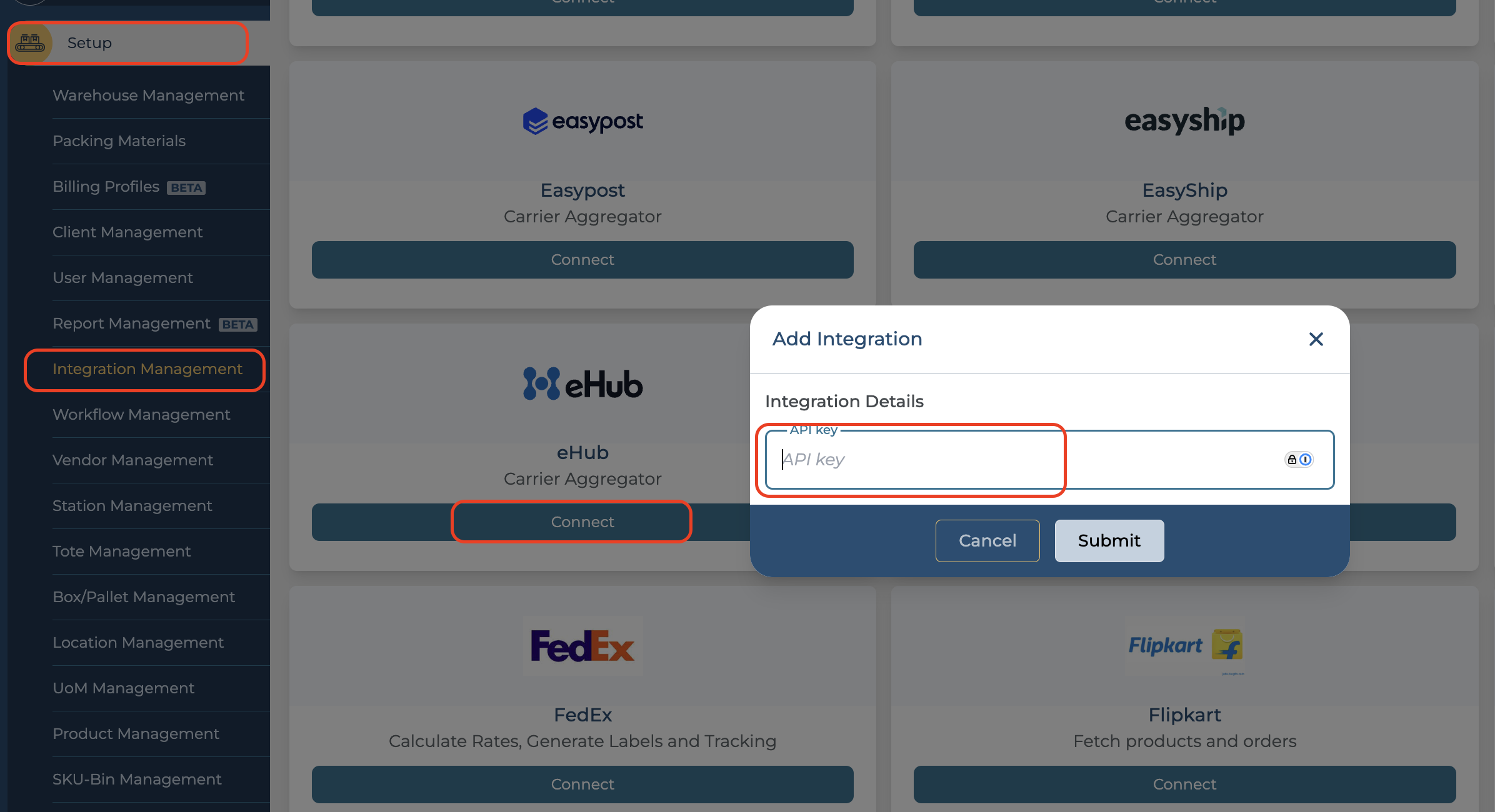
-
Finding the API Key (If You Don’t Have It)
If you don’t have the API key, follow these steps to find it:-
Log in to http://admin.essentialhub.com .
-
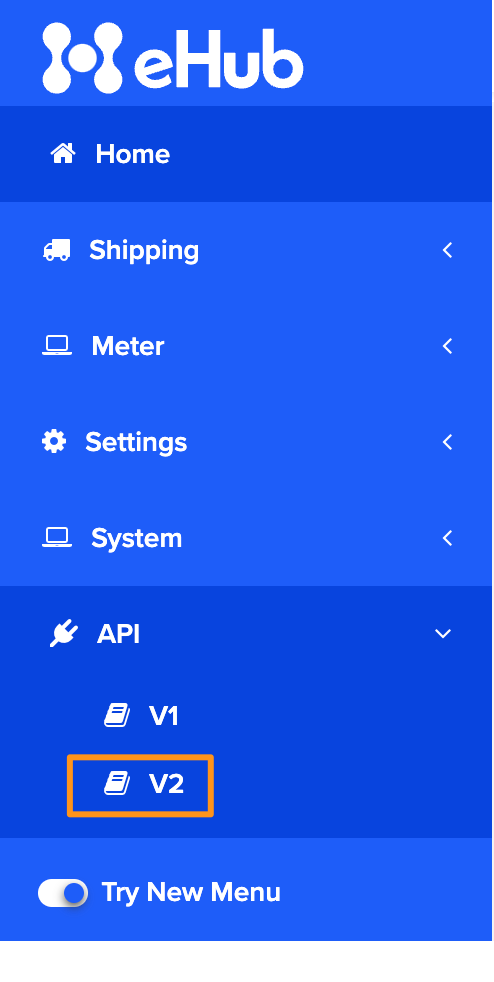
In the side menu, select API, then click on V2.
-
-
Save the Changes
After pasting the API key, make sure to save your changes.