
The Locate feature helps warehouse users quickly find inventory without navigating through multiple inventory screens. Users can scan a barcode or search using identifiers such as SKU, UPC, serial number, pallet ID, or LPN to view the item’s current storage location.
Locate currently tracks inventory in two statuses: Pending Put Away and In Storage. It also provides an inventory summary, including on-hand, available, committed, and receiving quantities, helping users understand both the location and availability of an item.
How to Use the Locate Feature
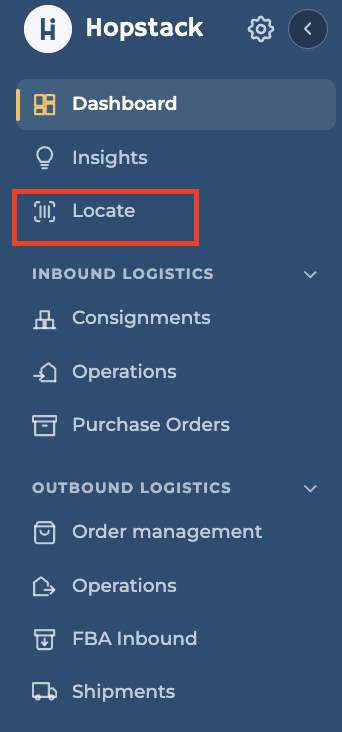
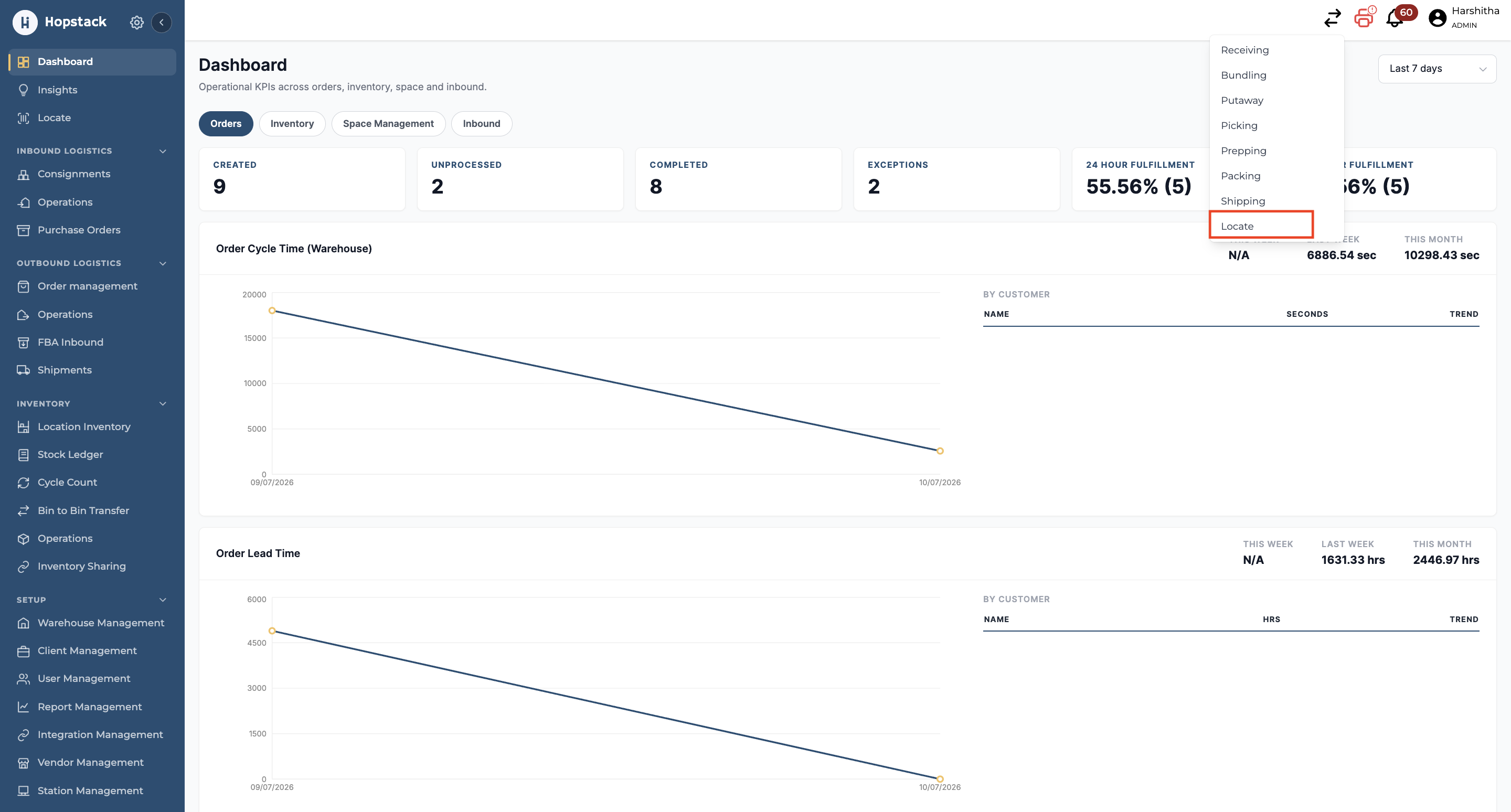
The locate feature can be accessed in two ways.
-
Click on Locate on the side panel
-
Click on the double arrow on the header and choose Locate.
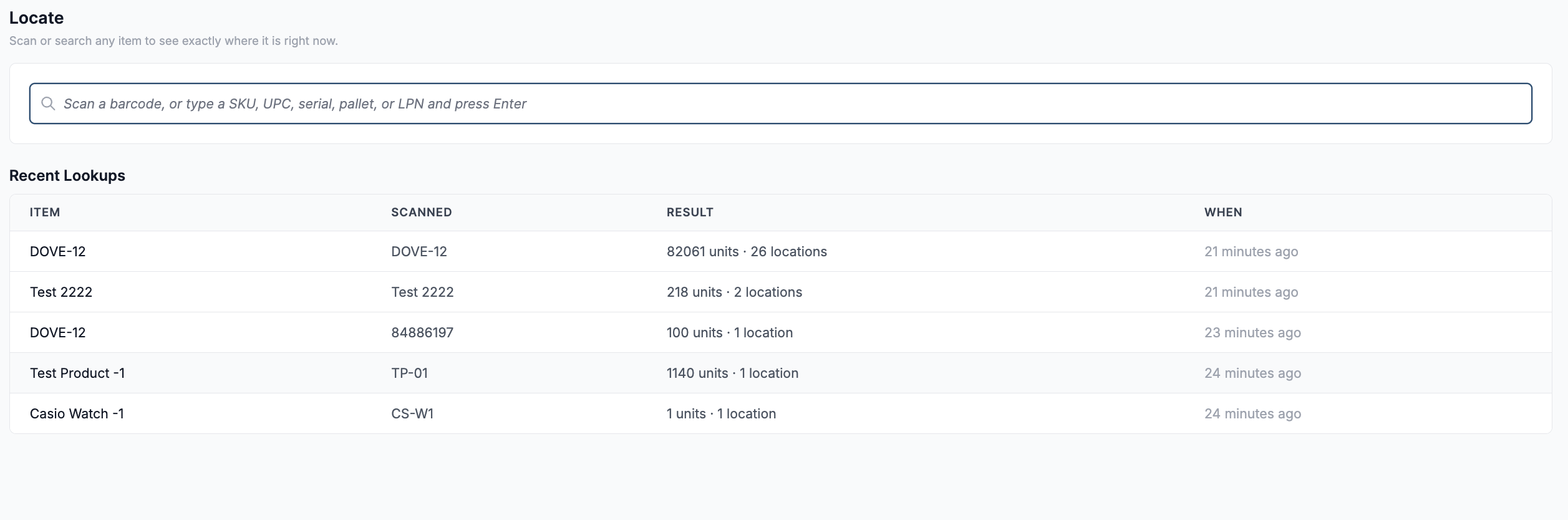
The Locate home page lets users search for inventory and quickly revisit recent lookups.
1. Search for an Item
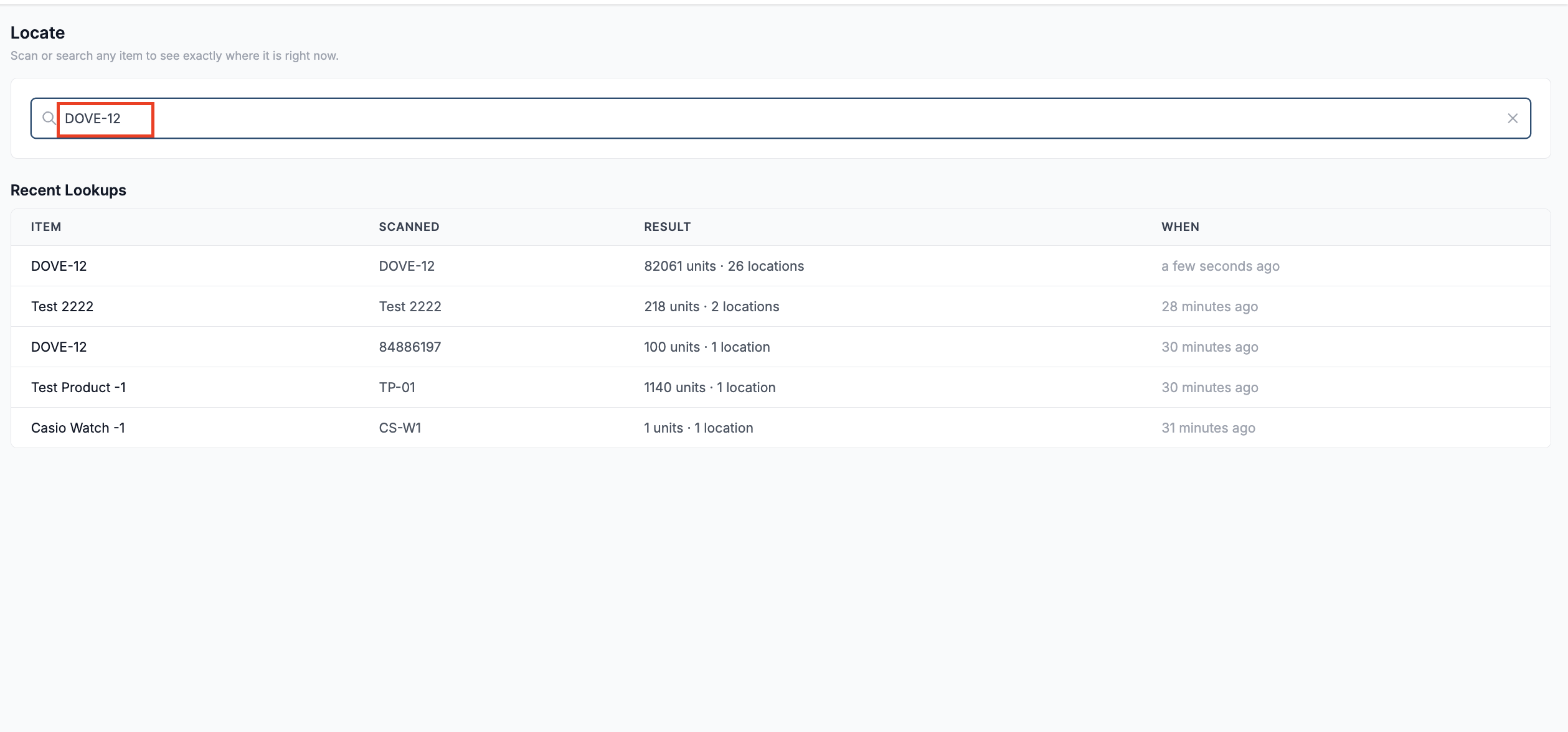
Scan a barcode or enter a supported inventory identifier in the search bar, then press Enter.
Supported identifiers include:
-
SKU
-
UPC
-
Serial number
-
Pallet ID
-
LPN
-
FNSKU
2. Review the Product and Inventory Summary
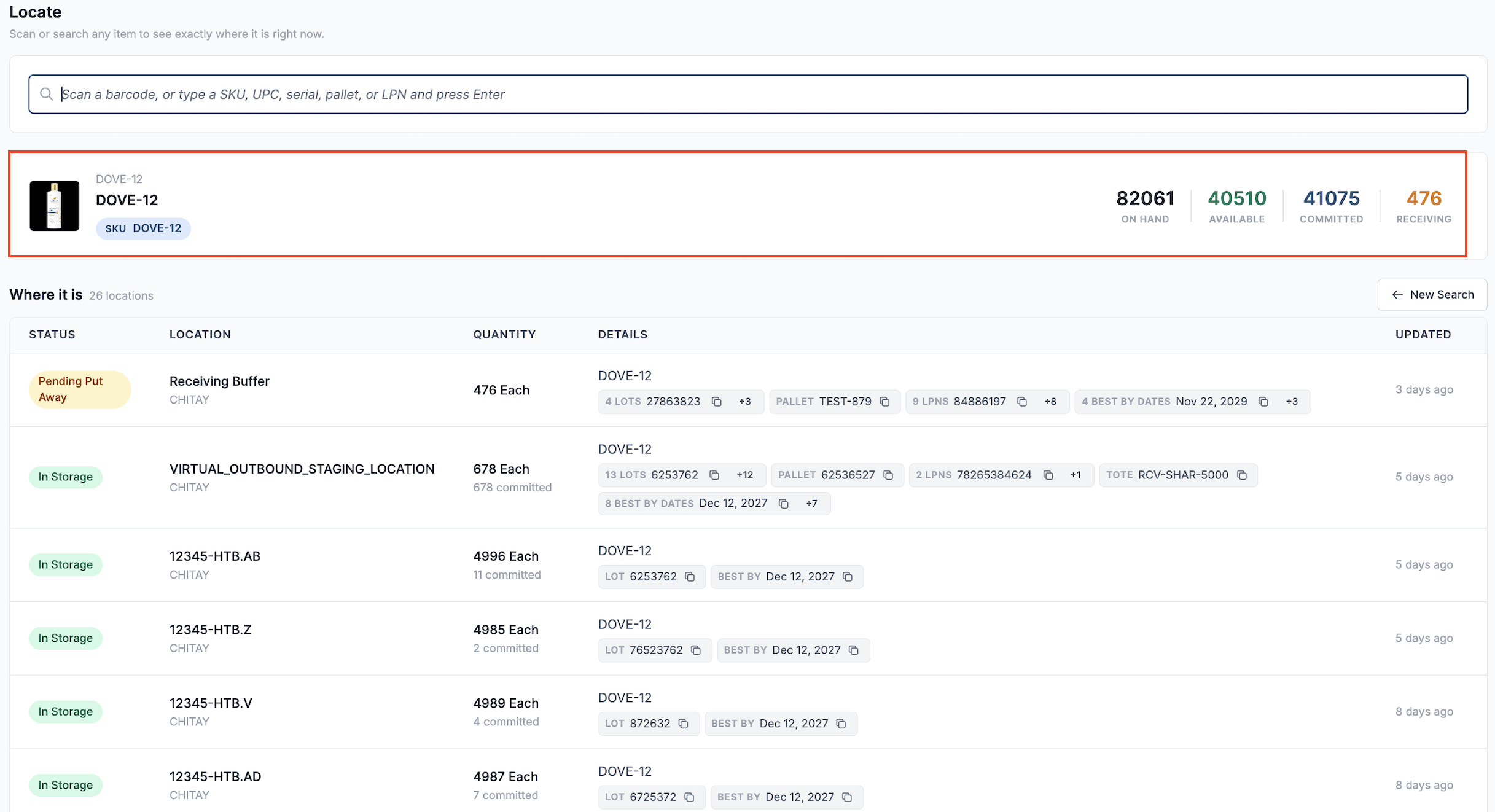
Once a matching item is found, the product card displays the product name, image, and SKU. It also provides the following quantity summary:
-
On Hand: Total inventory currently recorded.
-
Available: Inventory available for allocation.
-
Committed: Inventory allocated or committed to orders.
-
Receiving: Inventory received and awaiting putaway.
3. View Where the Inventory Is Located
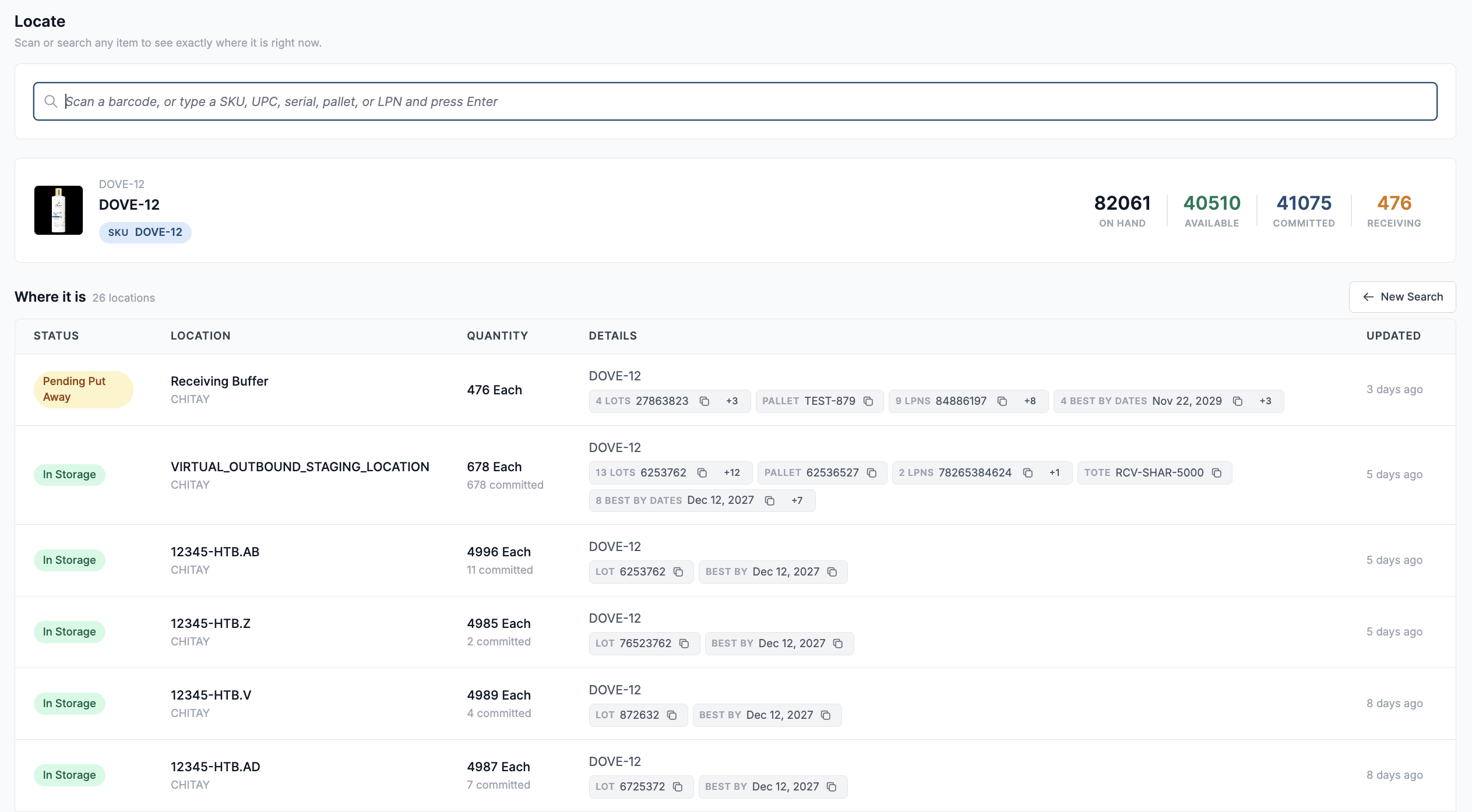
The Where it is section lists every location containing the matching inventory. Each row displays:
-
Status: Indicates whether the inventory is In Storage or Pending Put Away.
-
Location: Shows the storage bin, receiving buffer, or outbound staging where the inventory is located.
-
Quantity: Displays the quantity at that location and any committed quantity.
-
Details: Provides the corresponding product information, including details like Best By Date, Lot ID, LPNs, etc.
-
Updated: Shows when the location information was last updated.
4. Start a New Search
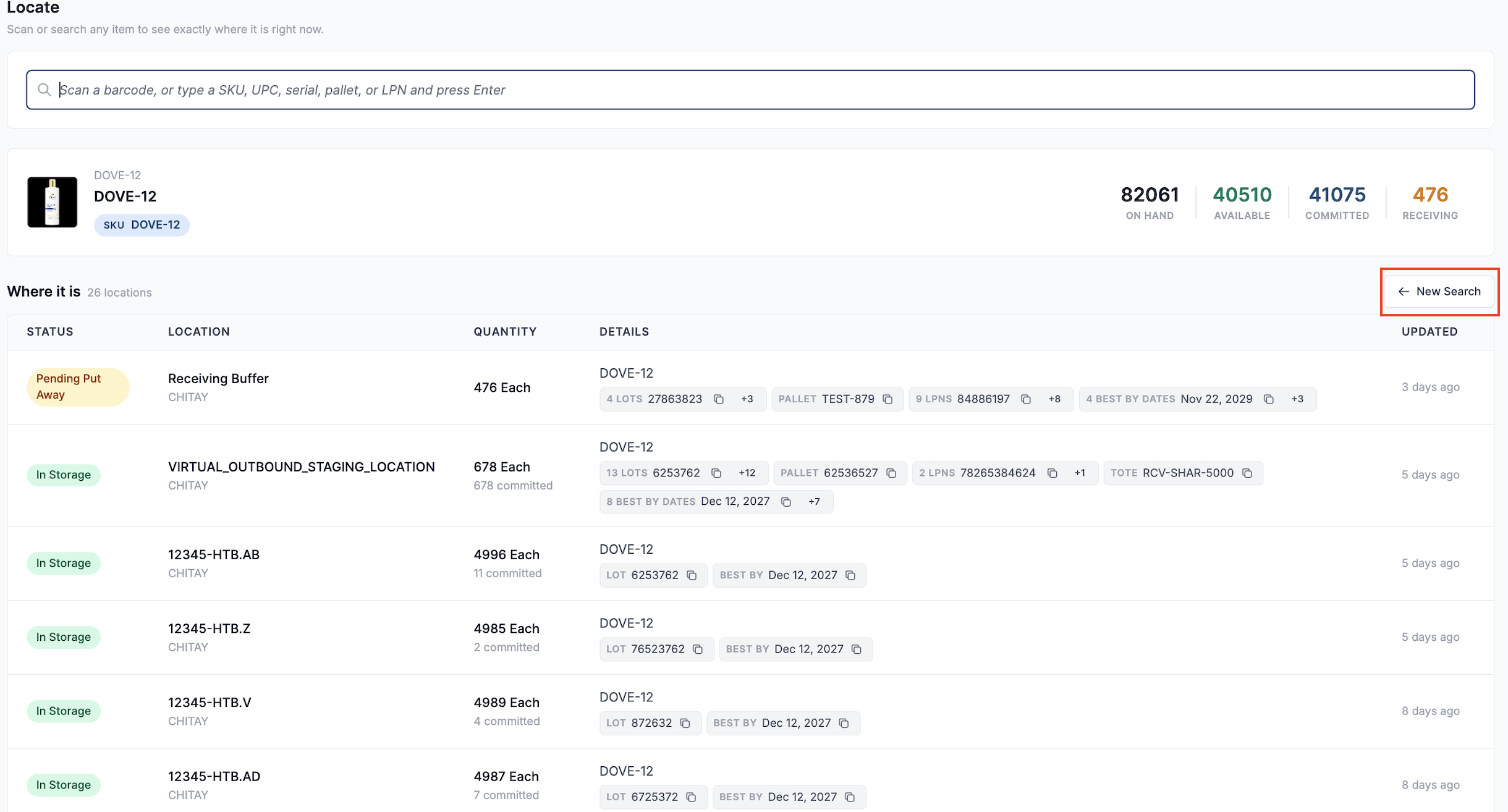
Click New Search to clear the current results and locate another item.
Locate helps users verify an item’s current location and status, enabling them to confidently proceed with putaway, order fulfilment, or other warehouse tasks.
Note: Locate is a read-only feature. It helps users identify where inventory is stored but does not support inventory movement or adjustment.