
Introduction
WooCommerce is now supported as a commerce channel integration in Hopstack. Connected WooCommerce stores can participate in the supported product, order, inventory and fulfillment workflows.
How to Set Up the Integration
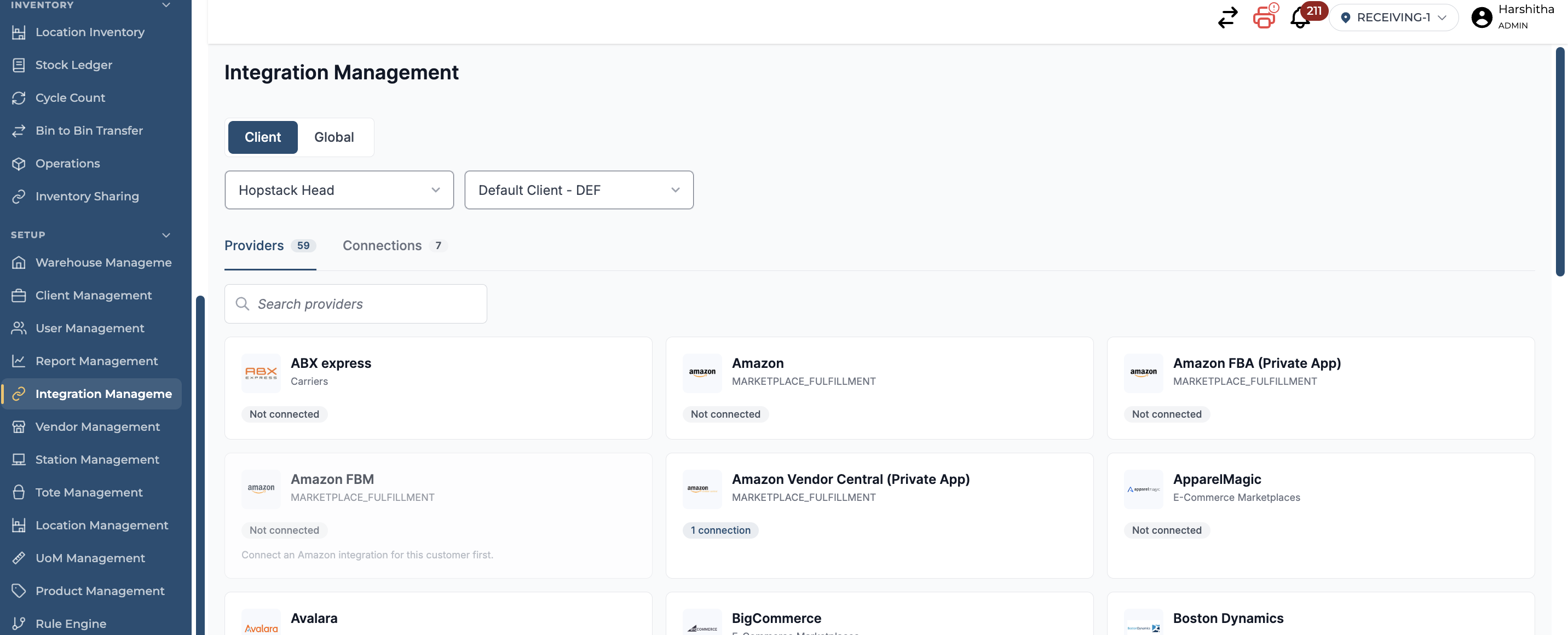
Step 1 | Open Integration Management
From the Hopstack navigation menu, go to Set Up > Integration Management.
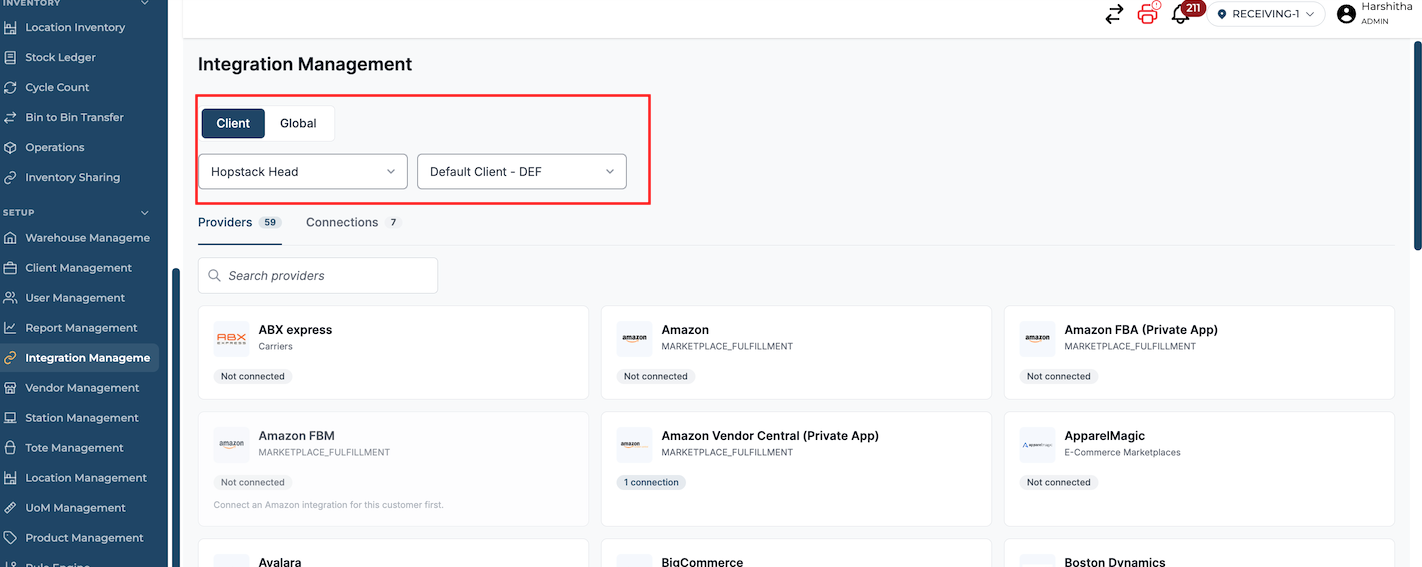
Step 2 | Define the integration scope
If your account uses multiple warehouses, select the applicable warehouse. For an integration that applies across all clients, switch to Global. If the integration is client-specific, select the applicable client from the dropdown.
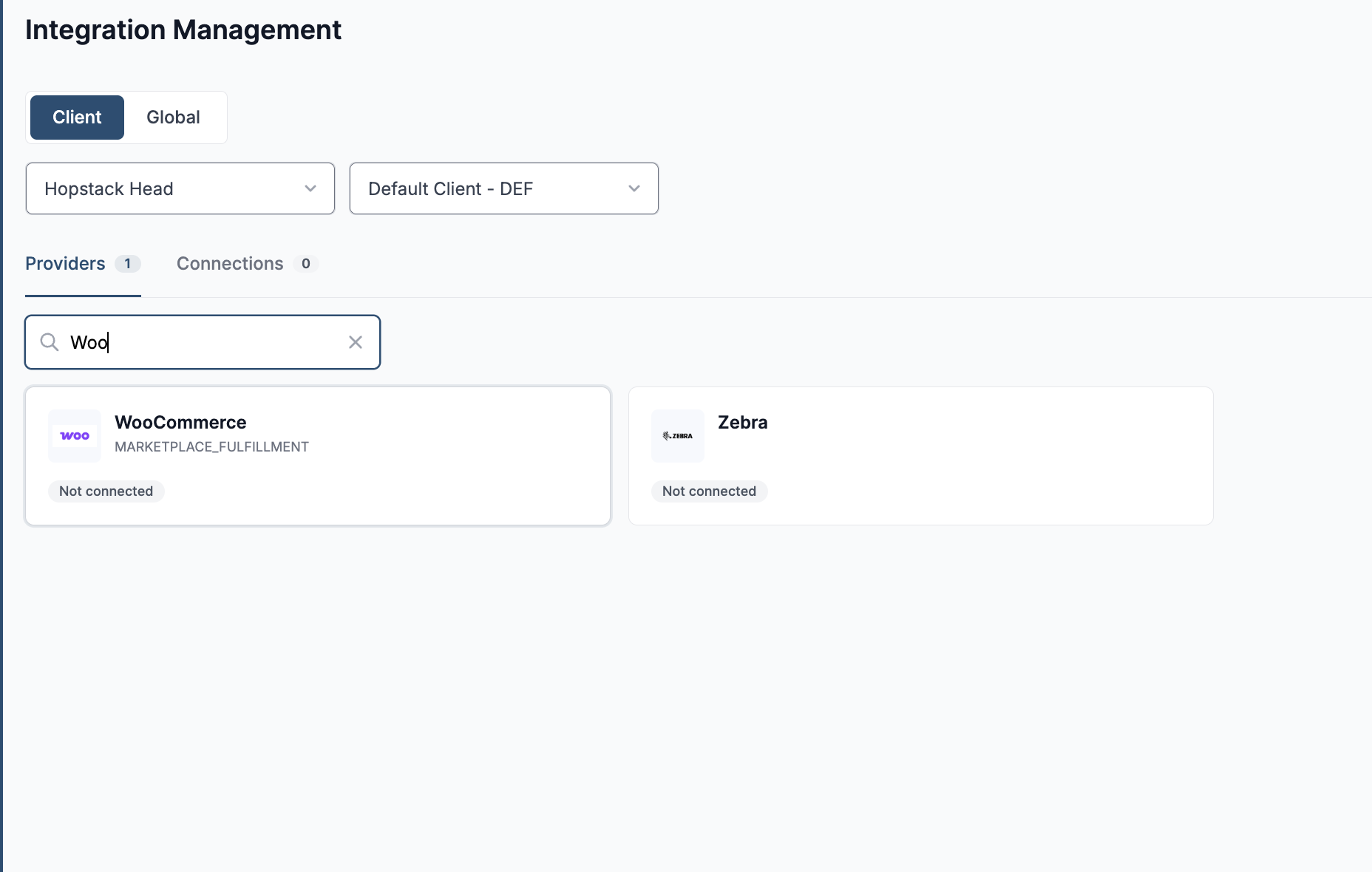
Step 3 | Search for WooCommerce
Use the search field to find “WooCommerce”.
Step 4 | Open the integration and Enter the integration details
Click the WooCommerce integration tile.
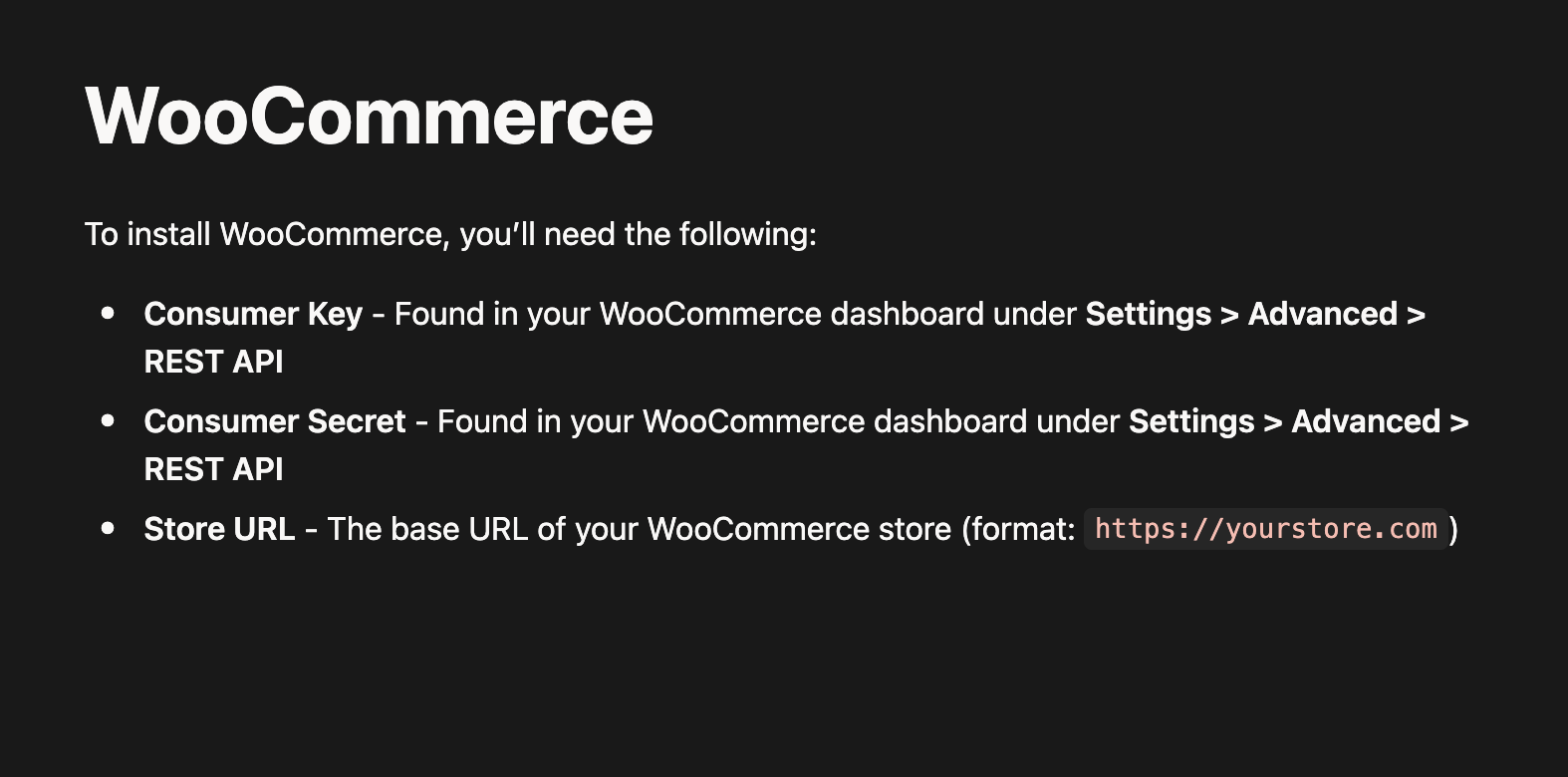
Enter the required connection details, review the information, and click Submit.
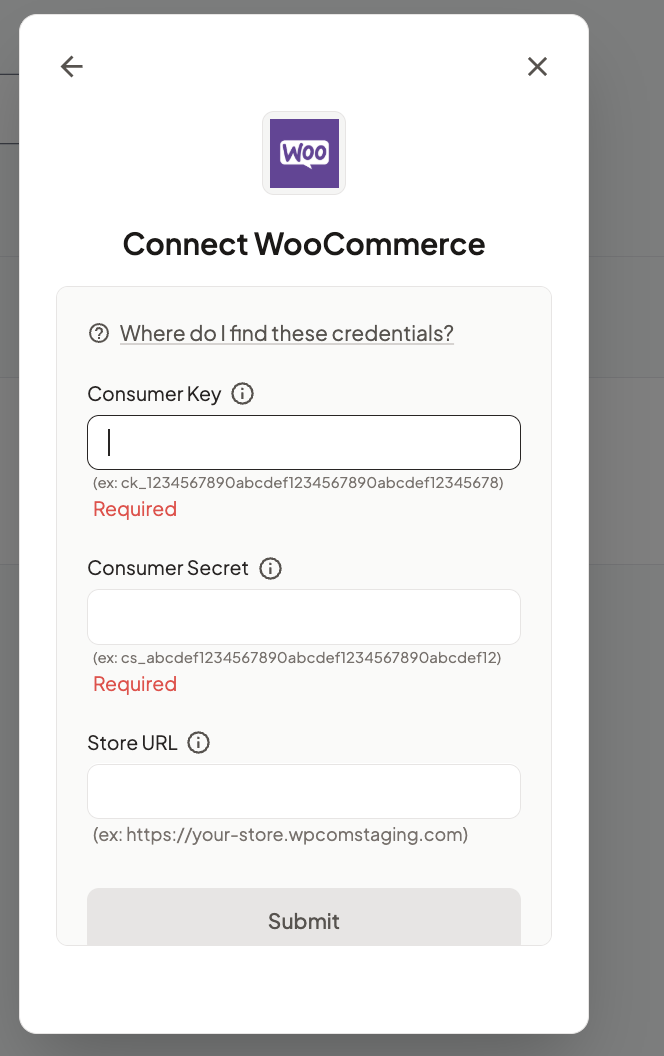
The guide to find the connection details can be found by clicking on “Where do I find these Credentials?”
Step 5 | Verify the connection
Go to Connections and confirm that the integration has been added successfully.