Introduction
ShipSavvy is now available as a carrier integration for supported Canadian fulfillment flows. Admins can connect a ShipSavvy account using a Public API Token and use the integration from the standard fulfillment rate-shopping and label-purchase flow.
How to Set Up the Integration
Step 1 | Open Integration Management
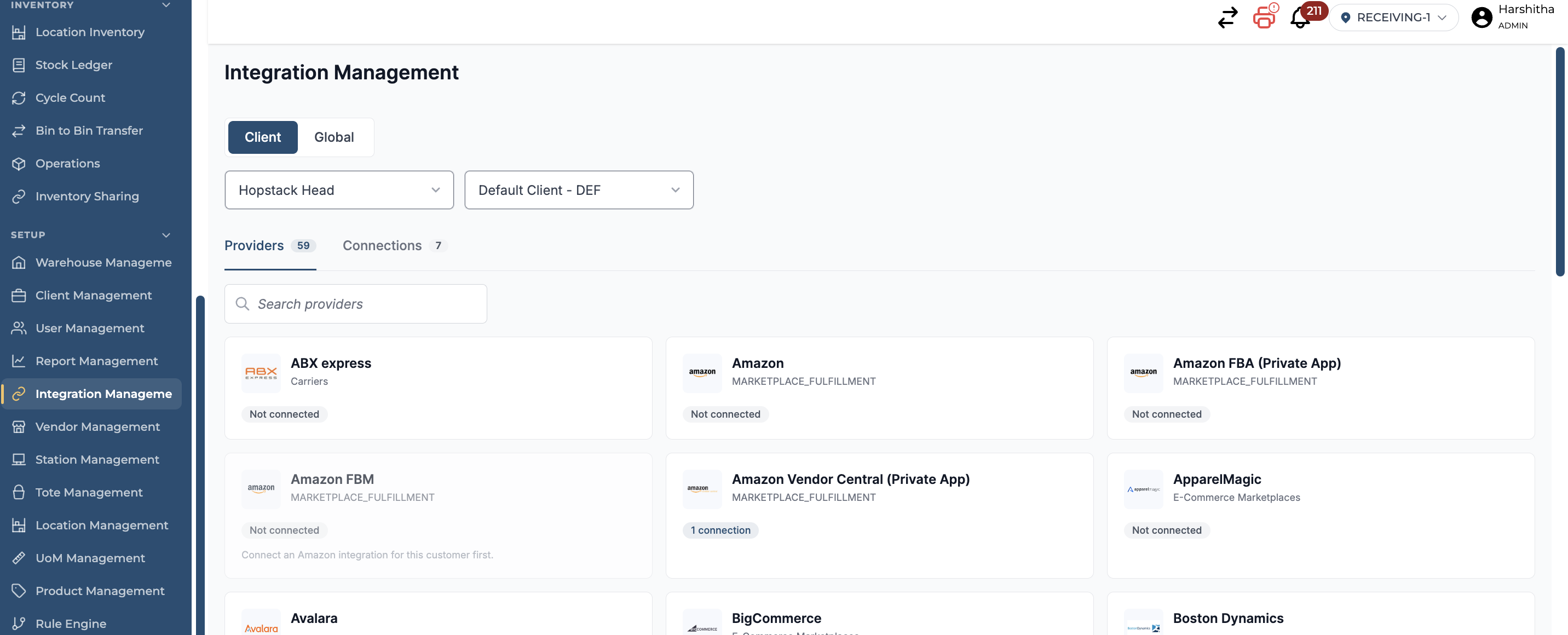
From the Hopstack navigation menu, go to Set Up > Integration Management.
Step 2 | Define the integration scope
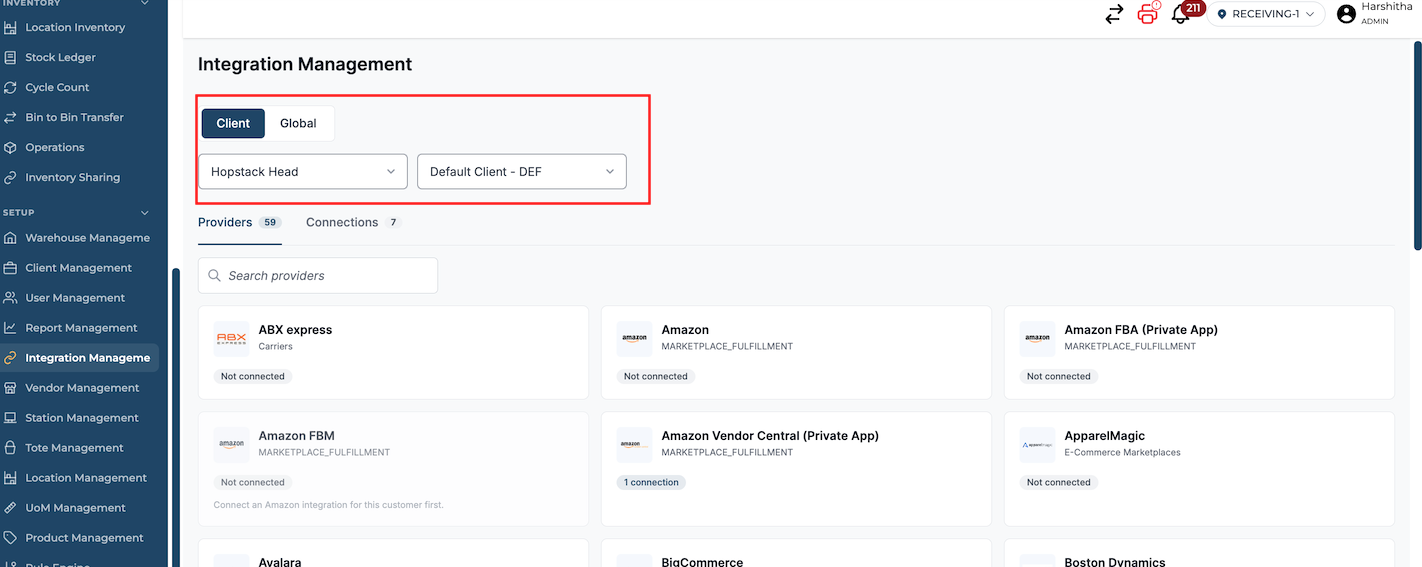
If your account uses multiple warehouses, select the applicable warehouse. For an integration that applies across all clients, switch to Global. If the integration is client-specific, select the applicable client from the dropdown.
Step 3 | Search for ShipSavvy
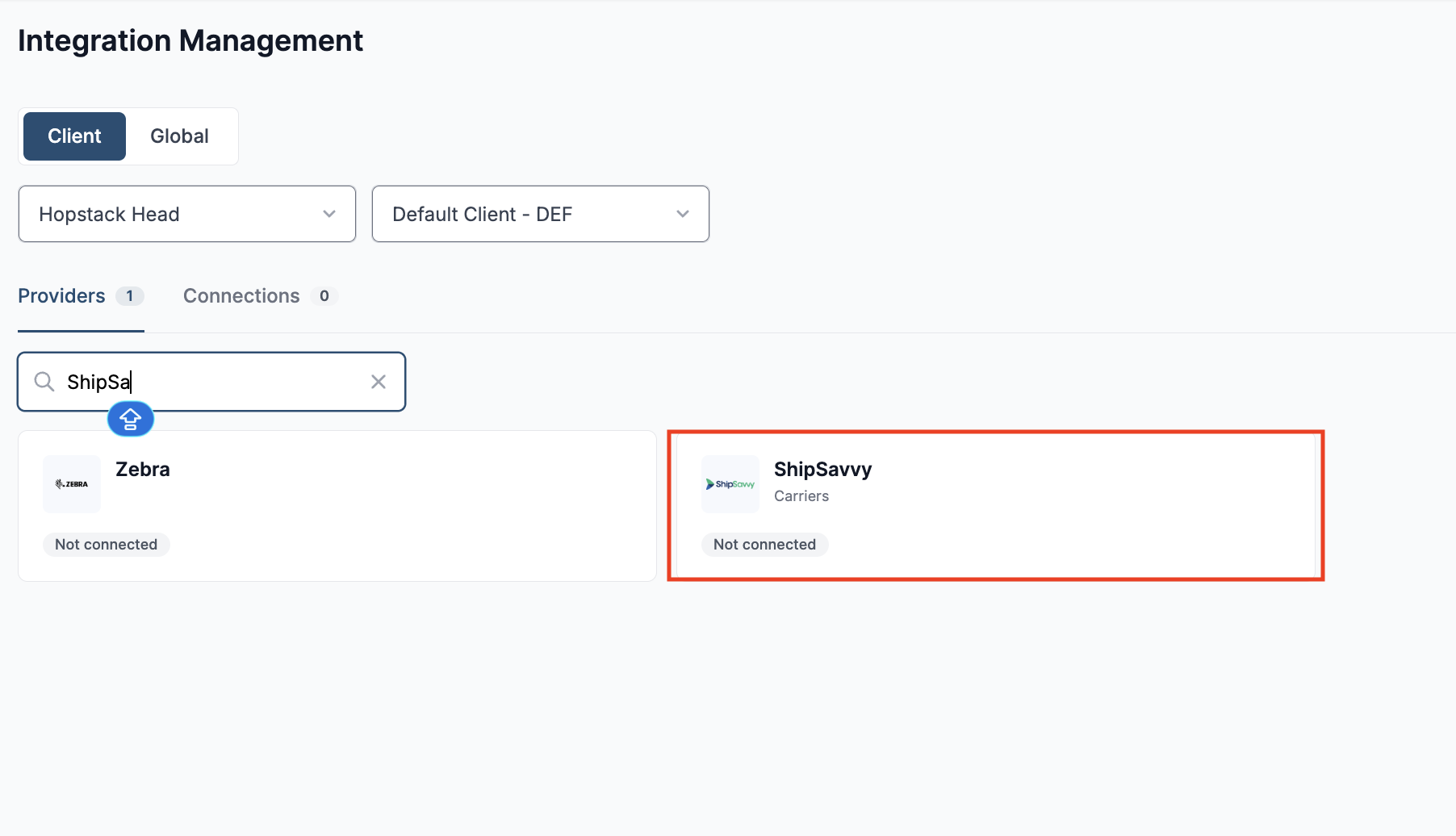
Use the search field to find “ShipSavvy”.
Step 4 | Open the integration and enter the integration details
Click the ShipSavvy Carrier integration tile.
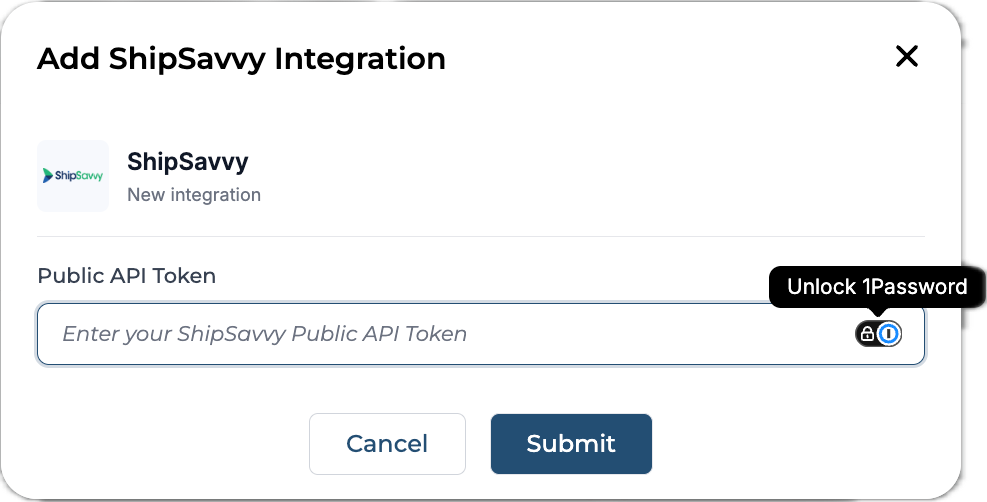
Enter your ShipSavvy Public API Token, review the information, and click Submit.
Step 5 | Verify the connection
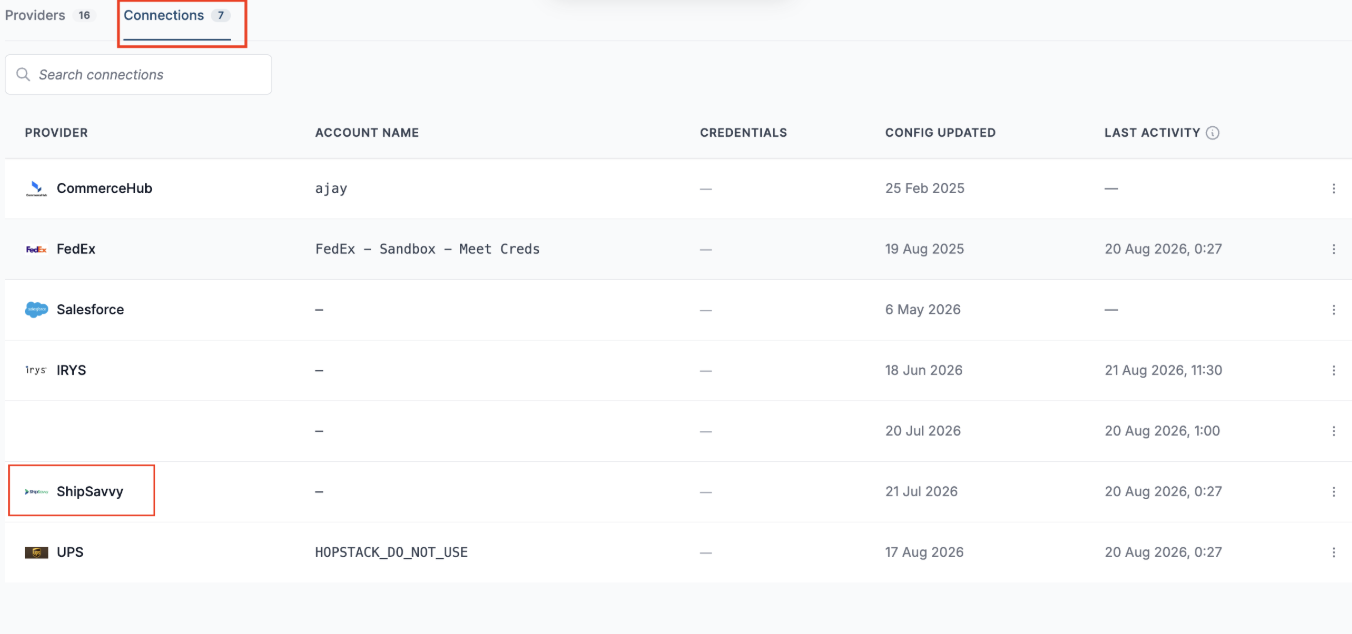
Go to Connections and confirm that the integration has been added successfully.