
On the Picking screen, scan the barcode of a tote using the scanner.
For example, if the tote barcode is "PIC-09898," scanning it will retrieve information about the products inside, such as SKUs and quantities.
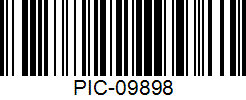
If the barcode is not available, you can manually eter, like "PIC-09898".
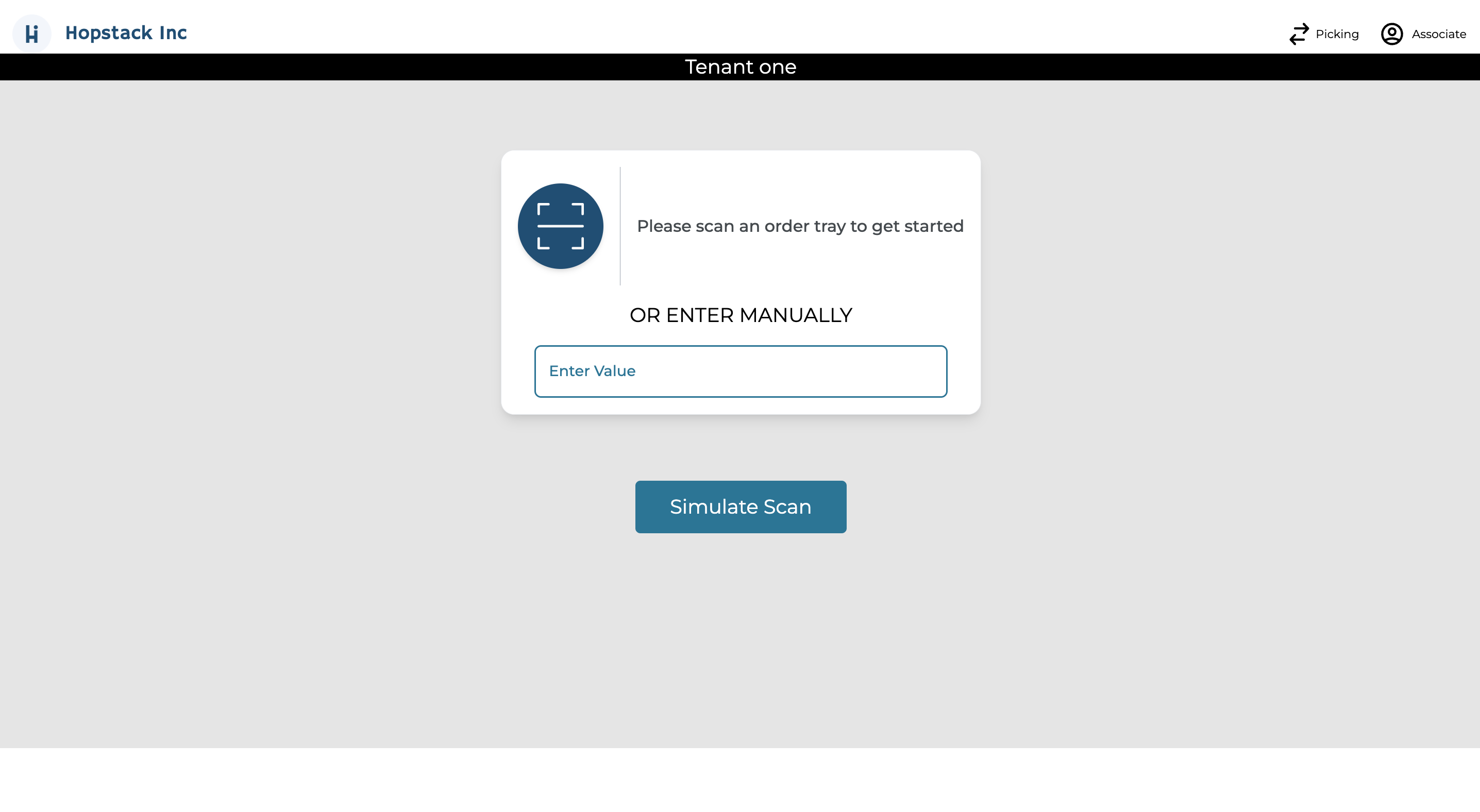
This step is crucial as it ensures that the correct items are identified for picking.
By scanning the tote or manually entering,the system retrieves the specific details of the products that need to be picked, thereby minimizing errors and enhancing efficiency in the picking process.