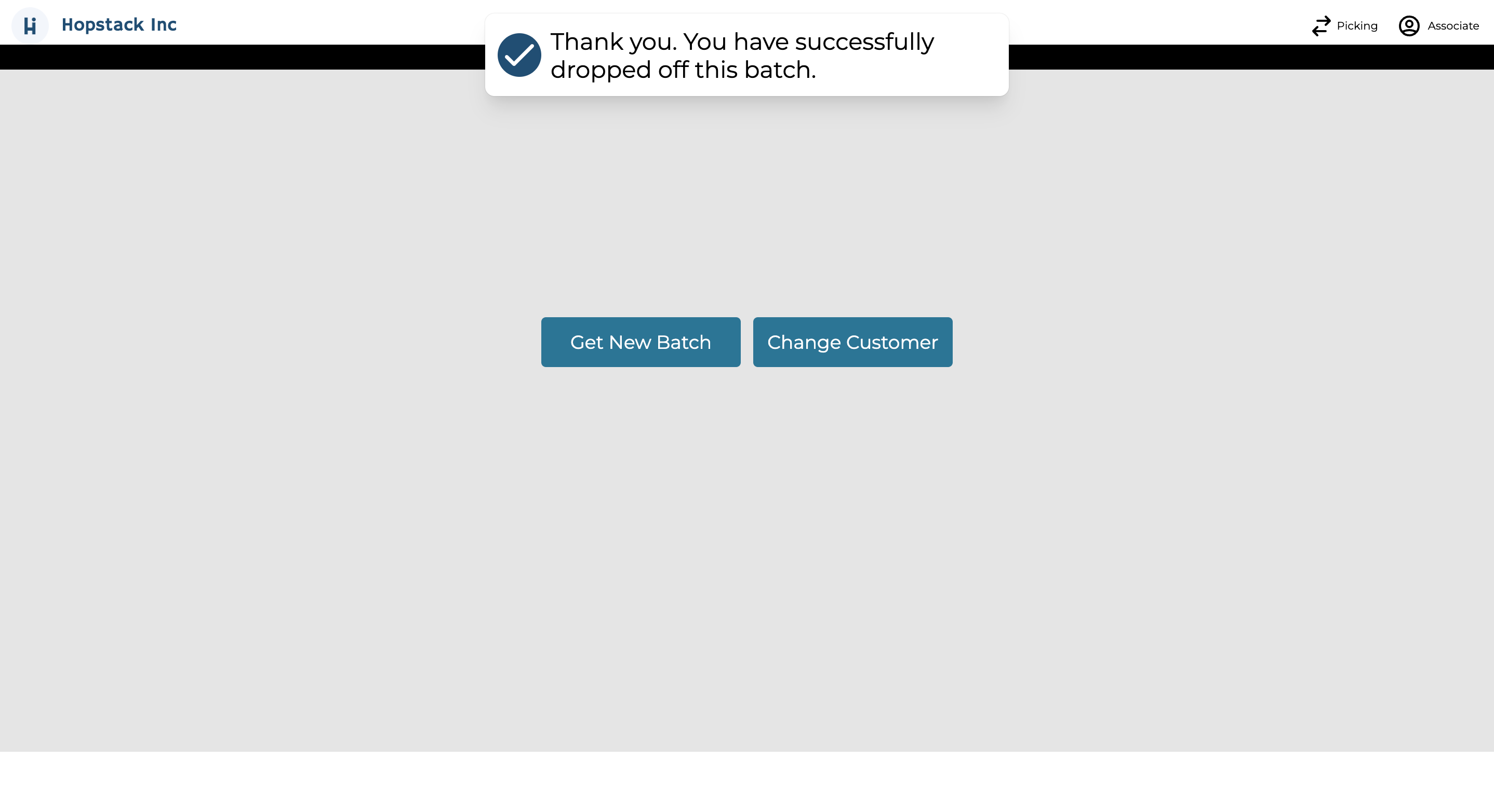
Confirm Drop-off ensures accurate order tracking, directs users to the correct packing station, and streamlines the return to the Scanner Order Tray screen.
Next Steps:
Order Picking: After successfully picking the order, Hopstack will guide you to the next step.
Packing Station Direction: Hopstack will provide instructions on which packing station to proceed to for dropping off the order.
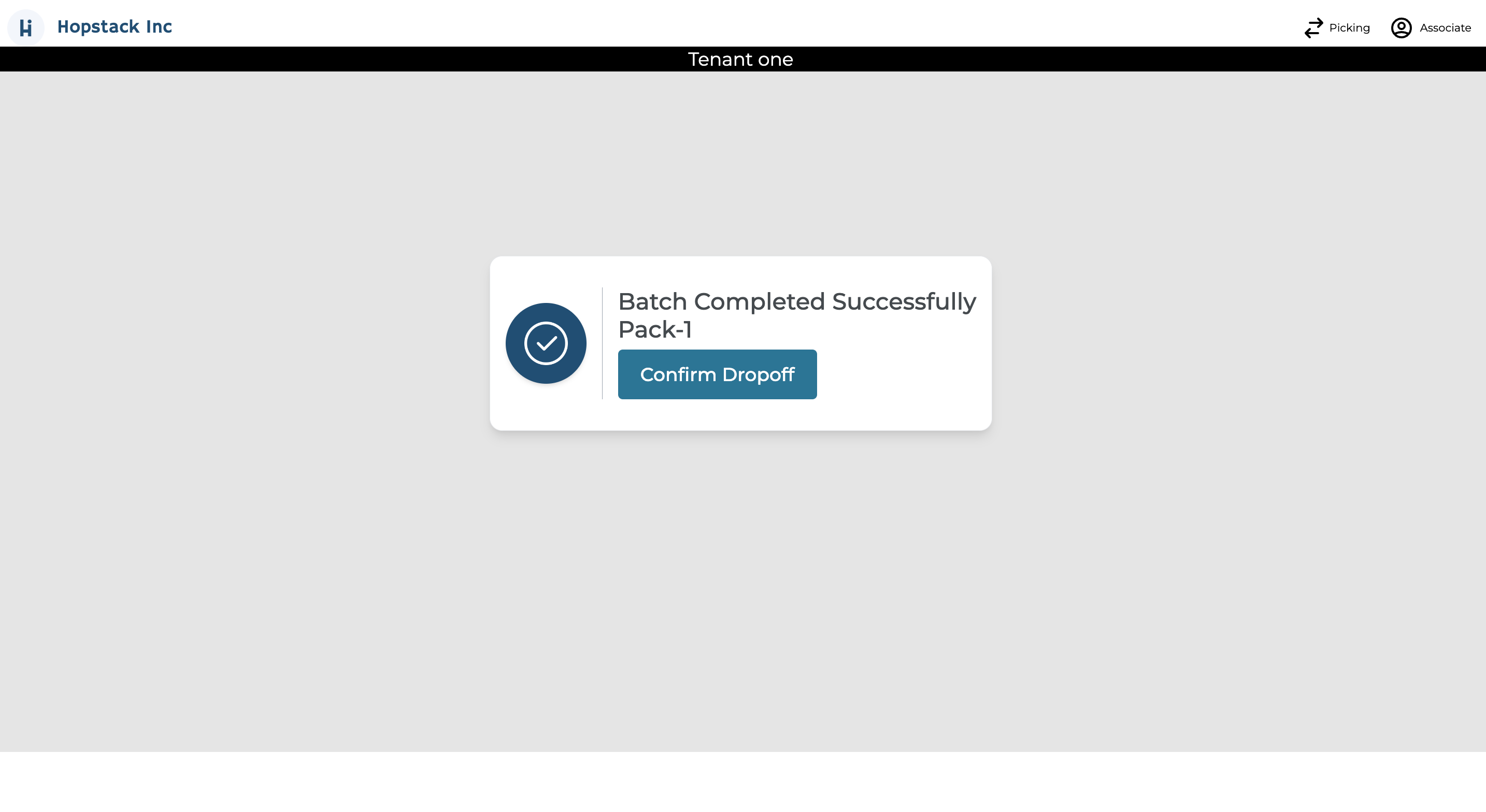
Confirmation: Once you've reached the designated packing station and placed the order, click on the “Confirm Dropoff” button.
Return For New Batch: After confirming the drop-off, you will be automatically redirected to start a new batch or change the customer you want to Pick for.