
We are excited to introduce our newly revamped UI, thoughtfully designed to enhance the user experience across all devices. With this update, our goal is to deliver a more intuitive and seamless interface that adapts effortlessly to different screen sizes, providing users with a cleaner, more modern, and engaging experience.
What’s New?
The revamped UI also includes tailored enhancements for key user roles such as Admin, Client, and Custom Users, delivering a more streamlined and intuitive experience for every user type.
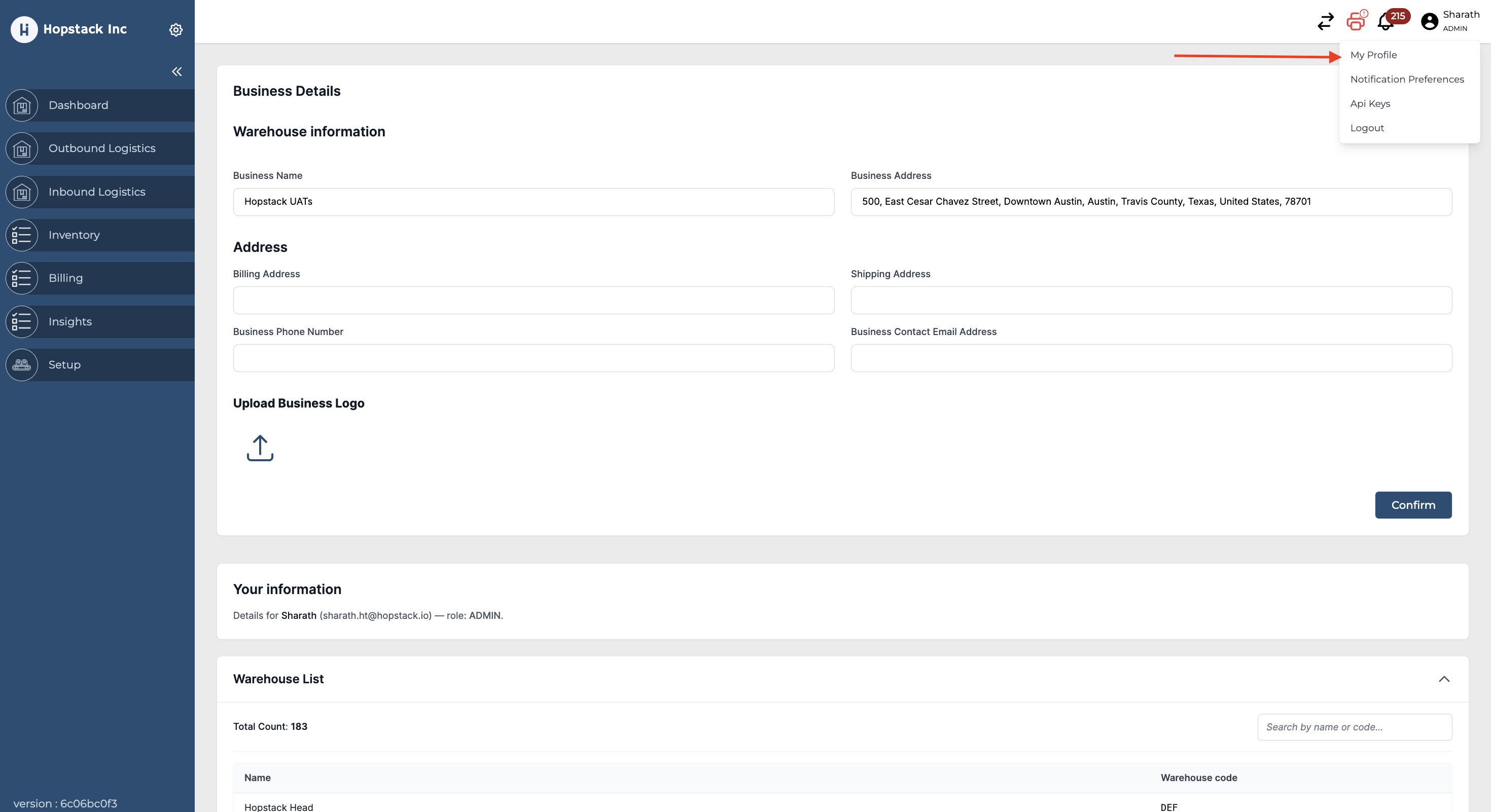
Accessing Profile:
Navigate to the 'Profile' section on your dashboard and click on 'My Profile.'
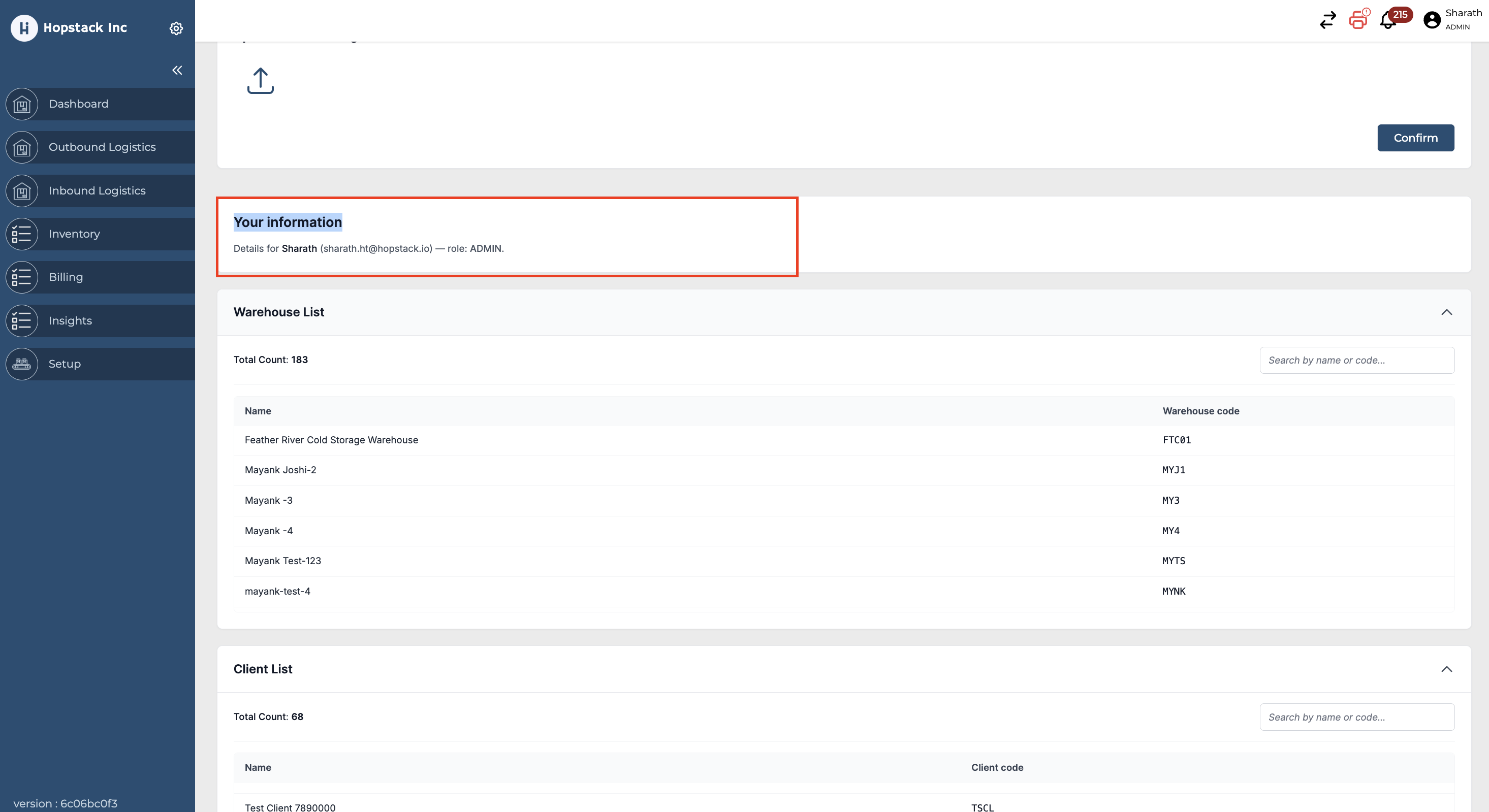
Your Information:
This section displays your assigned user role and the email ID associated with your account.
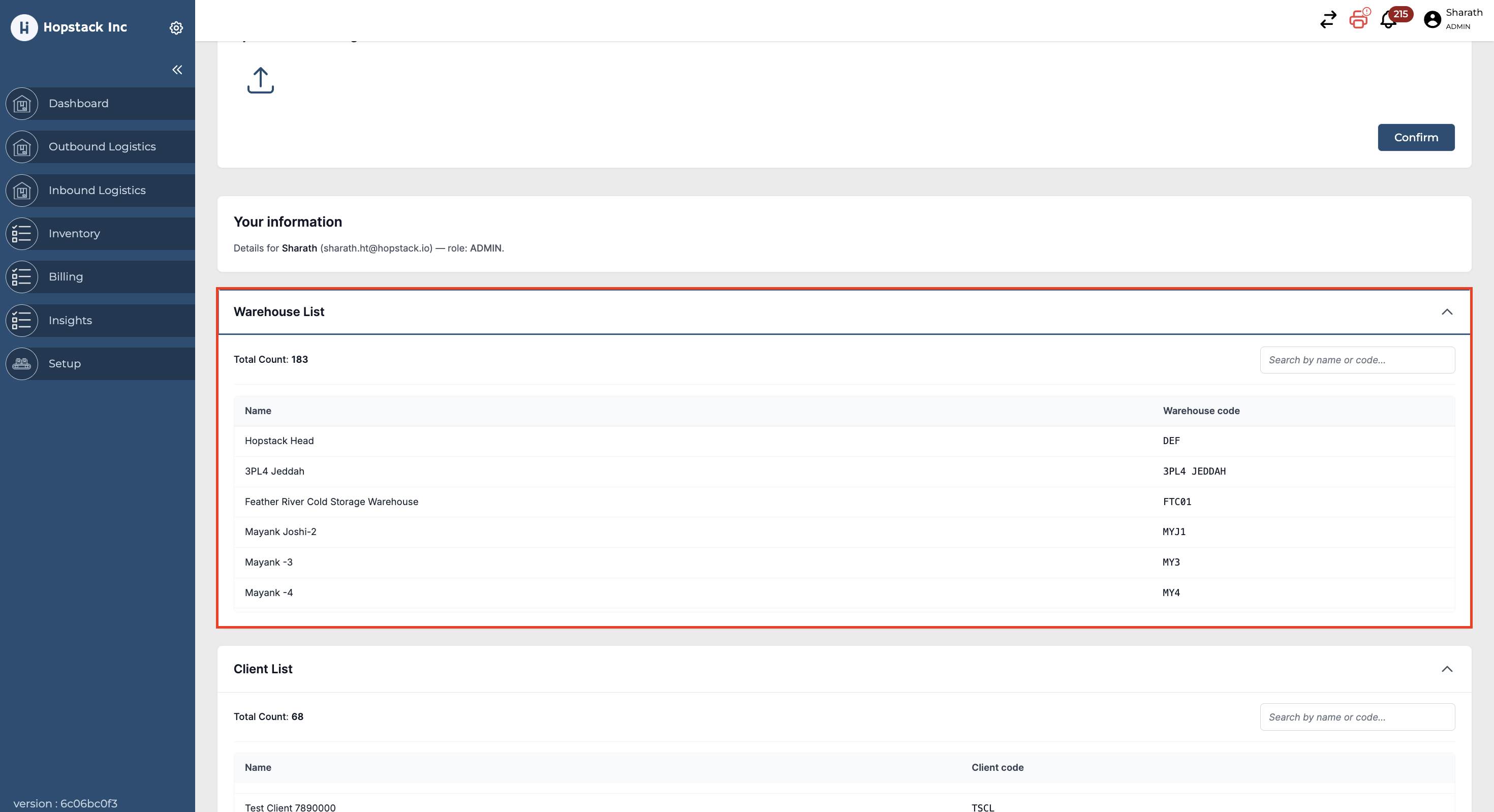
Warehouse List:
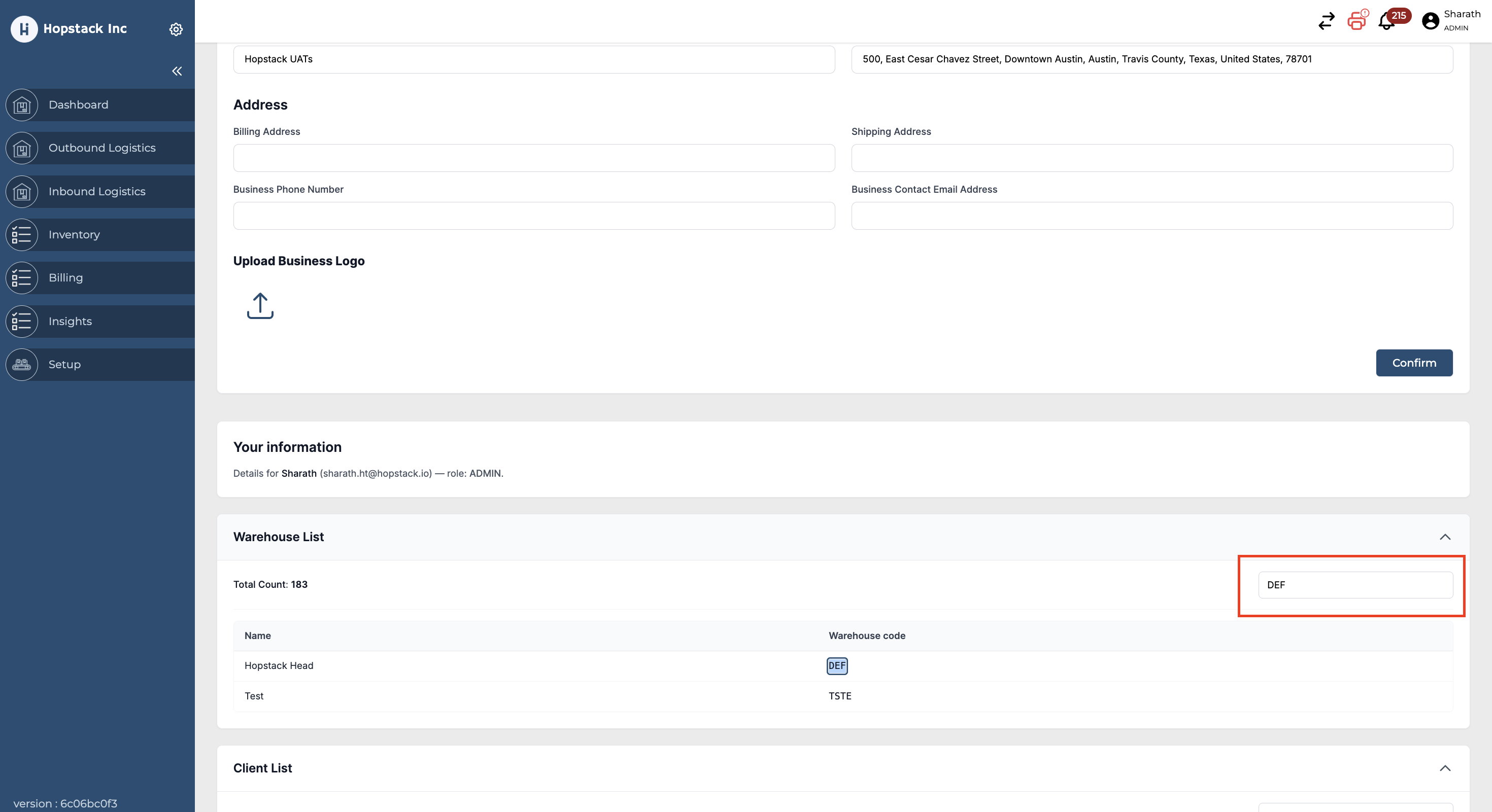
Displays your assigned warehouses and their warehouse codes.
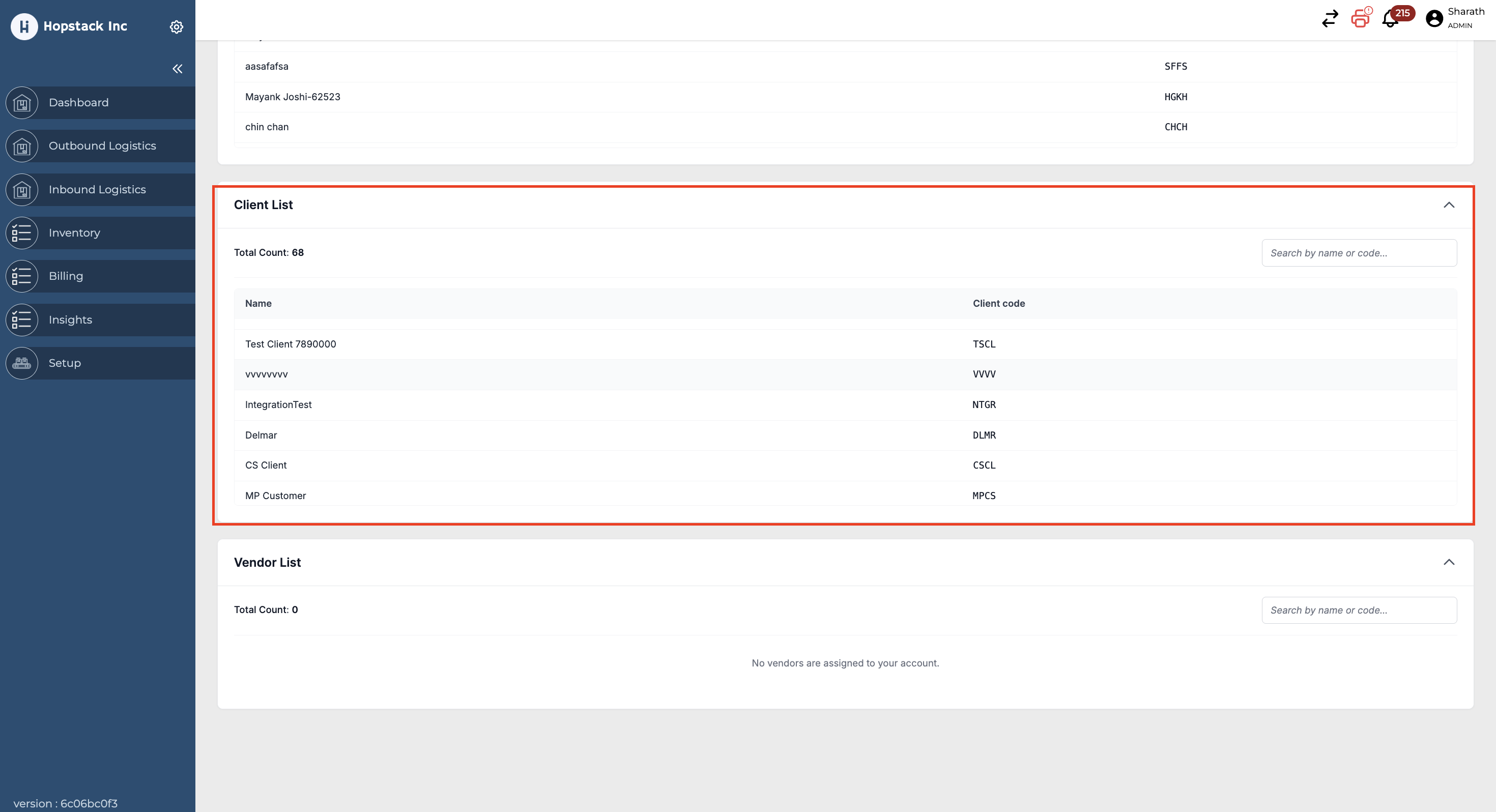
Client List:
Displays your assigned clients and their client codes.
Users with the Client role can view their own customer code within the system.
Client List:
Displays your assigned vendor and their vendor codes.
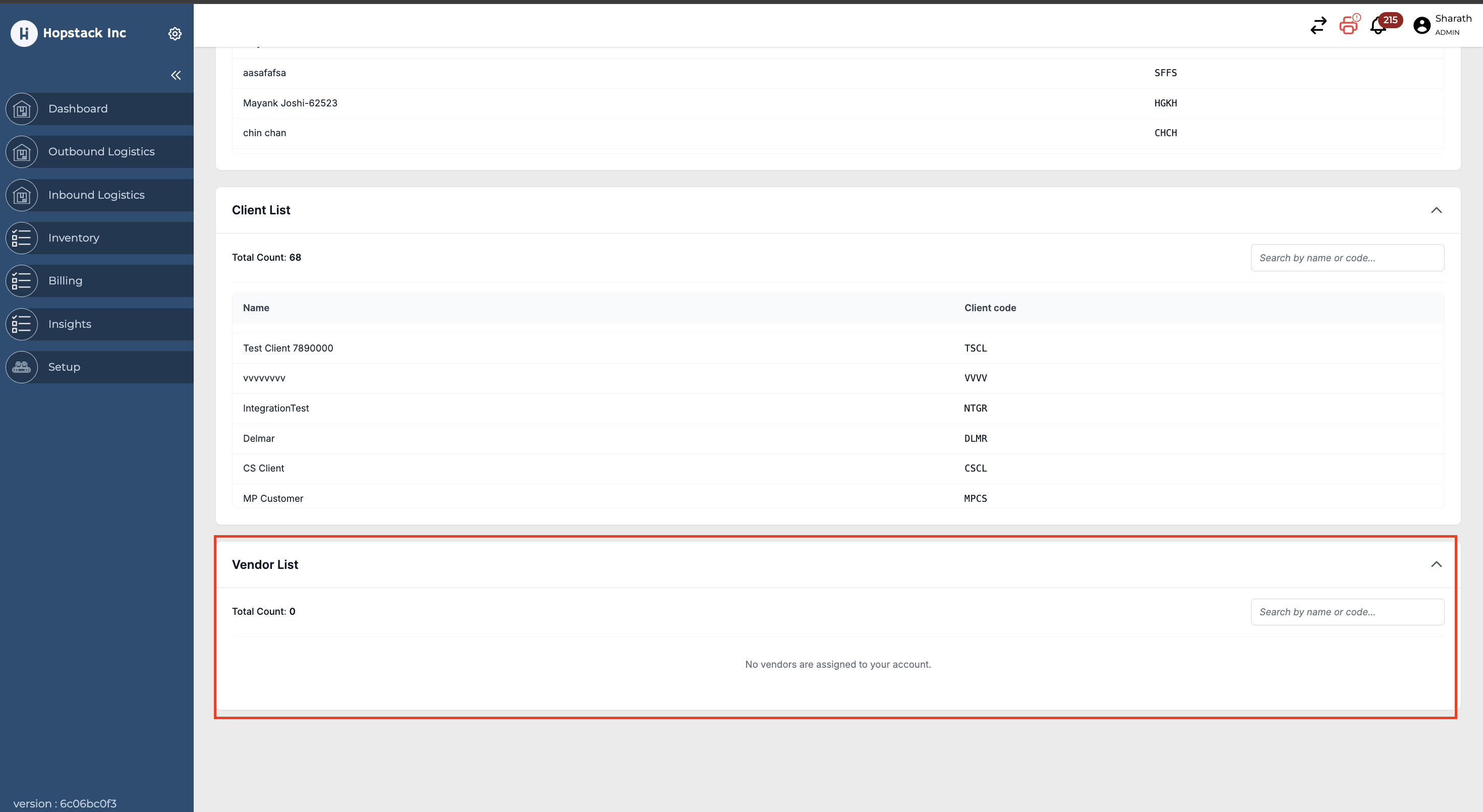
The user can use the search icon under the Warehouse, Client, and Vendor lists to quickly filter and locate specific codes.
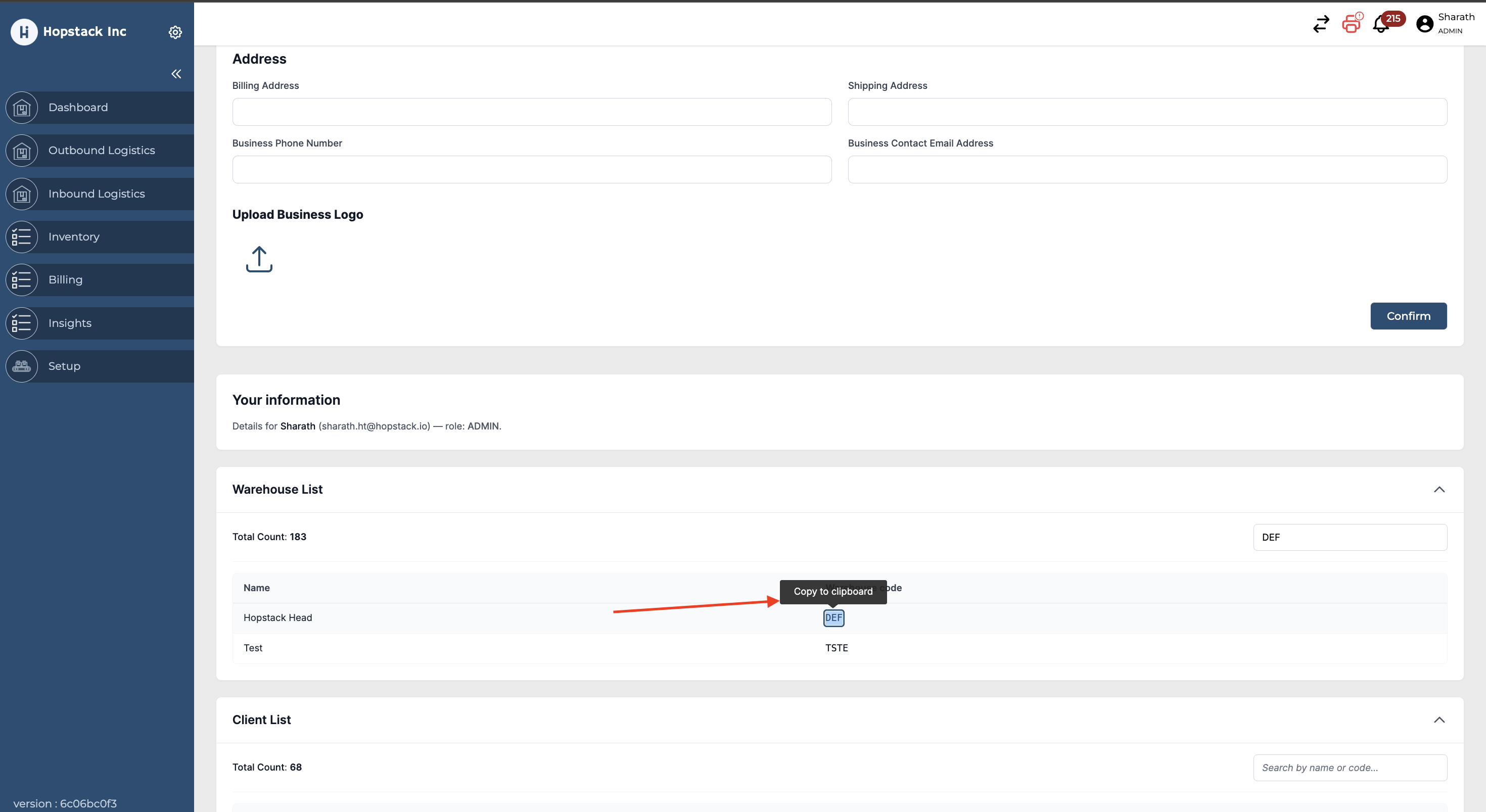
Hover over any name or code to access the copy option and easily copy the required information.
For any questions or concerns, please reach out to the Hopstack support team.