
The Notifications feature keeps users informed about important order status updates within the platform. The notifications within platform and email notifications can be triggered by setting up rules in Notifications management under Setup. This helps users view the latest notifications related to their orders, ensuring they stay up to date with key activities and progress without having to navigate through multiple pages.
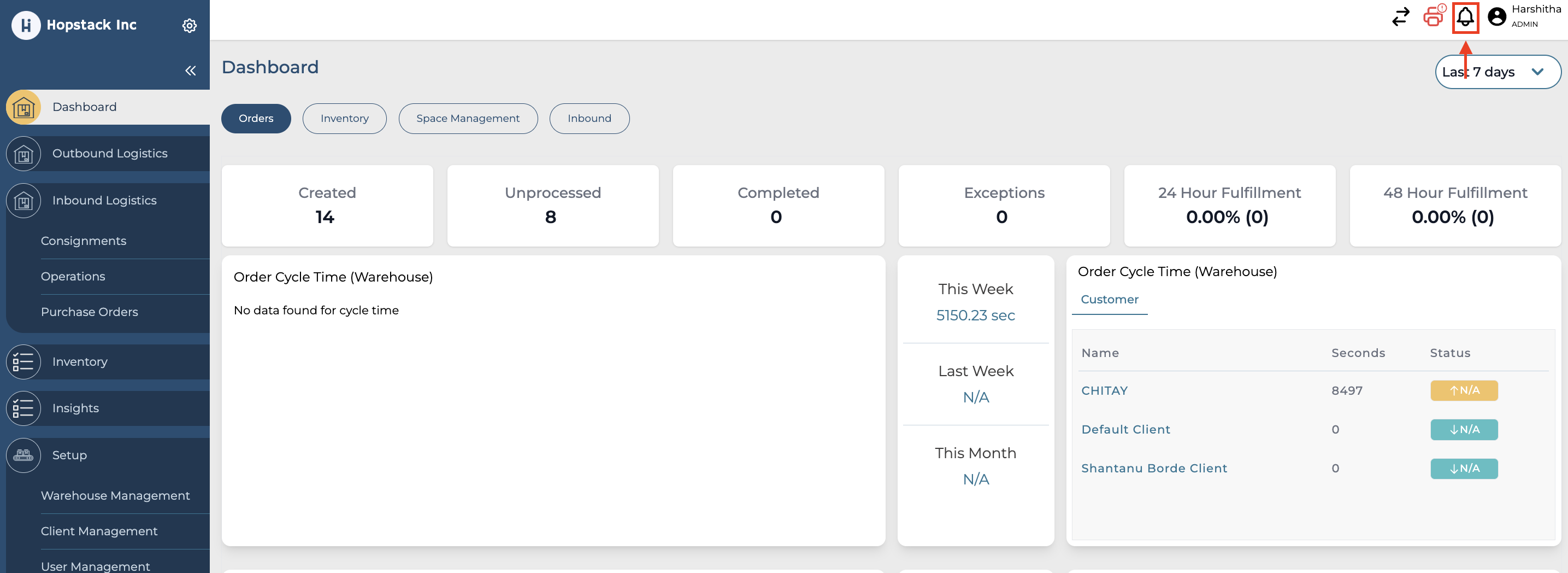
To View Notification, click on the bell icon in the header on the right side.
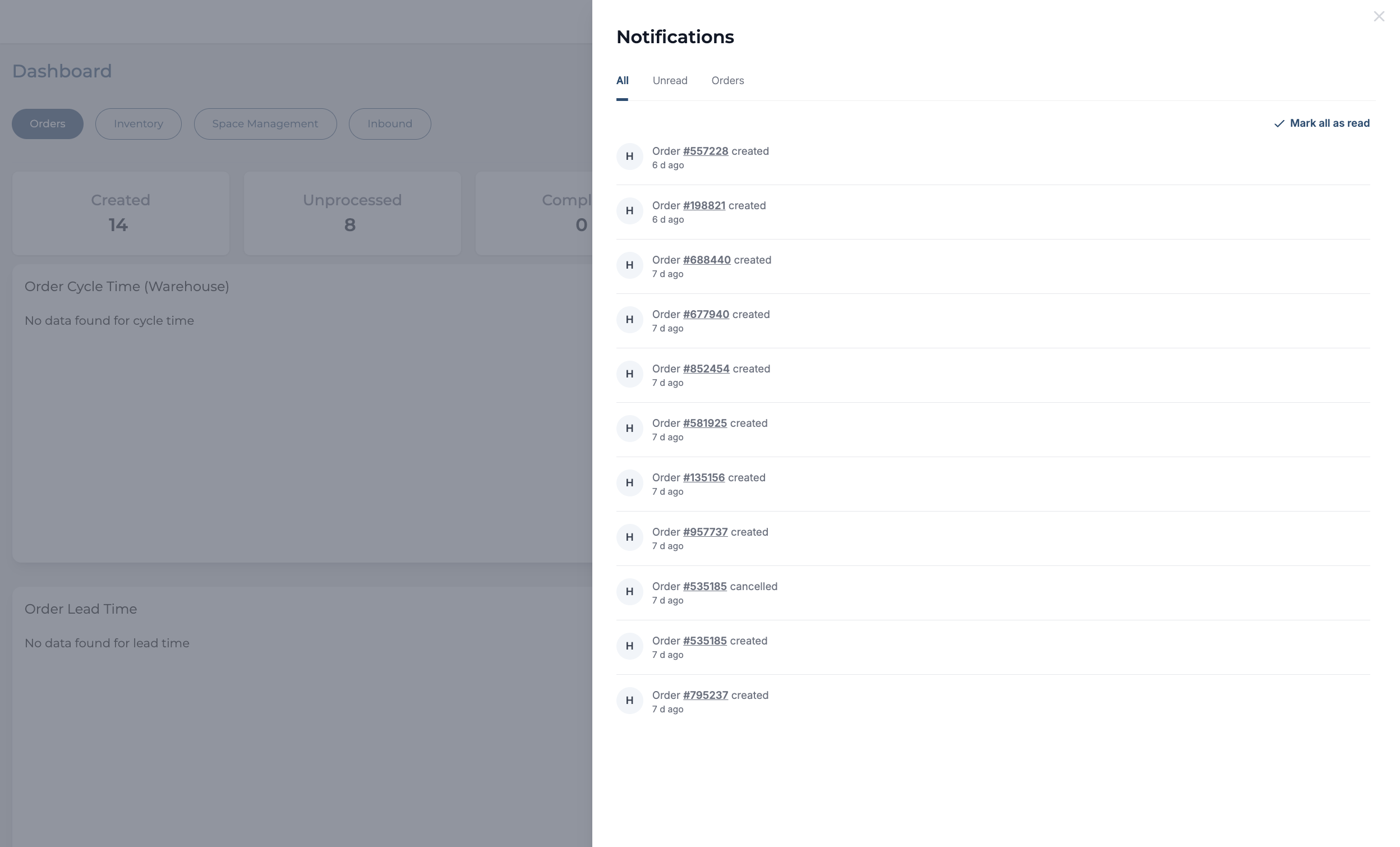
Clicking on Order ID in the notification automatically opens up the order details in the order management page. This feature helps users view the latest notifications related to their orders, ensuring they stay up to date with key activities and progress without having to navigate through multiple pages.