-
Navigate to the Hopstack platform.
-
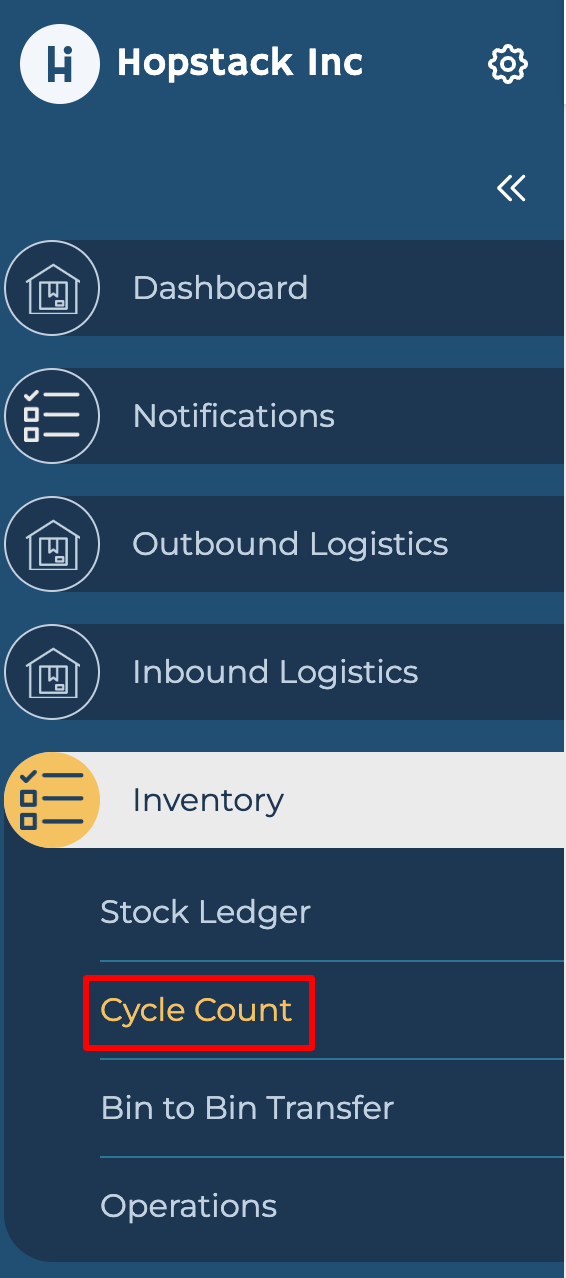
Click on the Cycle Count option under Inventory in the side menu.
-
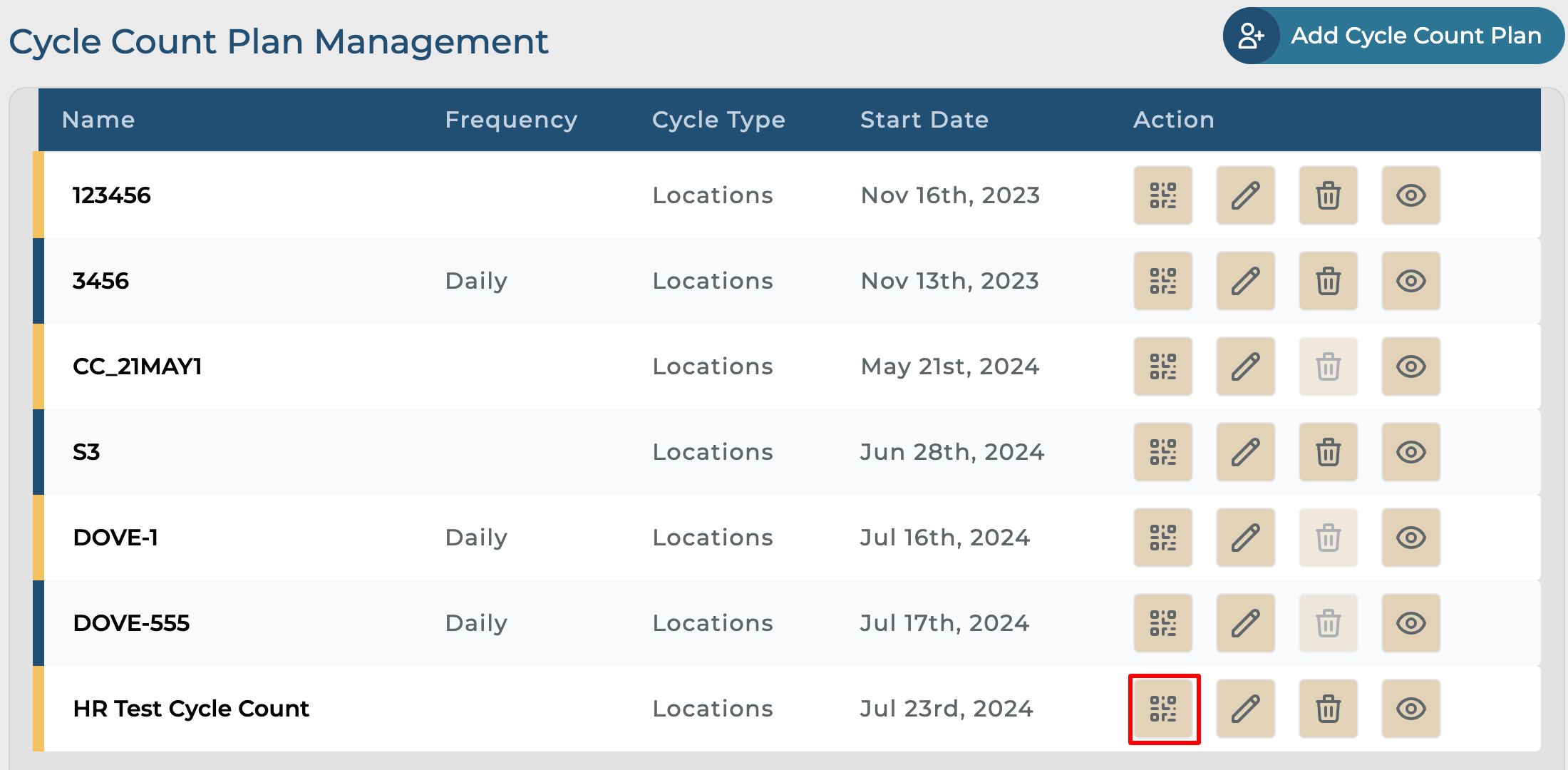
Click on the QR button to activate the plan.
-
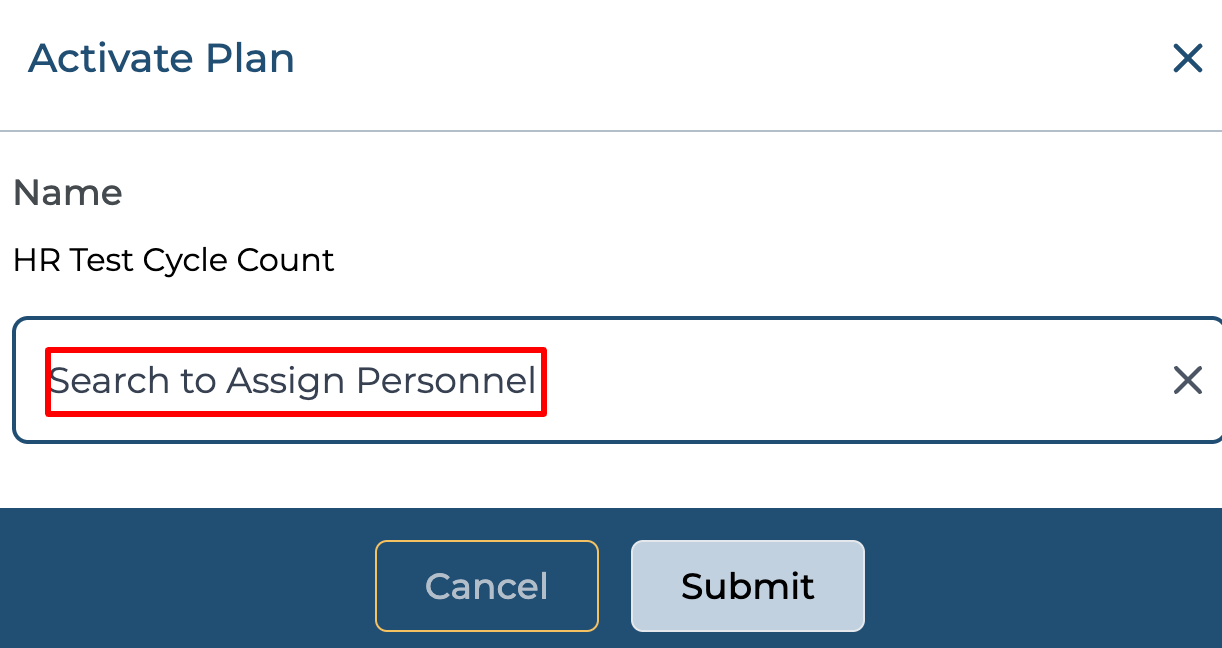
Click on the "Select to Assign Personnel" drop-down menu. Select from the list of personnel.
-
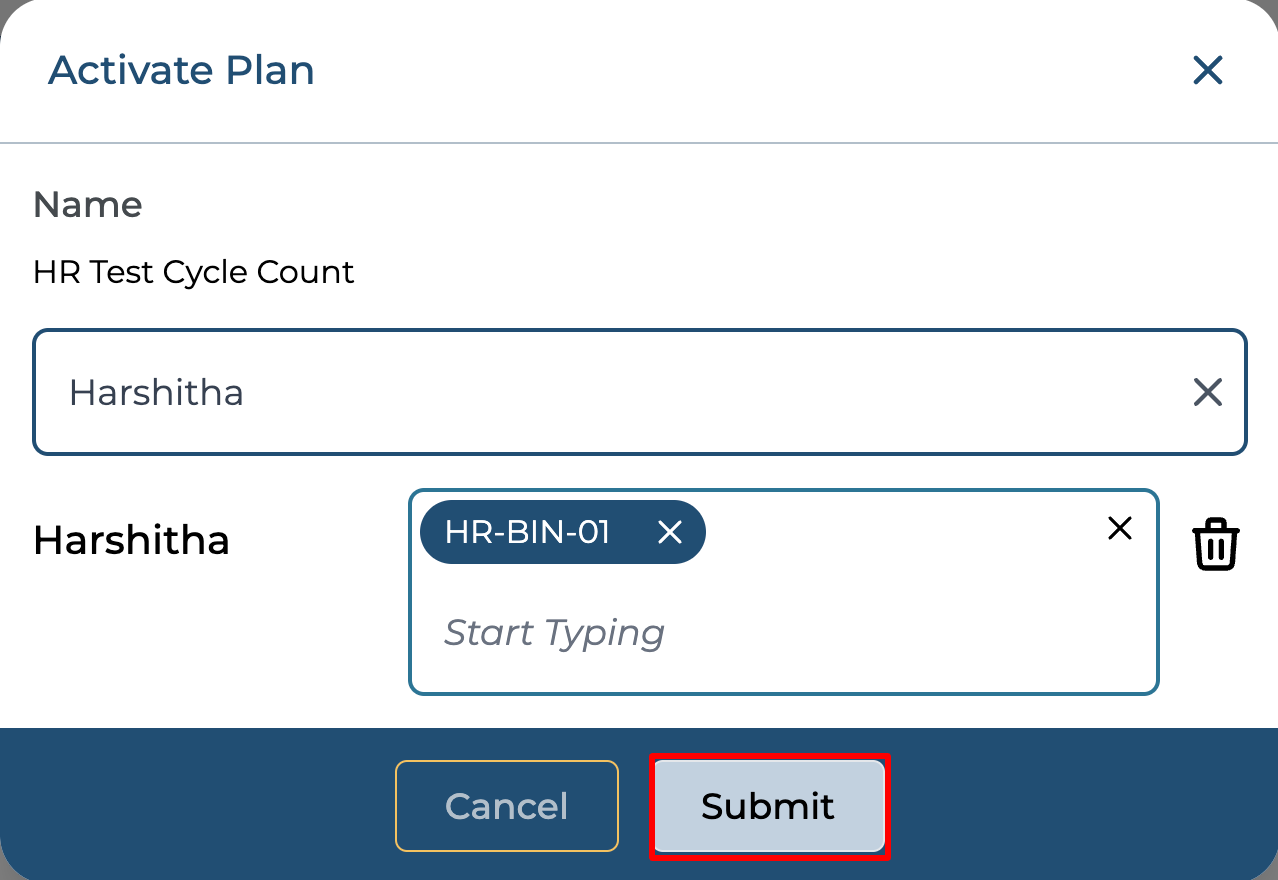
In the field beside the personnel, assign the bin location.
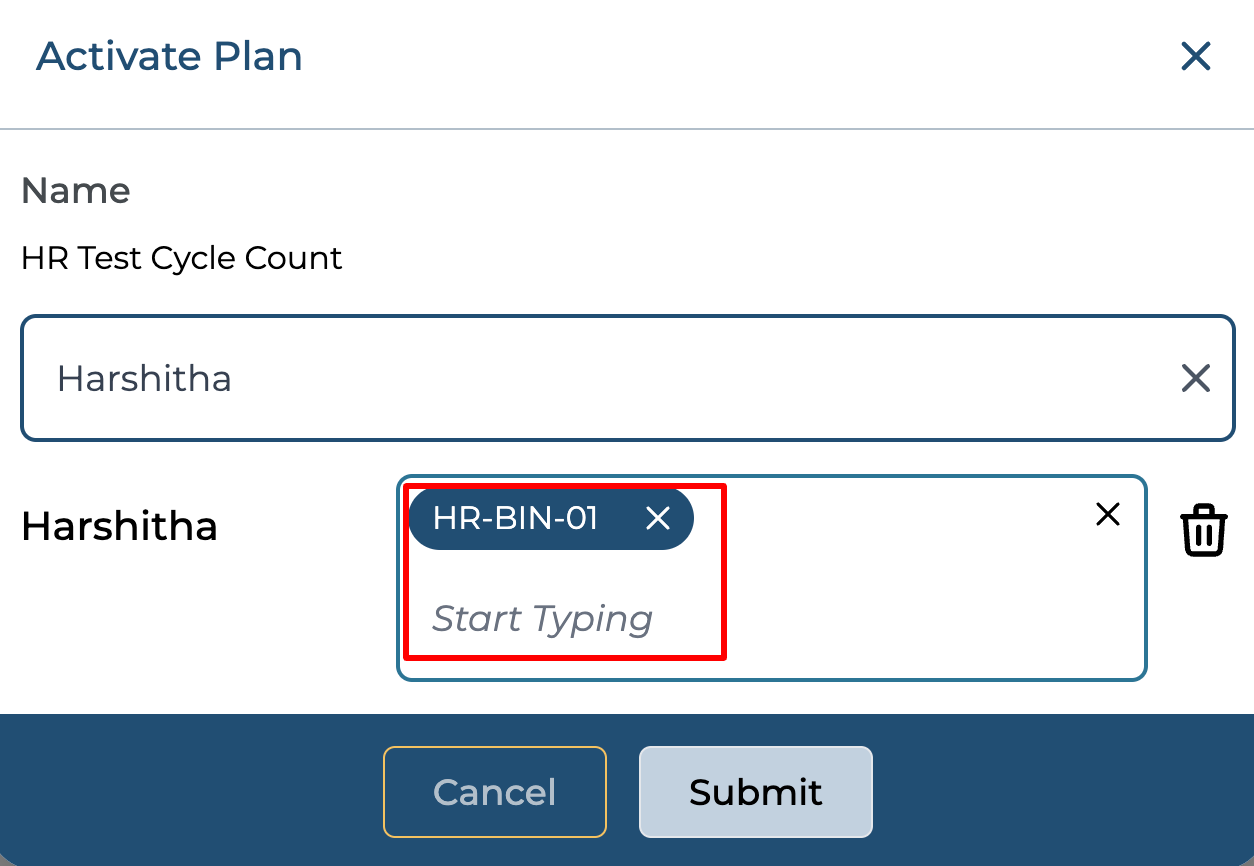
-
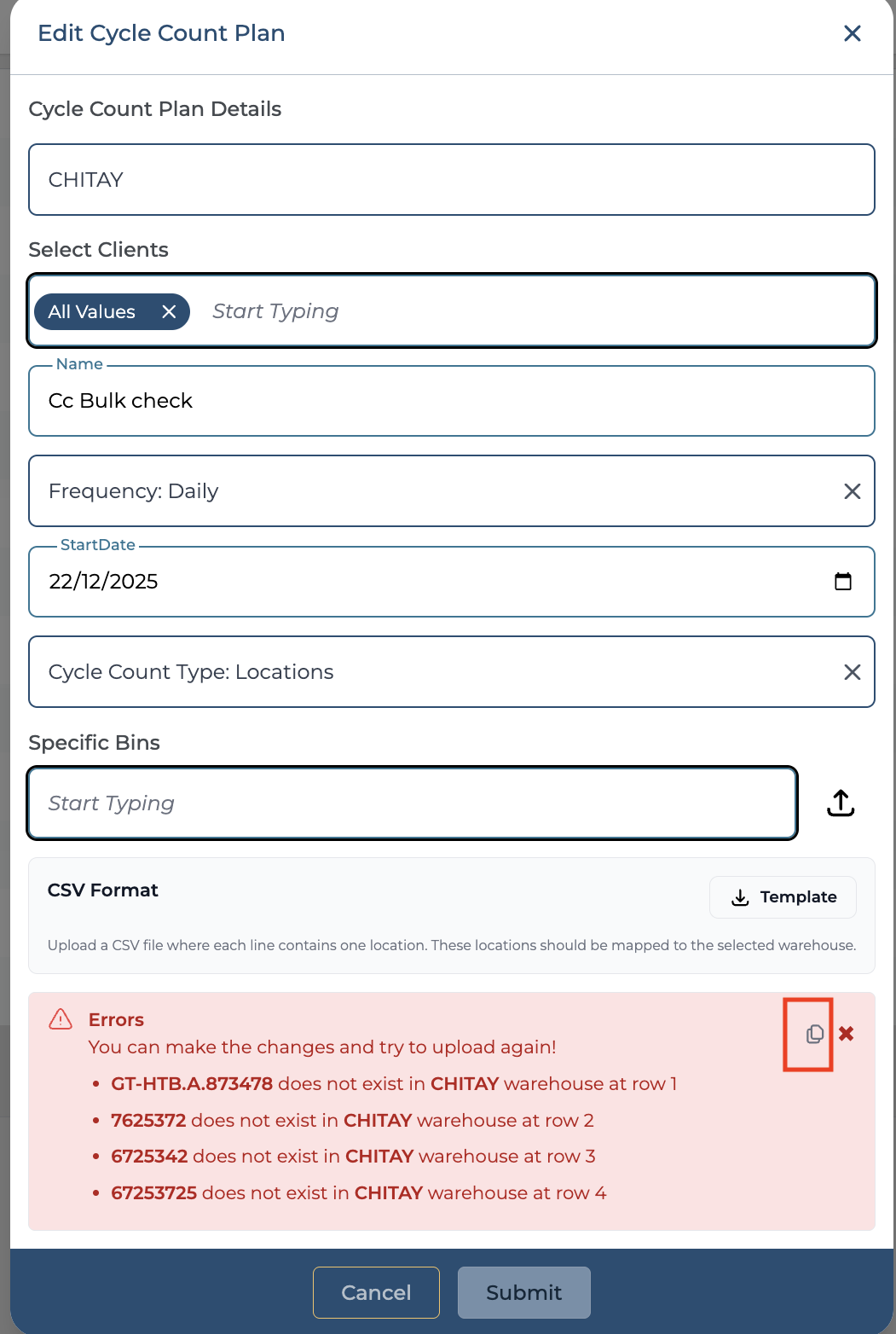
You can bulk assign locations by downloading a template and updating the locations in a CSV file.
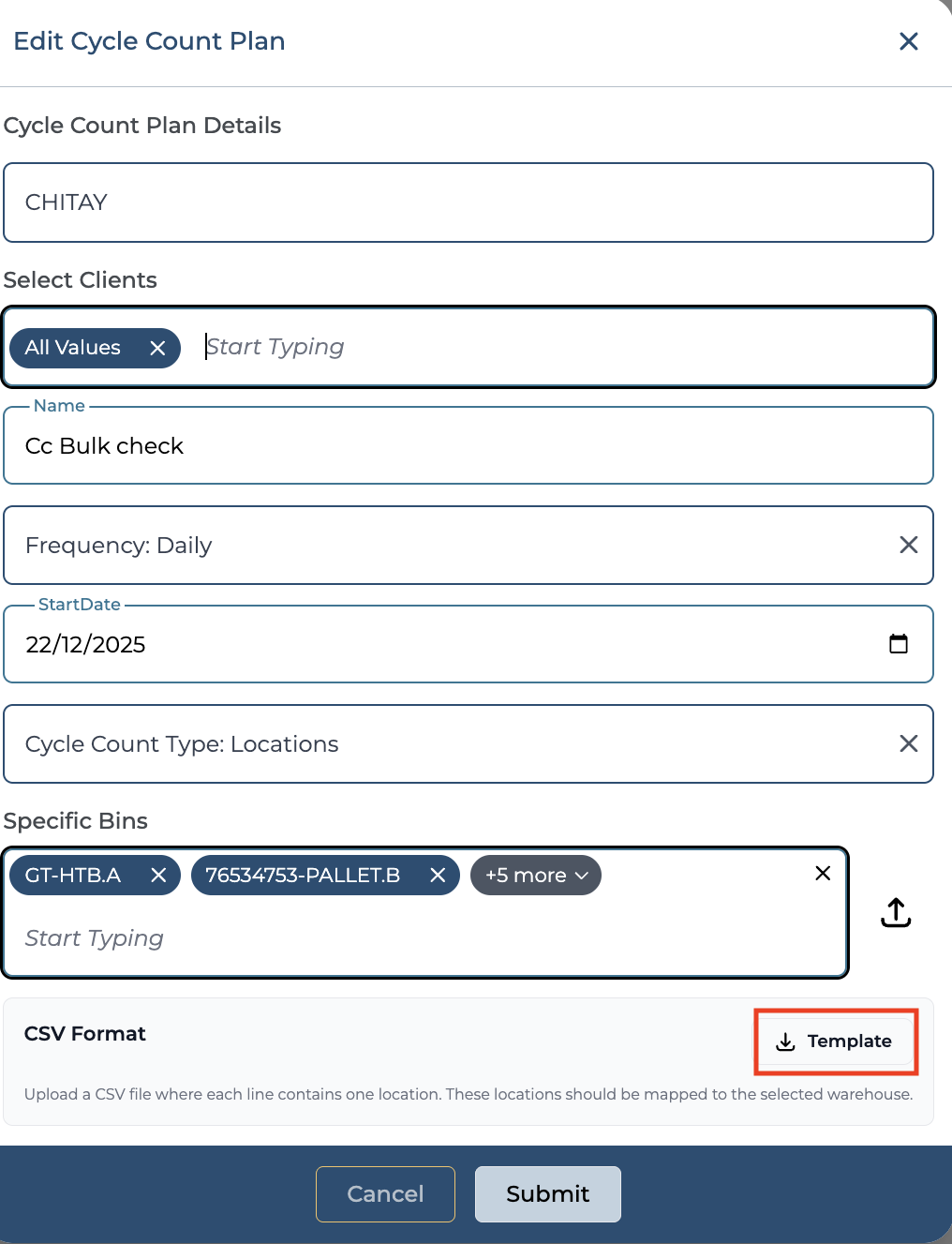
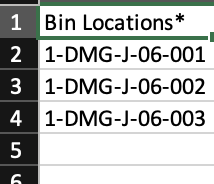
7. Upload the locations file
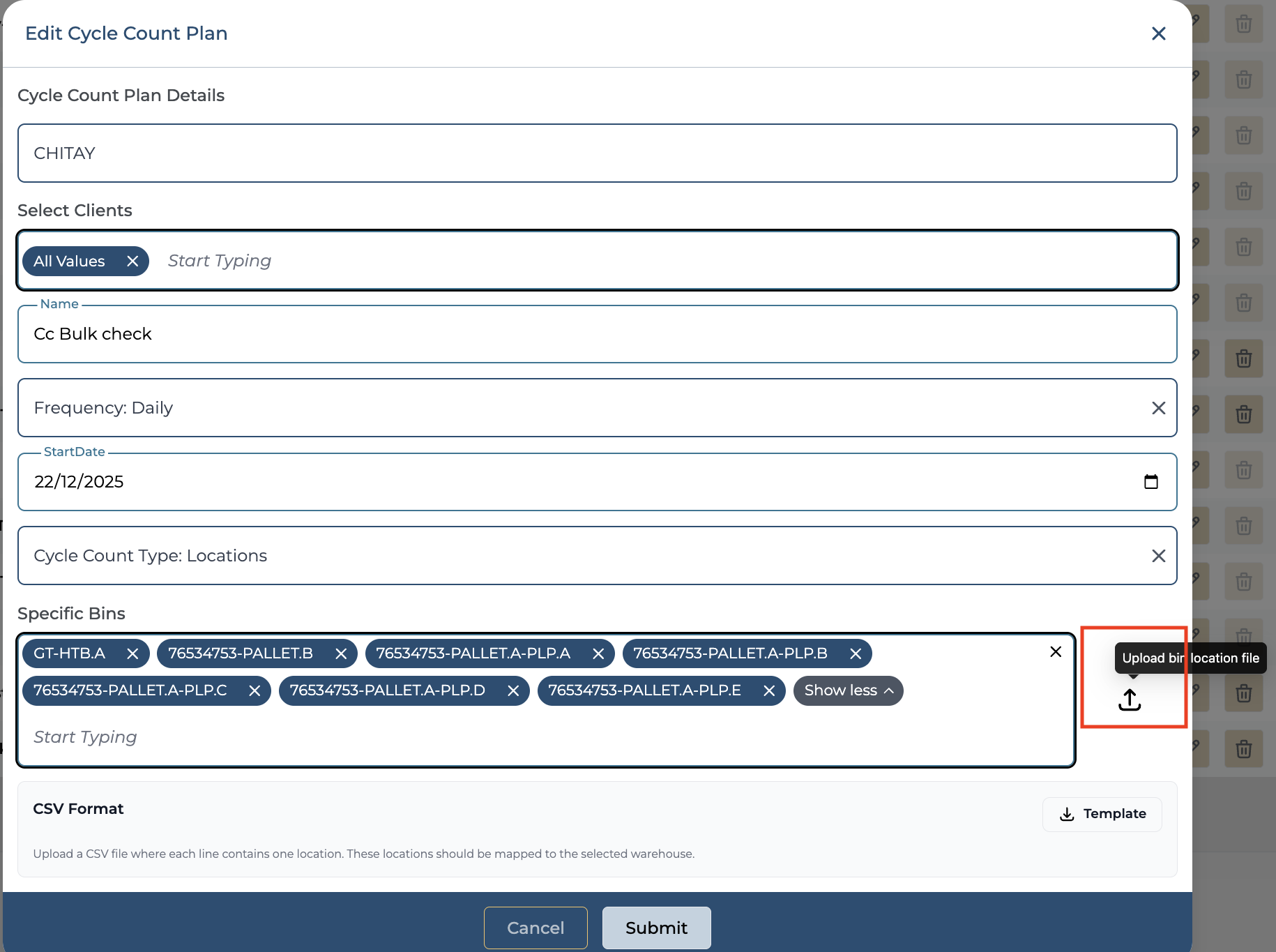
You can view all the uploaded locations on the same screen once your file is uploaded.
8. If you upload incorrect locations, an error is shown as in the snapshot below, and you can copy the error message using the copy icon.
9. Click on the "Submit" button after reviewing the details.