
This guide will provide you with step-by-step instructions on how to log into our platform and use your unique subdomain/code.
Login Procedure:
-
Visit the Login Page: Open the app.
-
Enter Subdomain/Code:
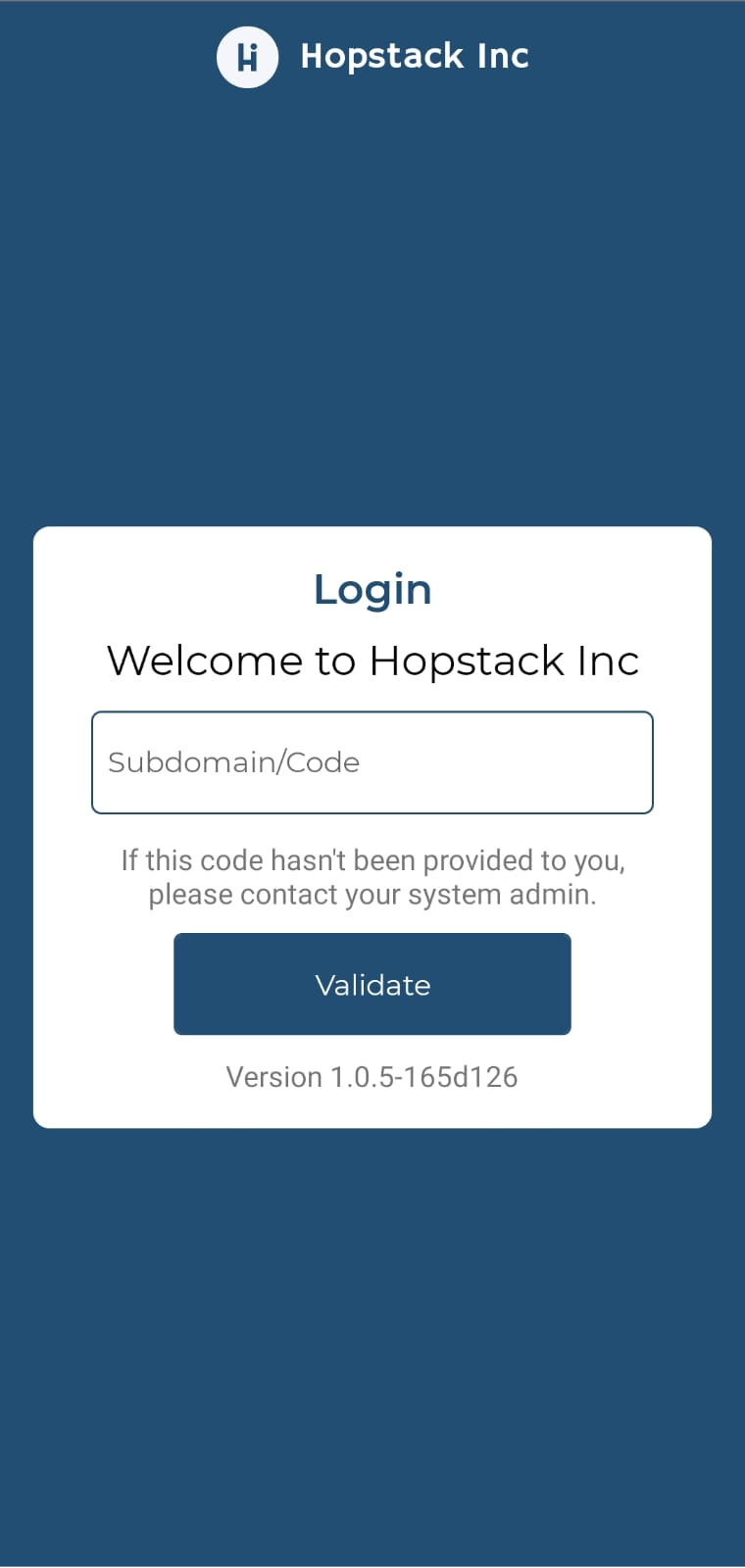
a. In the provided field, enter your unique subdomain or code. For example, if your platform is
hooli.hopstack.io, you will enter "hooli" as the subdomain.b. If you have not been provided with a subdomain/code, please reach out to your system admin immediately.
-
Validation:
Once you've entered the correct subdomain/code, click on the "Validate" button.
-
Successful Login:
After validation, you will be redirected to your dashboard or home page.
Troubleshooting:
-
Can't Access Login Page: Ensure you have a stable internet connection and the URL is entered correctly.
-
Subdomain/Code Issues: If the subdomain/code entered is incorrect or if you're facing issues even after entering the correct code, please contact your system admin.
-
Platform Version: Always ensure you're running the latest version for a smooth experience. If unsure, check with your system admin.