
If you need to log out from the Hopstack app, follow these simple steps:
-
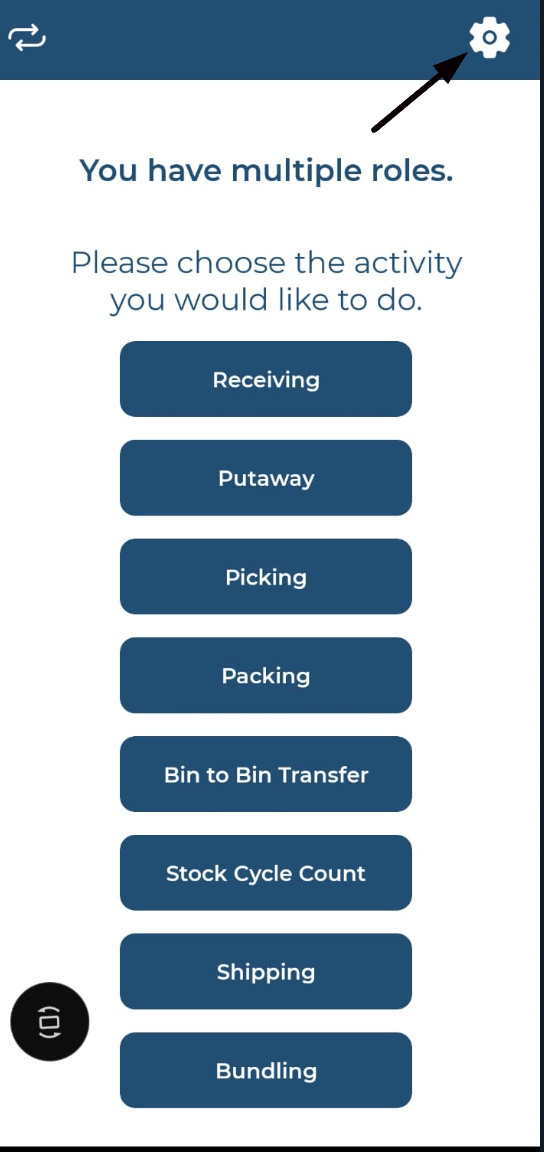
Open Settings:
-
Look for the settings icon in the app's navigation menu. This is usually represented by a gear or cogwheel icon.
-
Tap on the settings icon to access the settings menu.
-
-
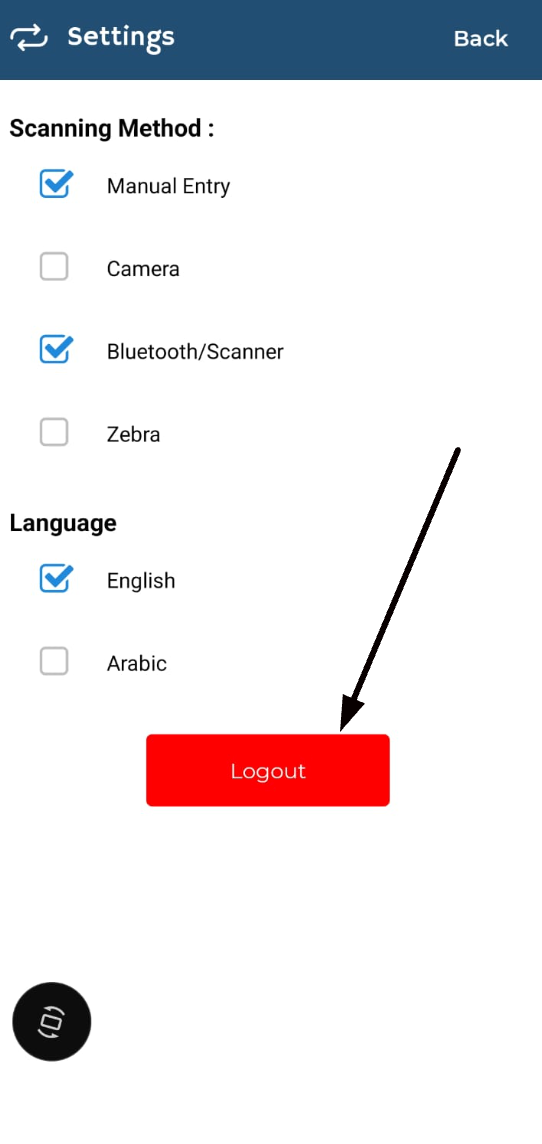
Click on Logout:
-
In the settings menu, you will see a "Logout" button.
-
Tap on the "Logout" butto
-
-
Redirect to Login Page:
-
Once you click the "Logout" button, you will be automatically redirected to the login page of the Hopstack app.
-
By following these steps, you can easily log out of your account in the Hopstack app. If you encounter any issues, please contact our support team for assistance.