-
Navigate to the Hopstack Platform.
-
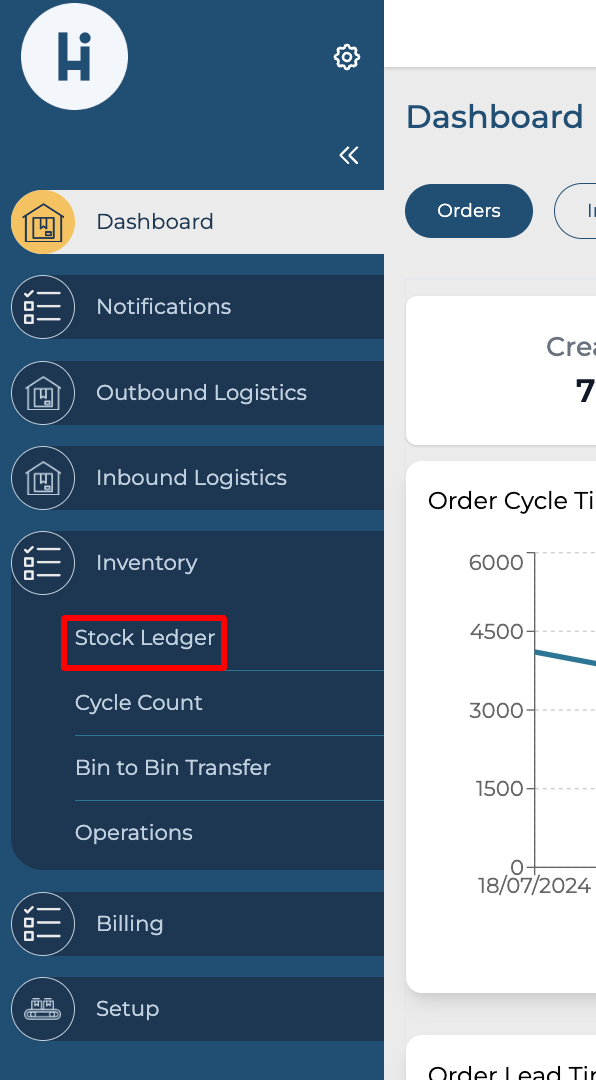
Click the "Stock Ledger" option under Inventory from the side menu.
-
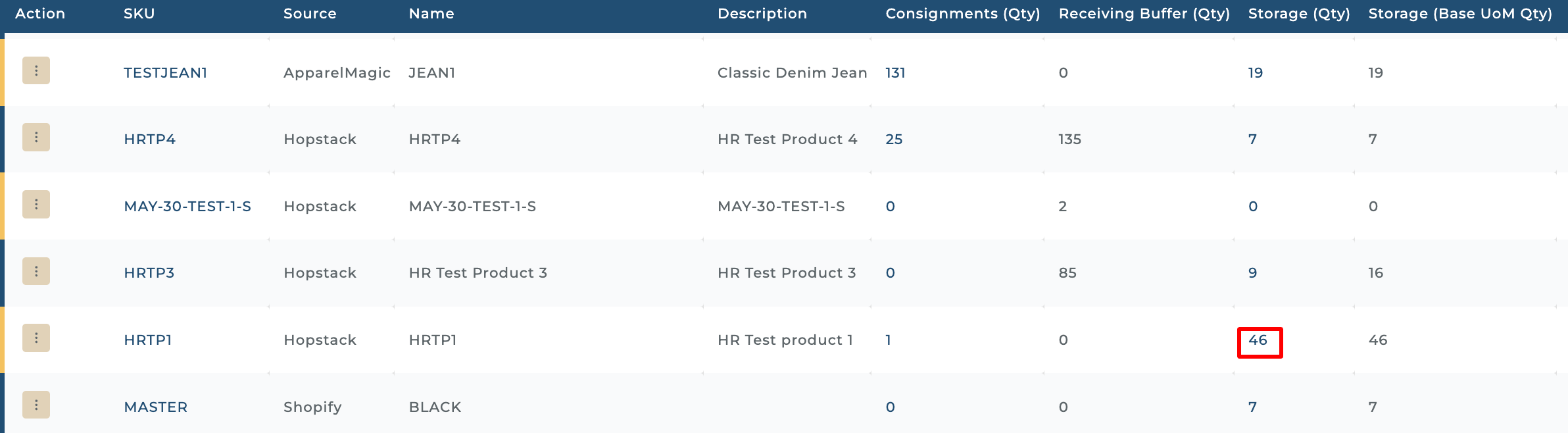
Click on the storage qty column against the entry/desired SKU.
-
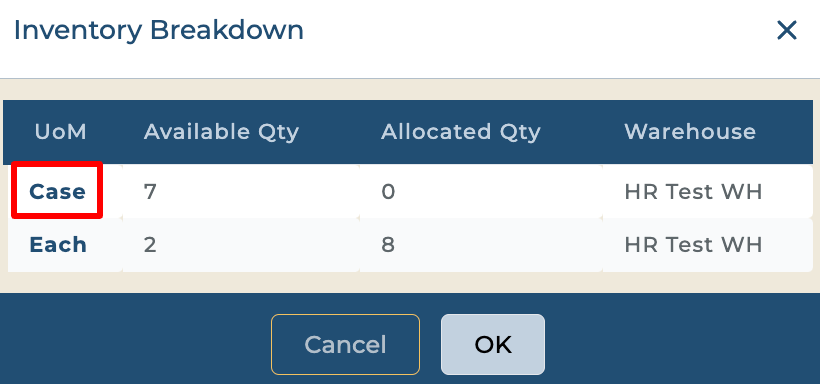
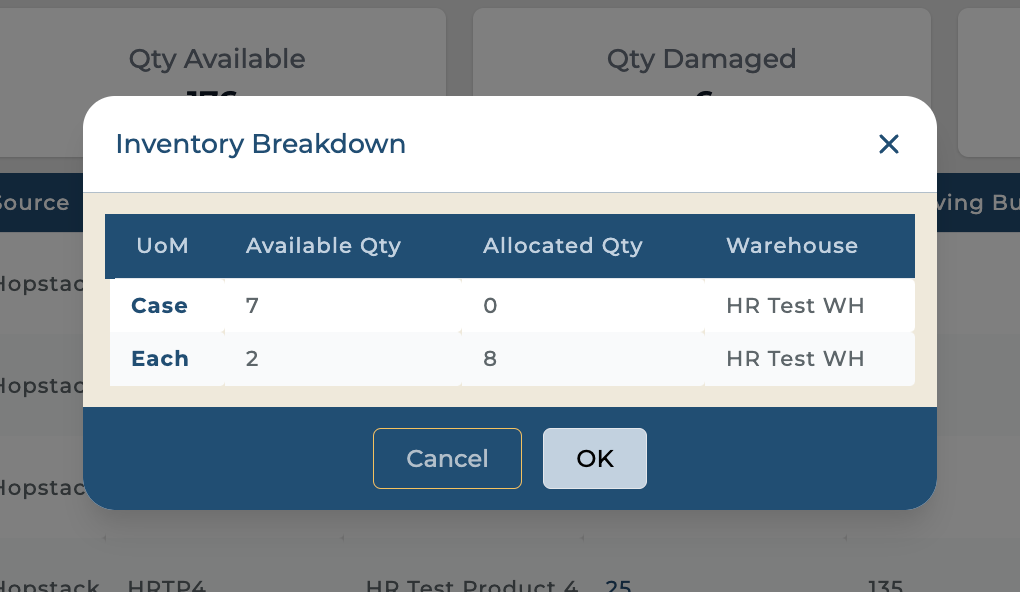
An inventory breakdown pop-up appears.
-
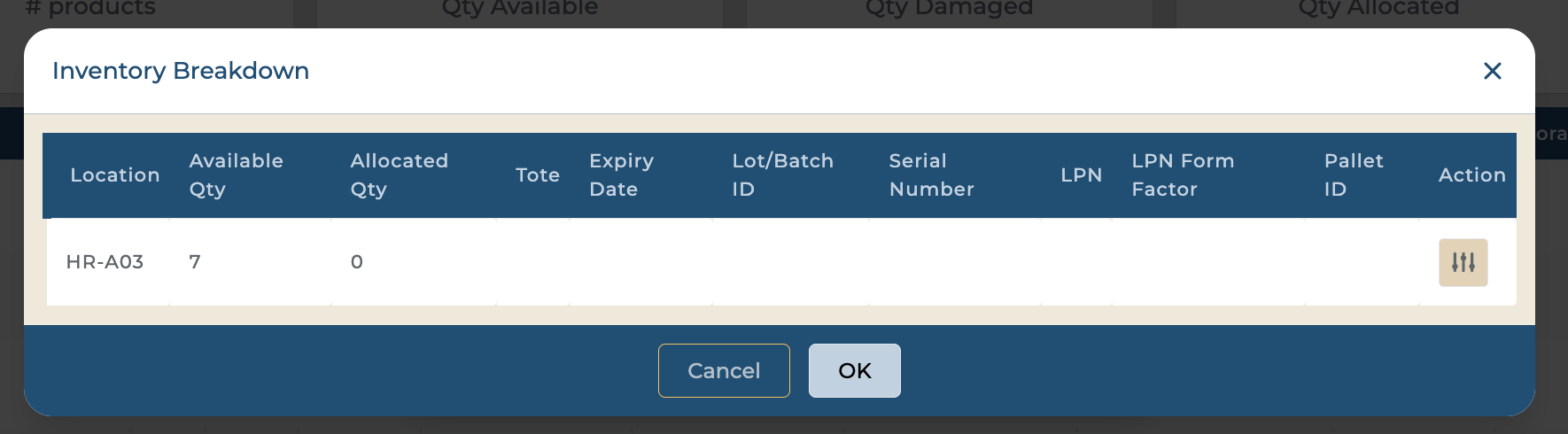
The users can click on the UOM to see the storage location information.