
The UoM Configuration for a product can only be changed on product management if there is no inventory in storage. If the inventory is available the UOM can’t be changed. The same applies once a consignment is created.
NOTE: If the SKU: MARCH-11-P-1 has “0” inventory on storage the UOM Configuration on product management can be defined from Each to Pallet or vice versa.
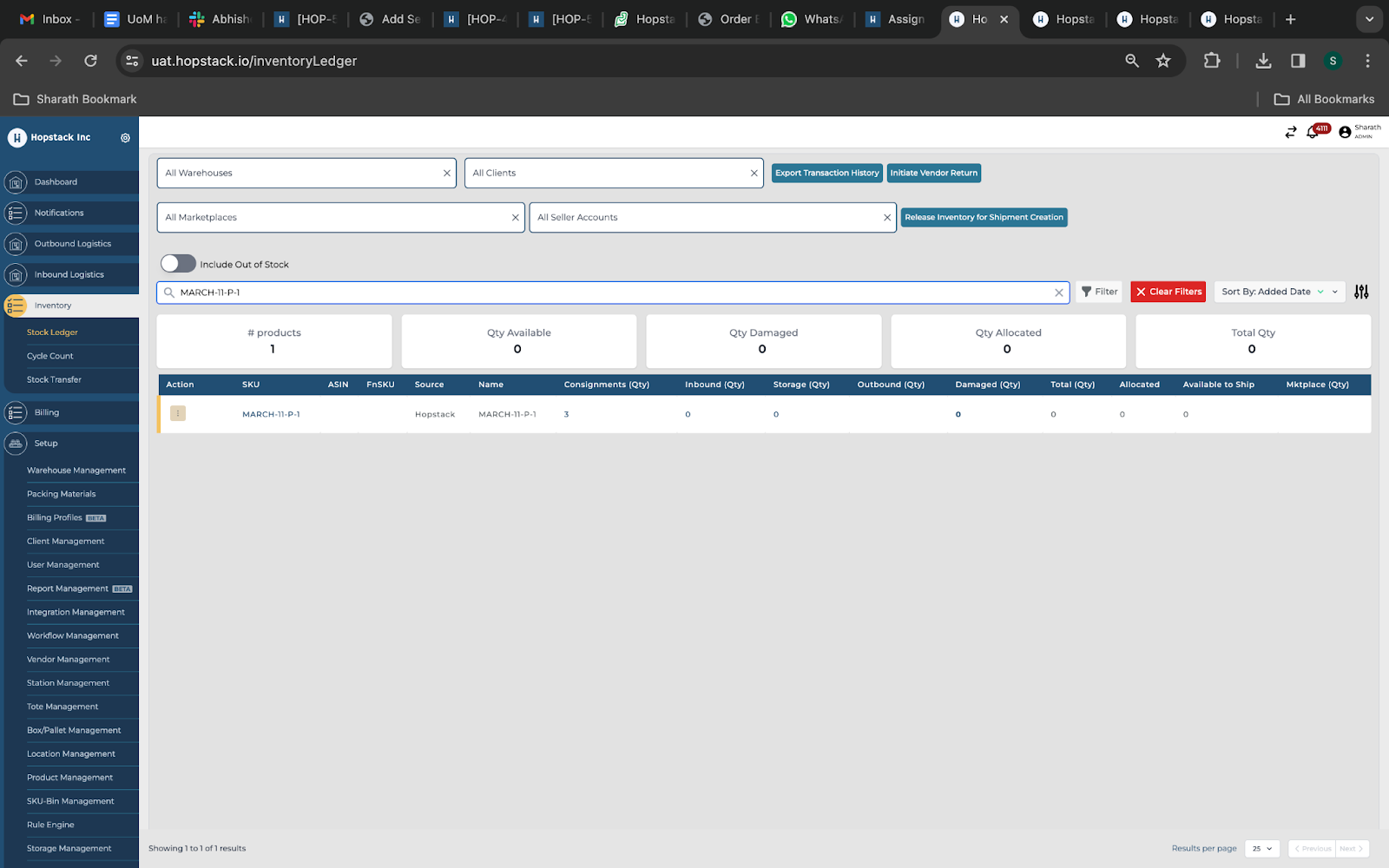
Suppose there is inventory for an SKU on the Hopstack platform the change of Configuration UoM/Base UoM is not allowed. An error message will be triggered as “Cannot Change UoM configuration”.
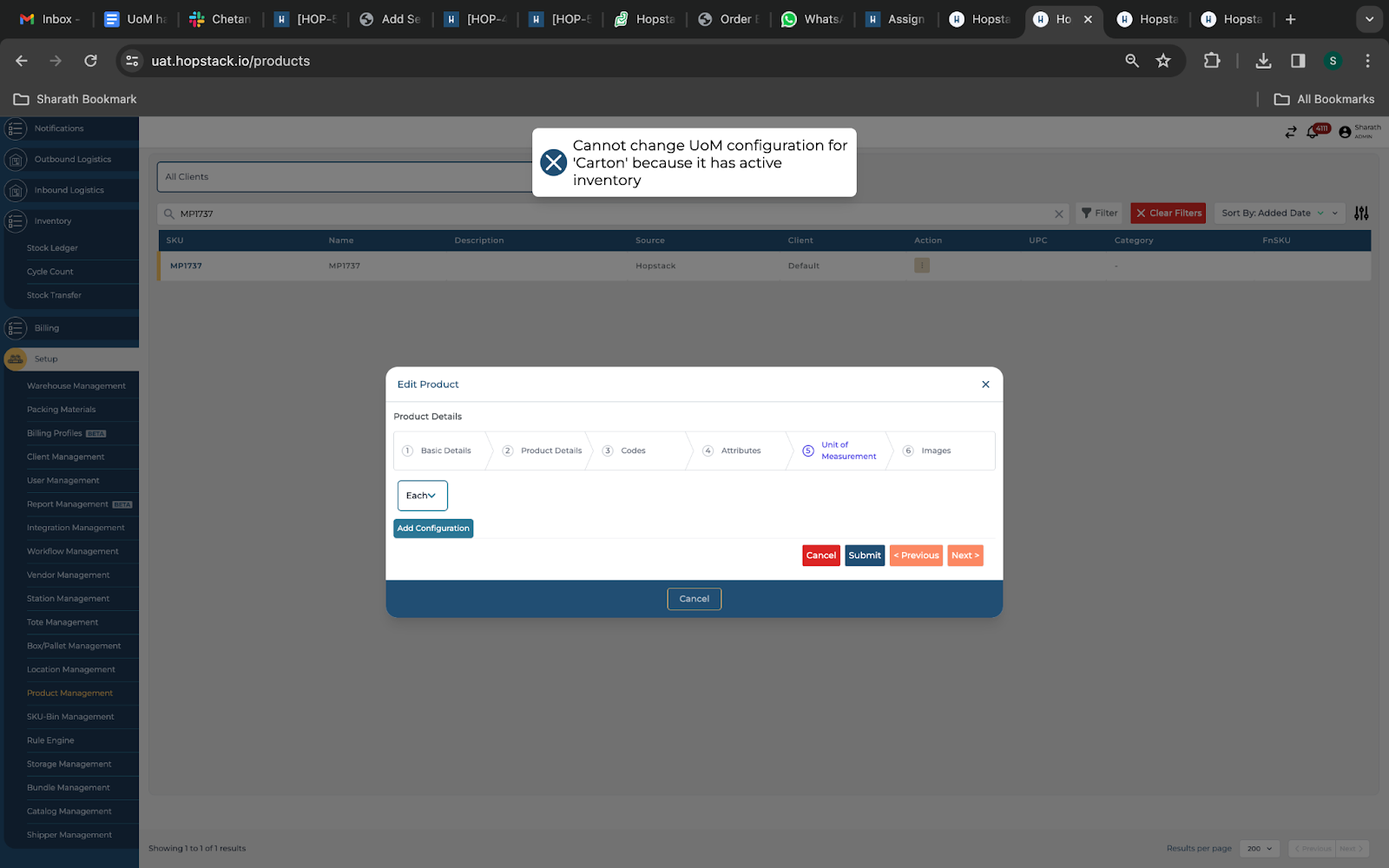
NOTE: The restrictions apply to Base UoM change/Configuration changes via product management
UoM Settings during consignment creation
The feature will not allow you to modify any UOM changes while creating a consignment. While creating a consignment there is an option where the user will not be allowed to change the UoM configuration of the product. Below is the error message while the user takes action to edit the UoM.
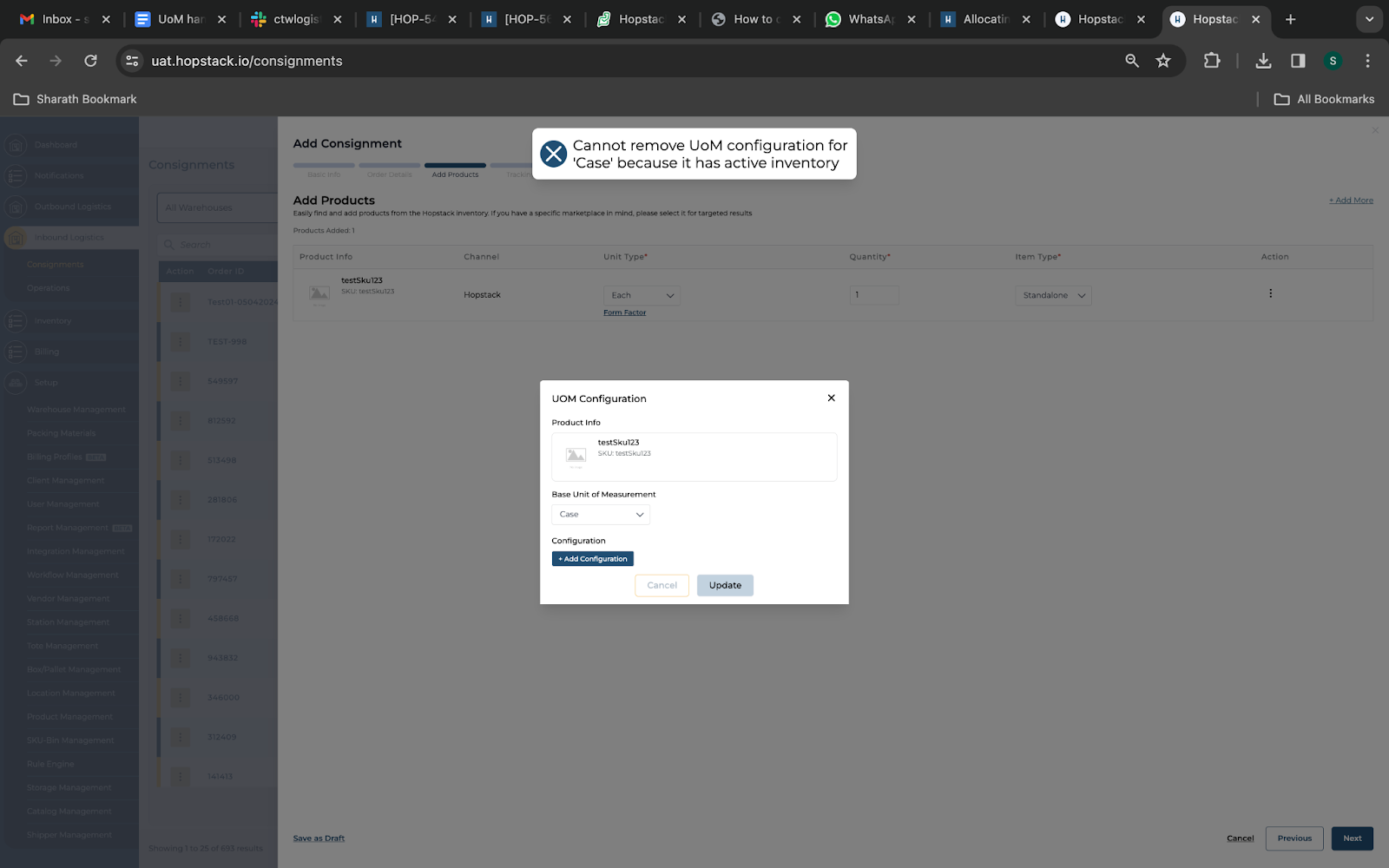
The system will check the stock availability from the stock ledger and throw an error message stating that the “Cannot remove UoM configuration for “Case/Carton” because it has active inventory”.
UoMs on consignments screen
The feature will allow the missing form factor to update while creating a consignment. Below is a snapshot showing how to update the form factor which is missing in the product management
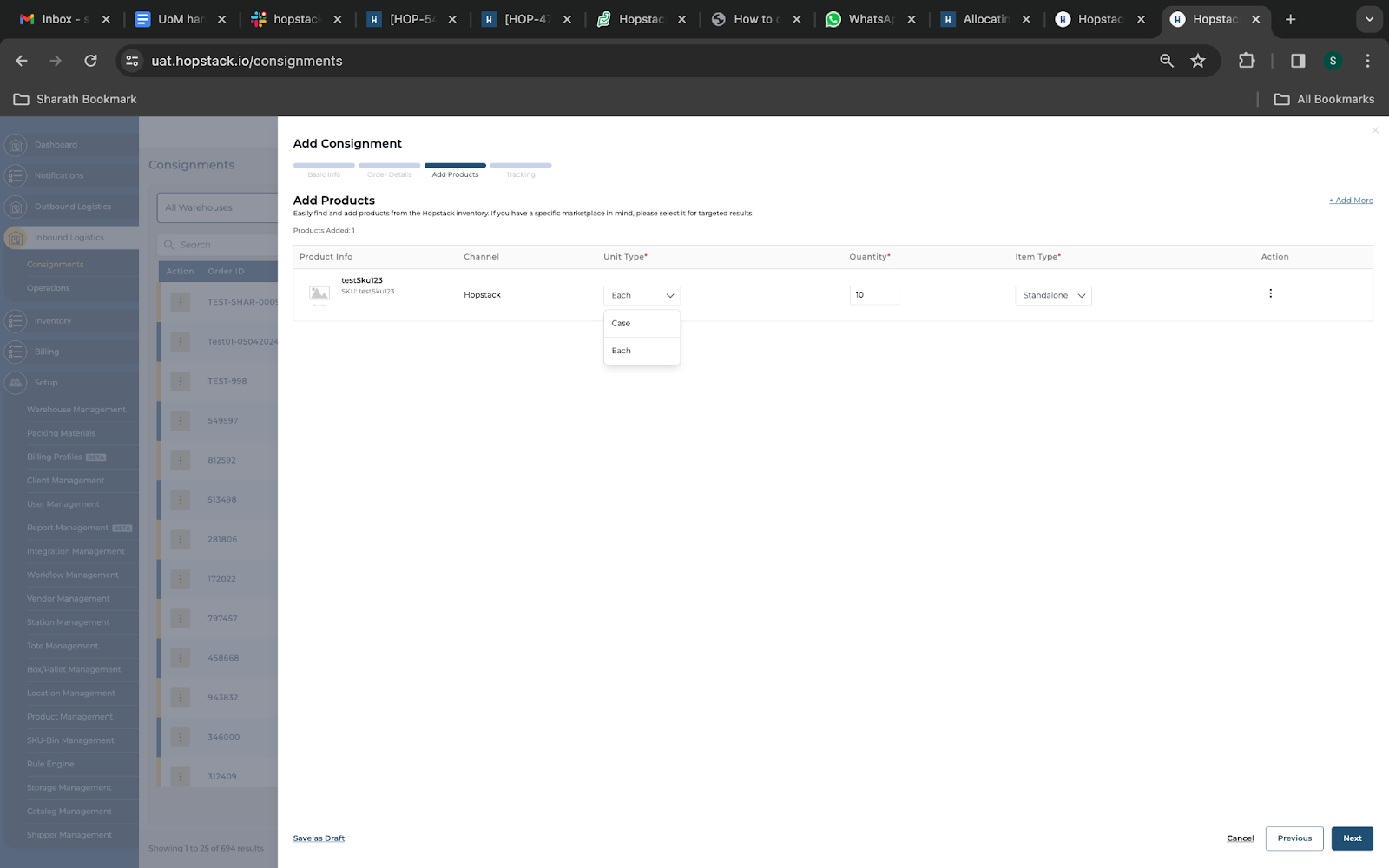
The user who has not updated any form factor while creating a product via the product management screen can still update the form factor while creating a consignment for an SKU.
While updating the form factor for a product, the system will check the stock availability via the stock ledger. If the stock is unavailable, the UoM can be changed from one another. If there is stock the system will be thrown an error message “Cannot remove UoM configuration for “Case/Carton” because it has active inventory”.
Receiving
The user can only receive against the UoM which they have updated during the creation of the consignment. Below is the product Uom along with the receiving screen.
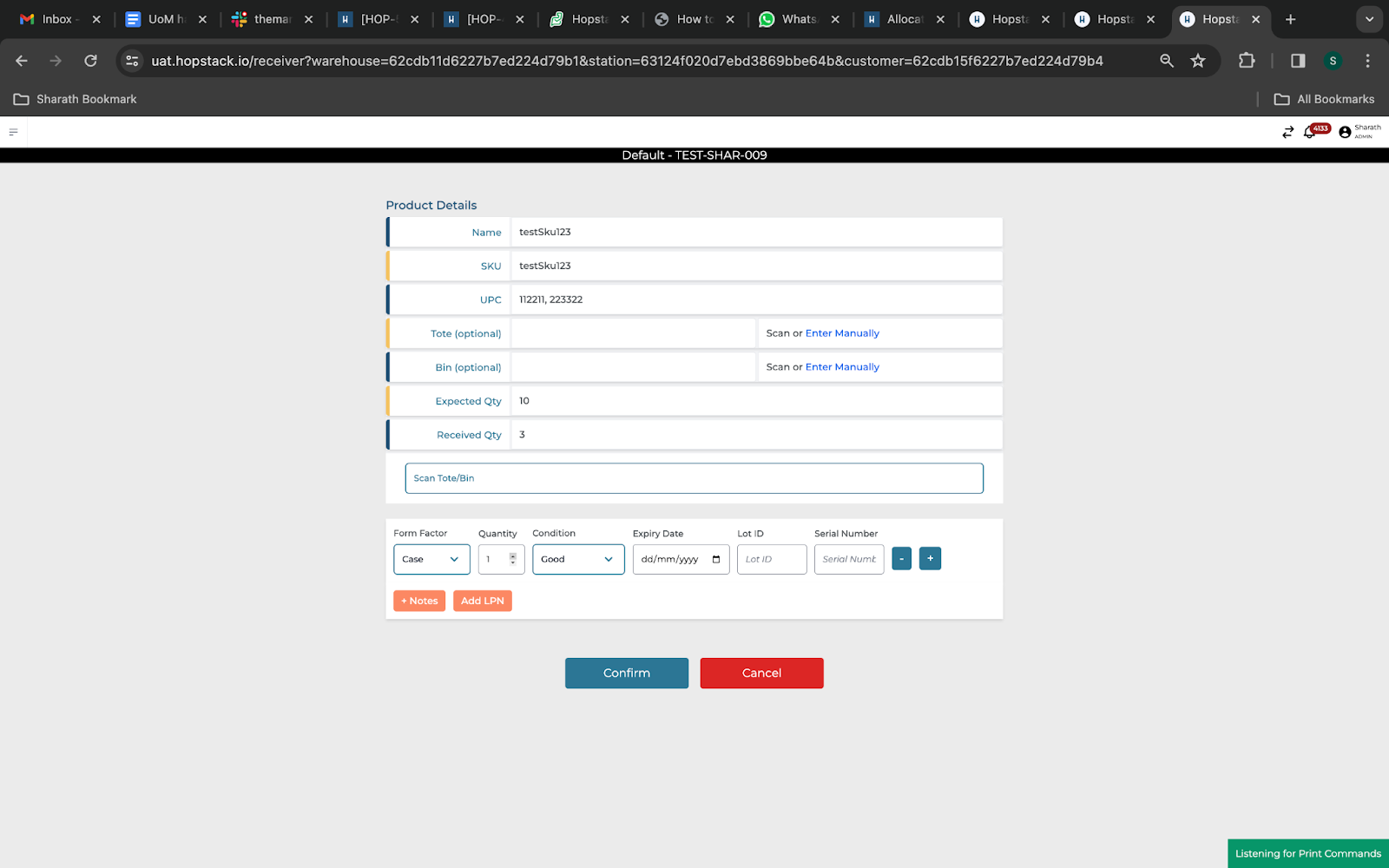
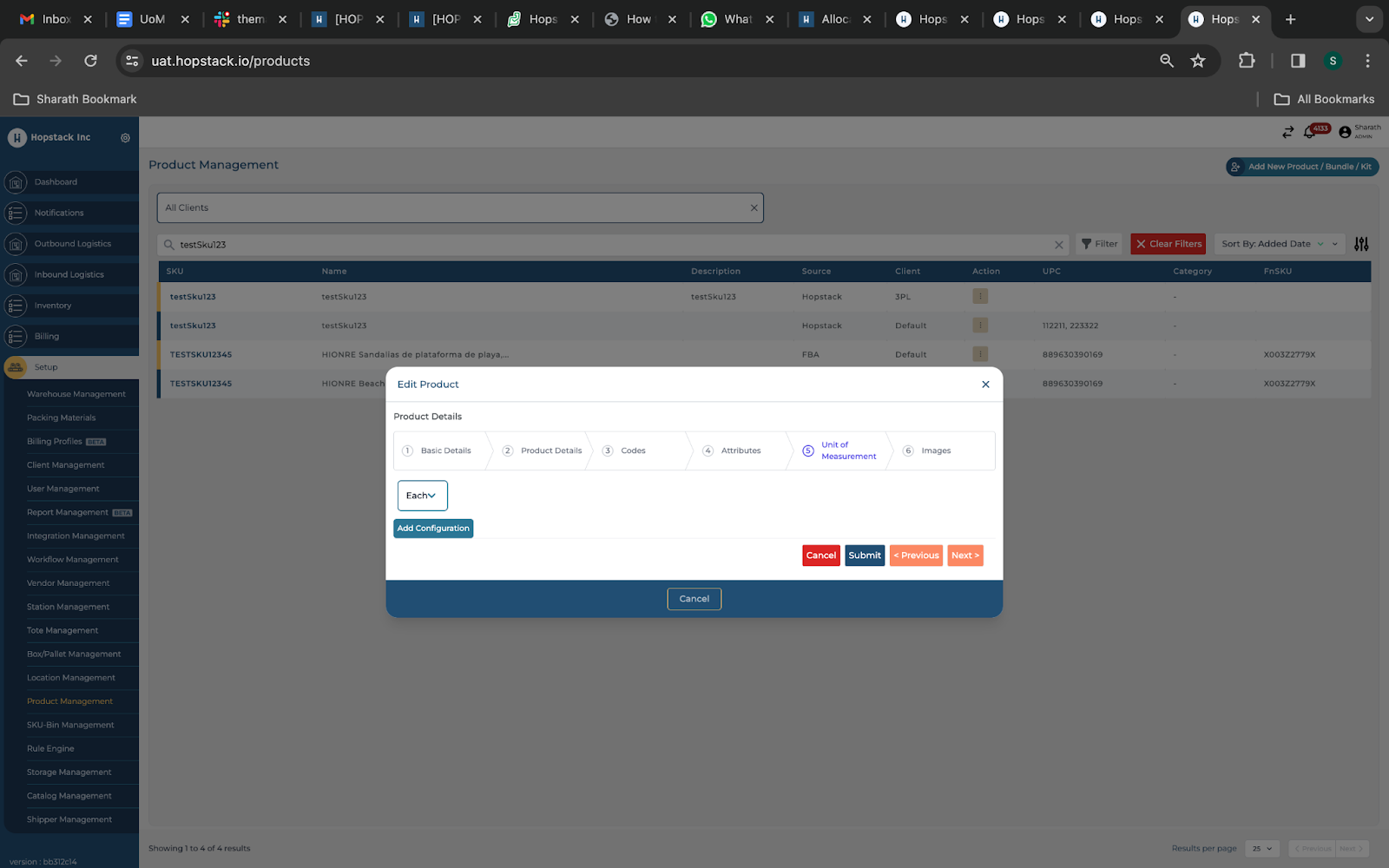
Suppose the product has a UoM as “Each” in the product management for an SKU, the receiving has to be done with the same UoM. The change or the modification of the UoM through the receiving screen is restricted.
Putaway
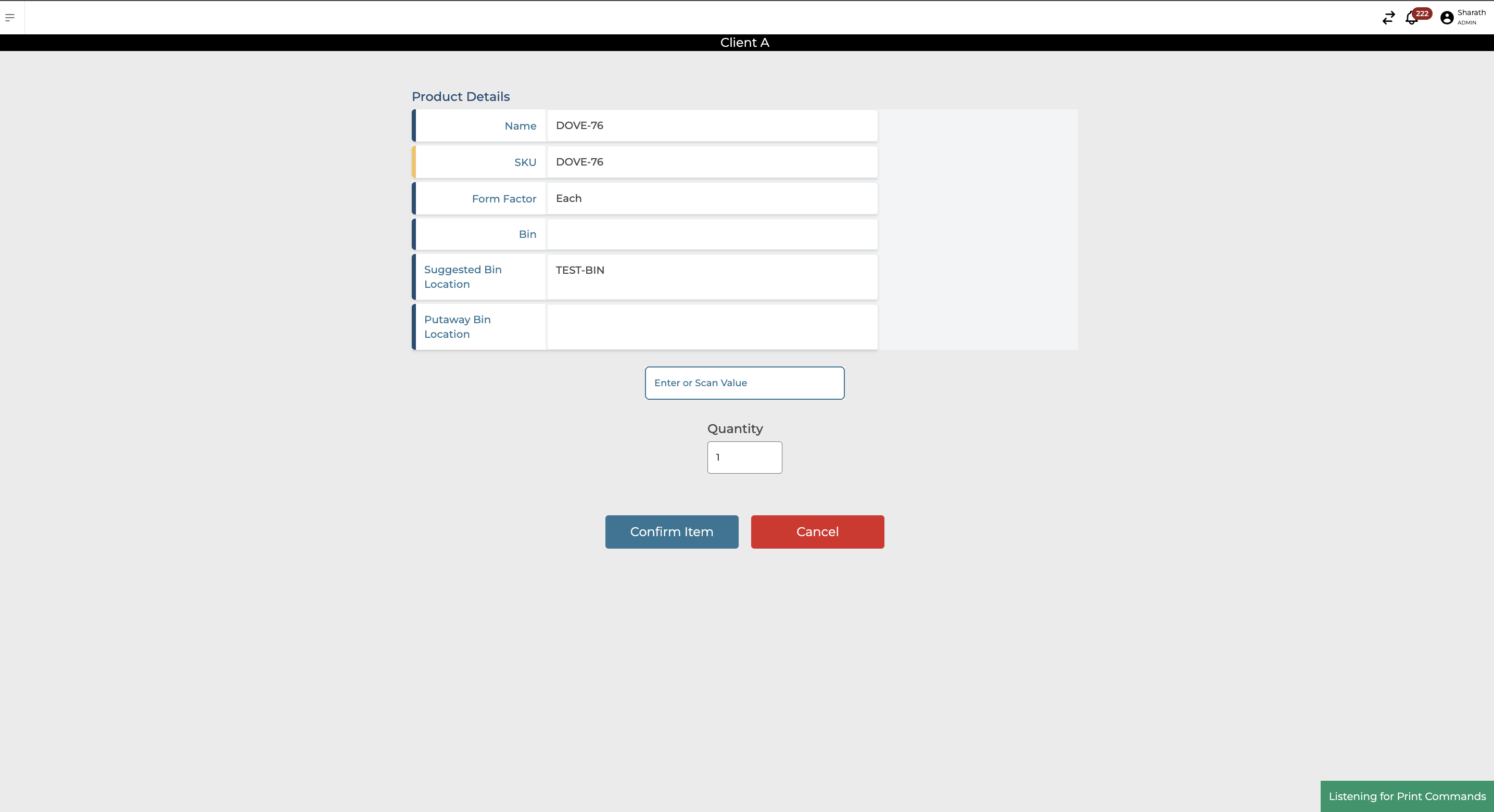
The user now has the visibility to view the UoM that was entered during the consignment screen or receiving.
Modification of the Non-Hopstack product(Not Allowed)
The Base UoM modification for a Non-Hopstack product(Eg: Amazon, Shopify, eBay, etc…) is not allowed.
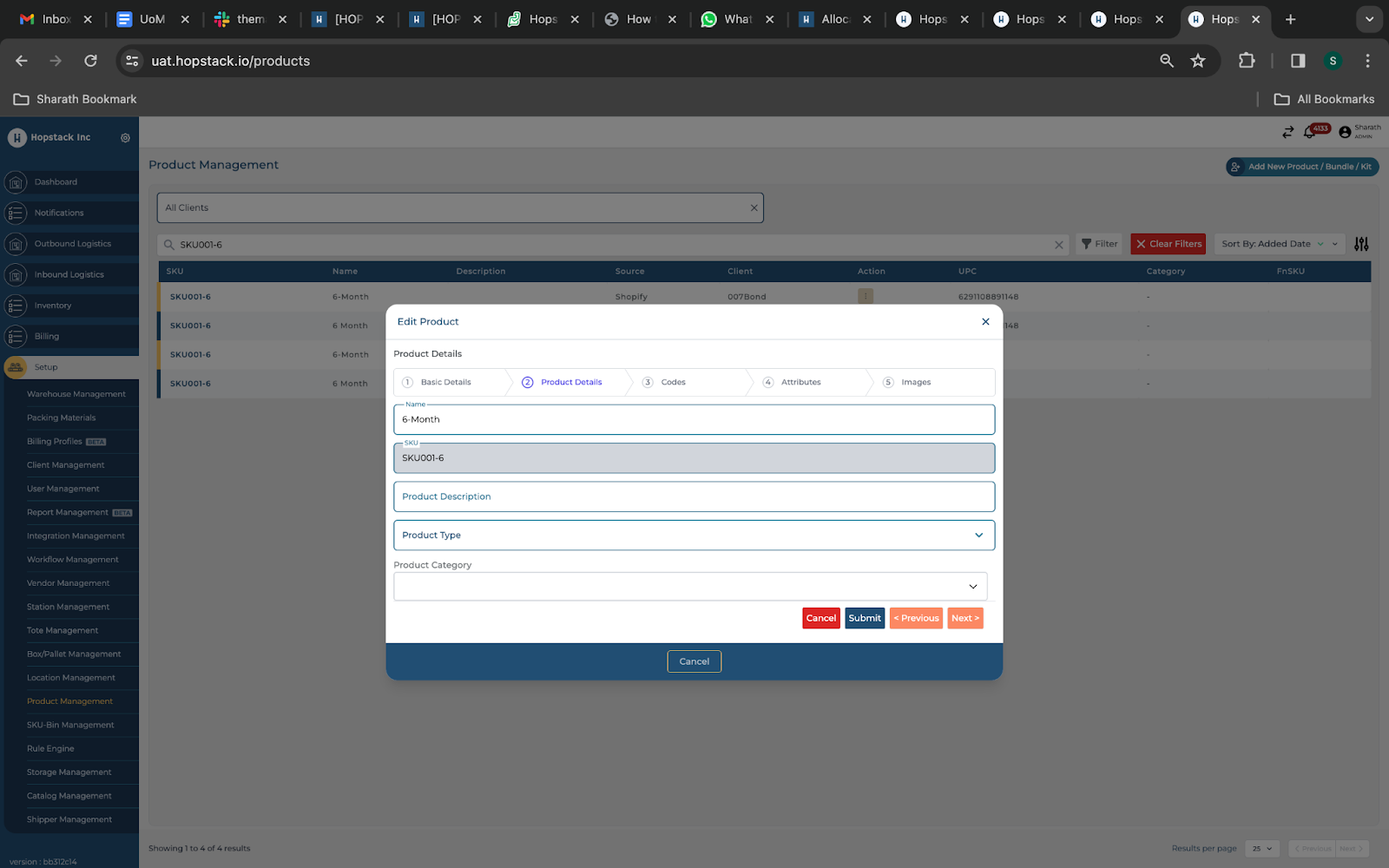
We fetch the products from the marketplace, and we capture the UoM for the SKU. If the UoM is “null” we consider the default form factor as “Each” for a SKU.
Order creation
Orders can only be created for the UoMs that exist for SKUs in the product management. The update of UoM or the change of UoM during the order creation is restricted.
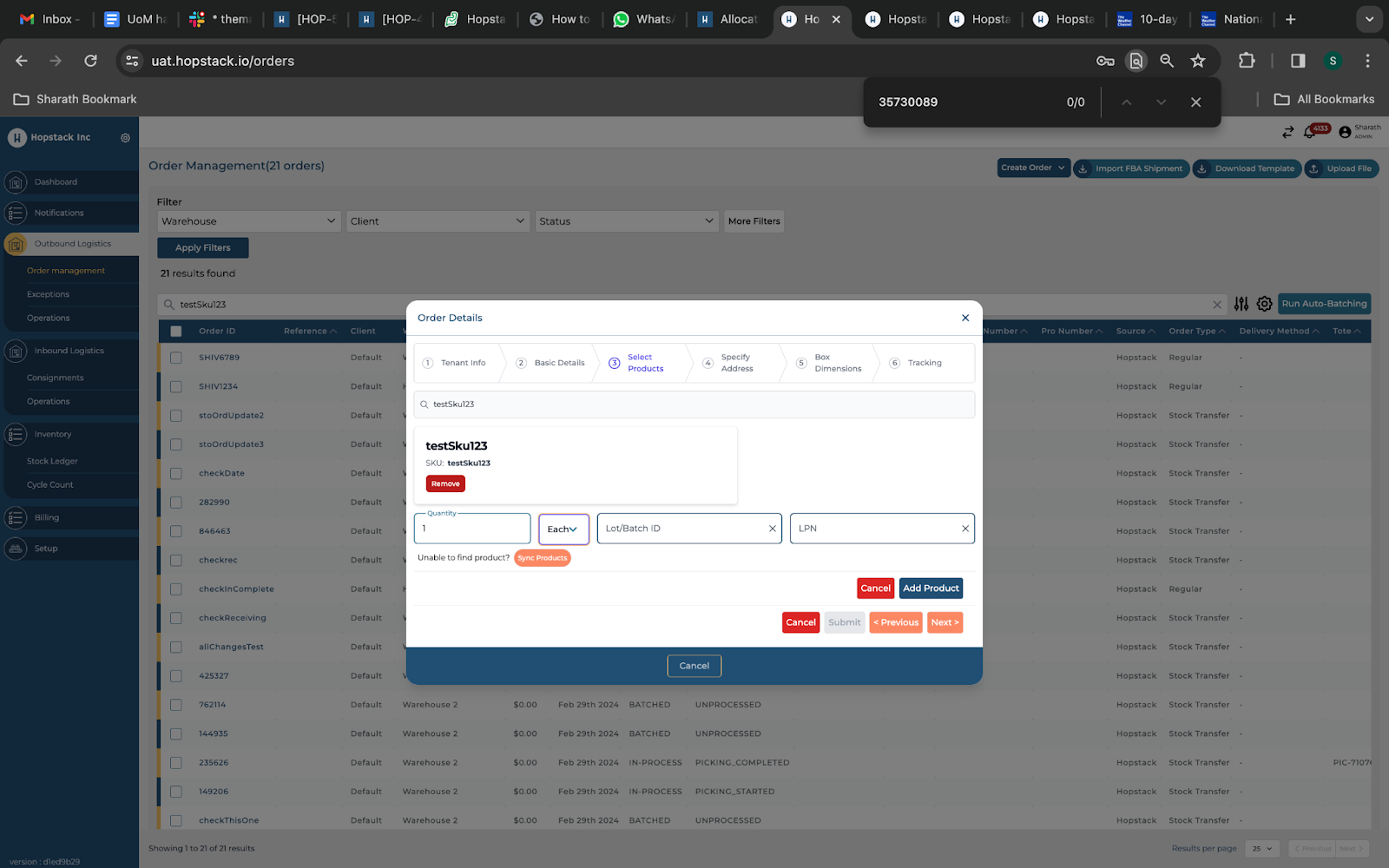
The system will consider the UoM from the product management screen. Any change or modification in UoM can’t be made from the order creation screen.