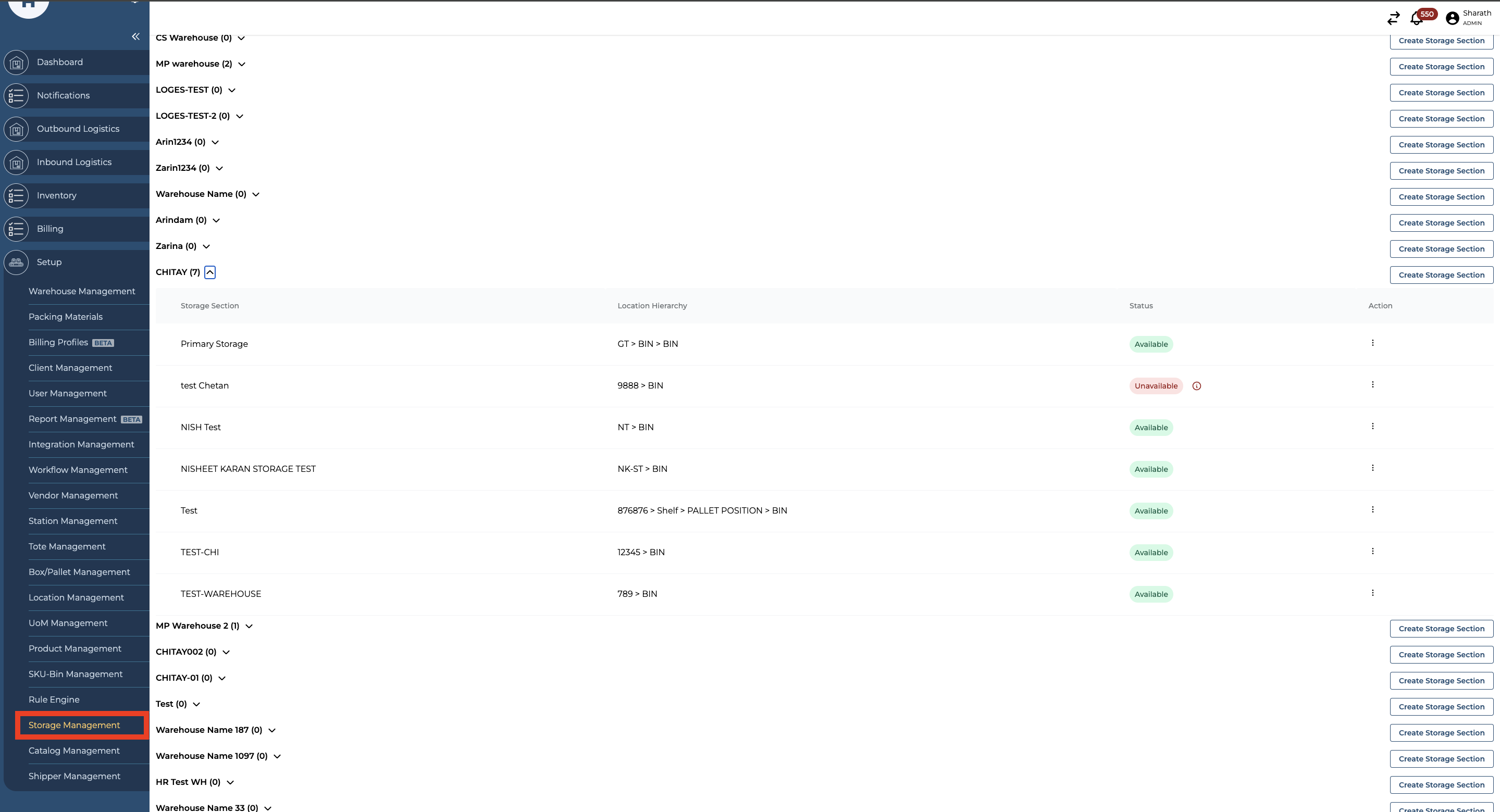
Navigate to the Storage Management section under the Setup option from the side menu on the Hopstack Dashboard.
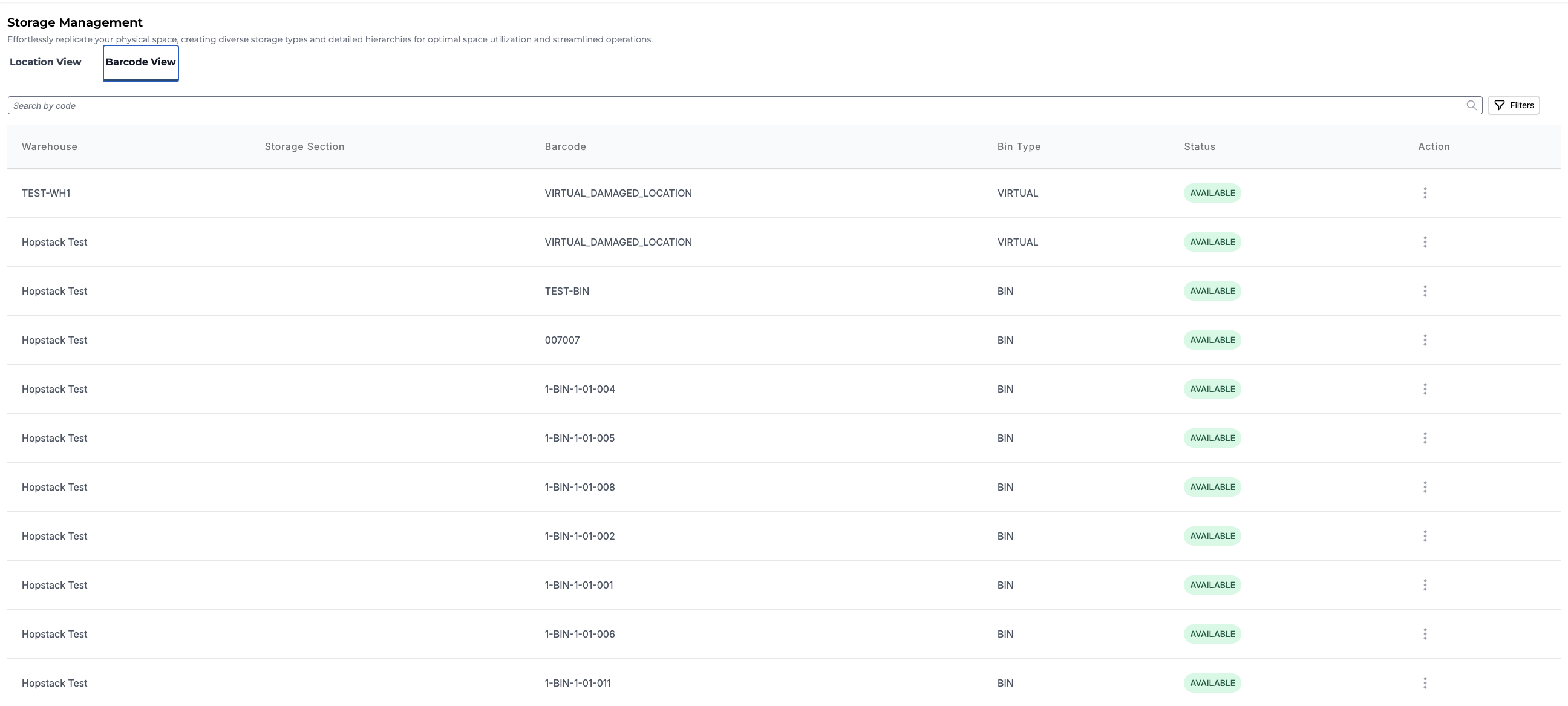
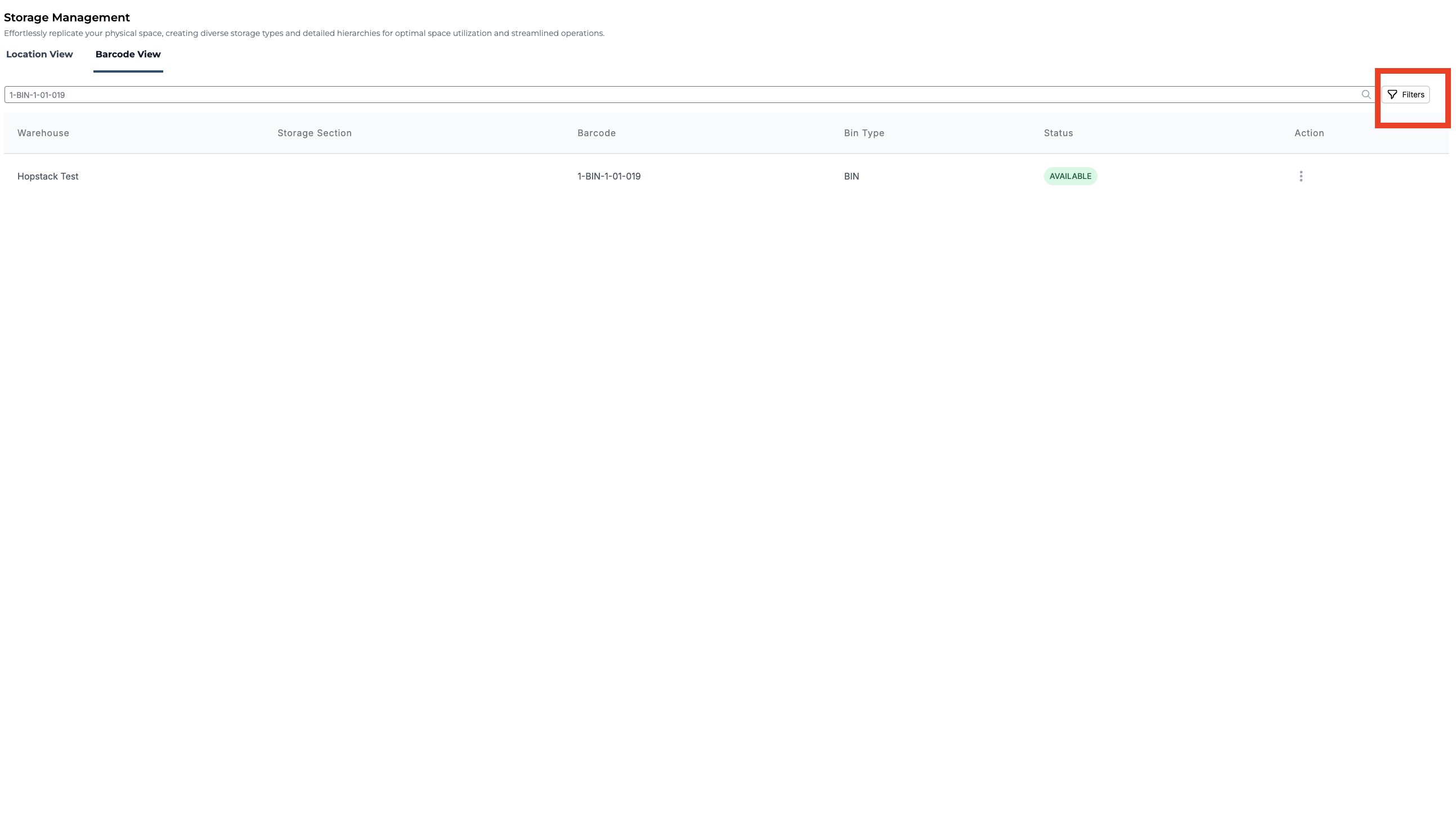
Switch to the Barcode View tab, you should be able to see all the locations within the warehouses. This might include details of the Warehouse, Barcode, Storage Section, Bin Type, and Status.
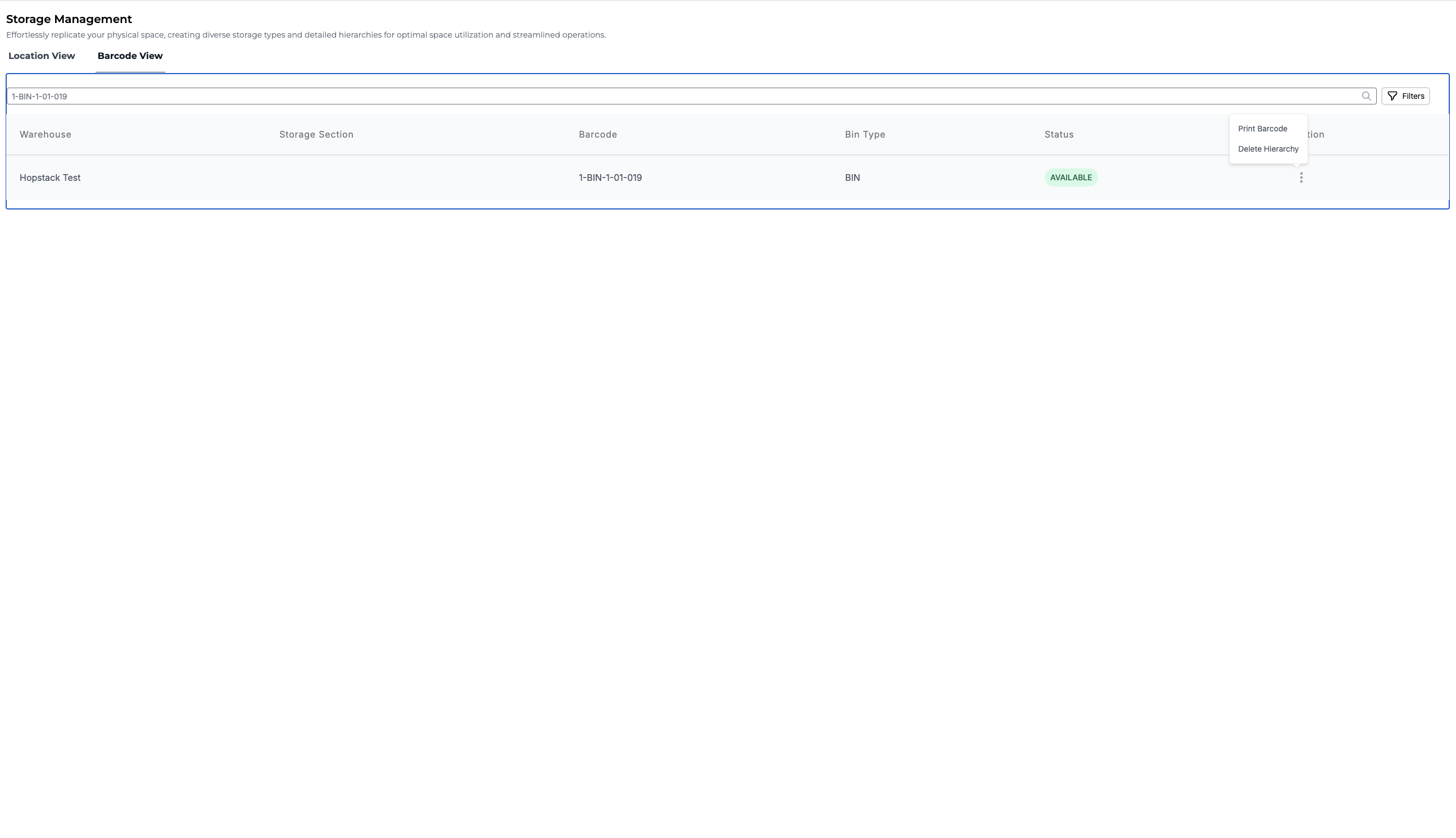
Search for the location if you wish to. To generate the barcode label or delete it, you can click on the three dots action icon.
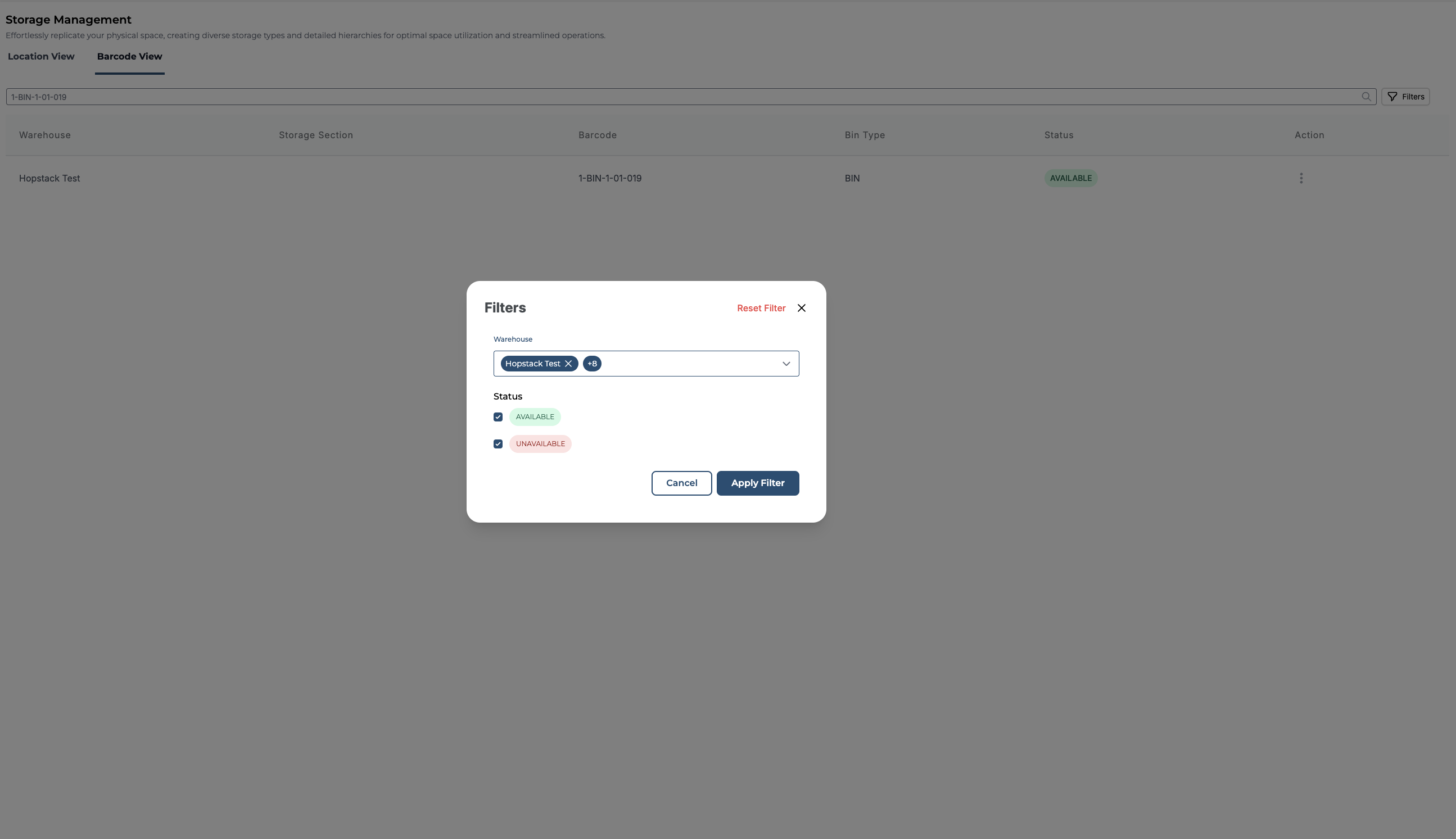
You can apply a filter based on Warehouse and Status.
Choose the Warehouse location or Status and click on Apply Filter