
Navigate to the Storage Management section under the Setup option from the side menu on the Hopstack Dashboard
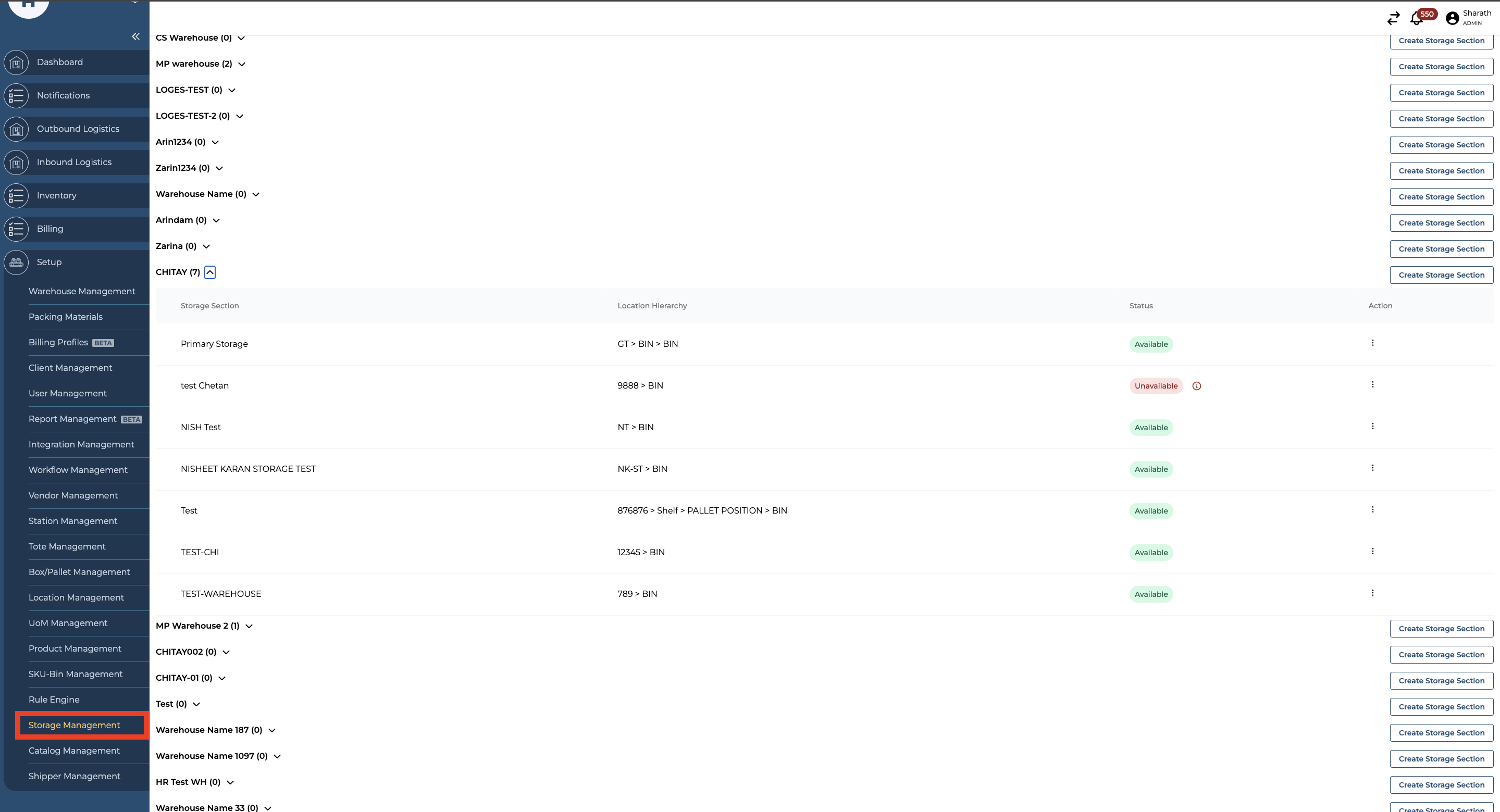
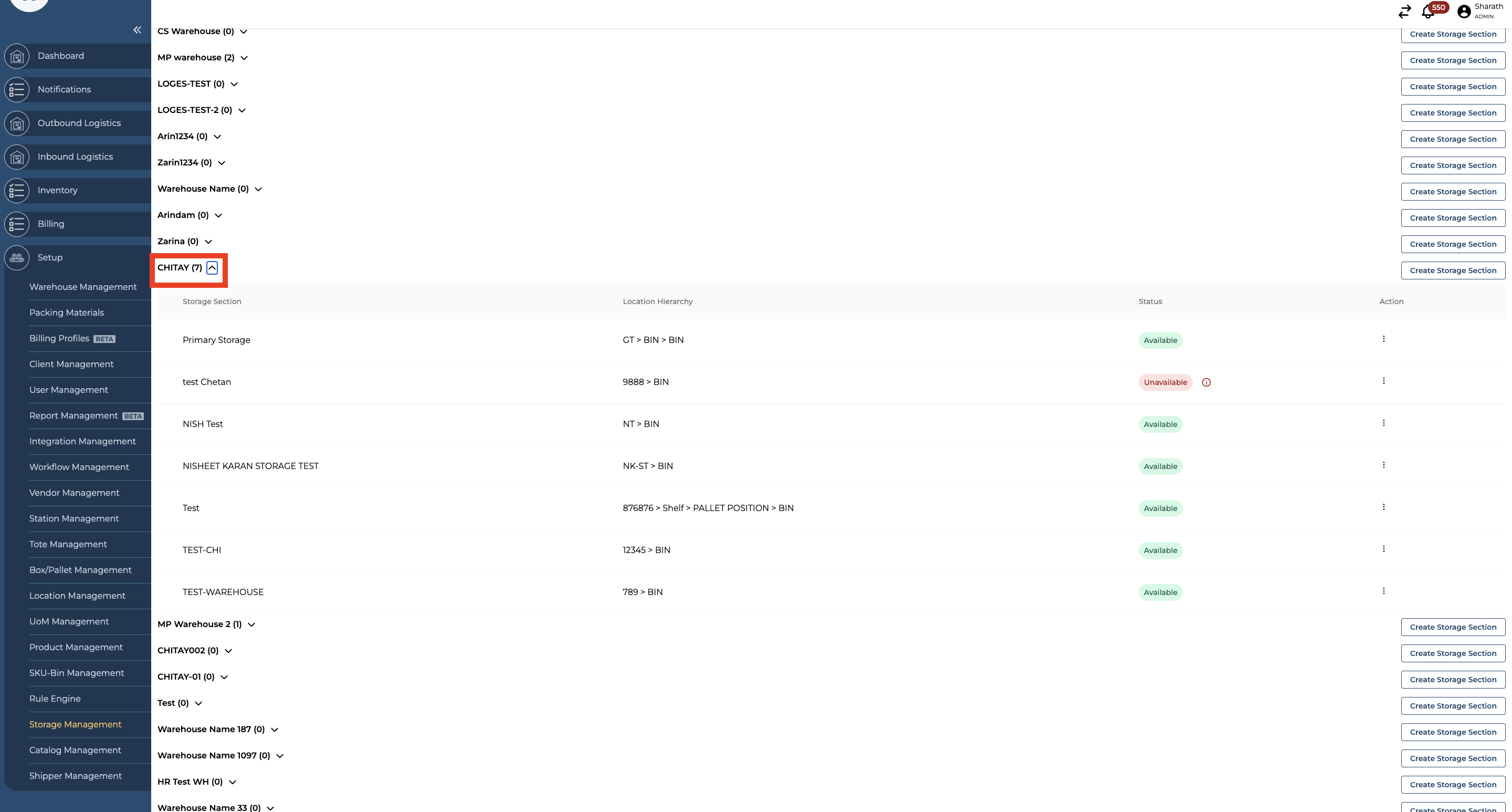
Select the warehouse where you need to add a parent location
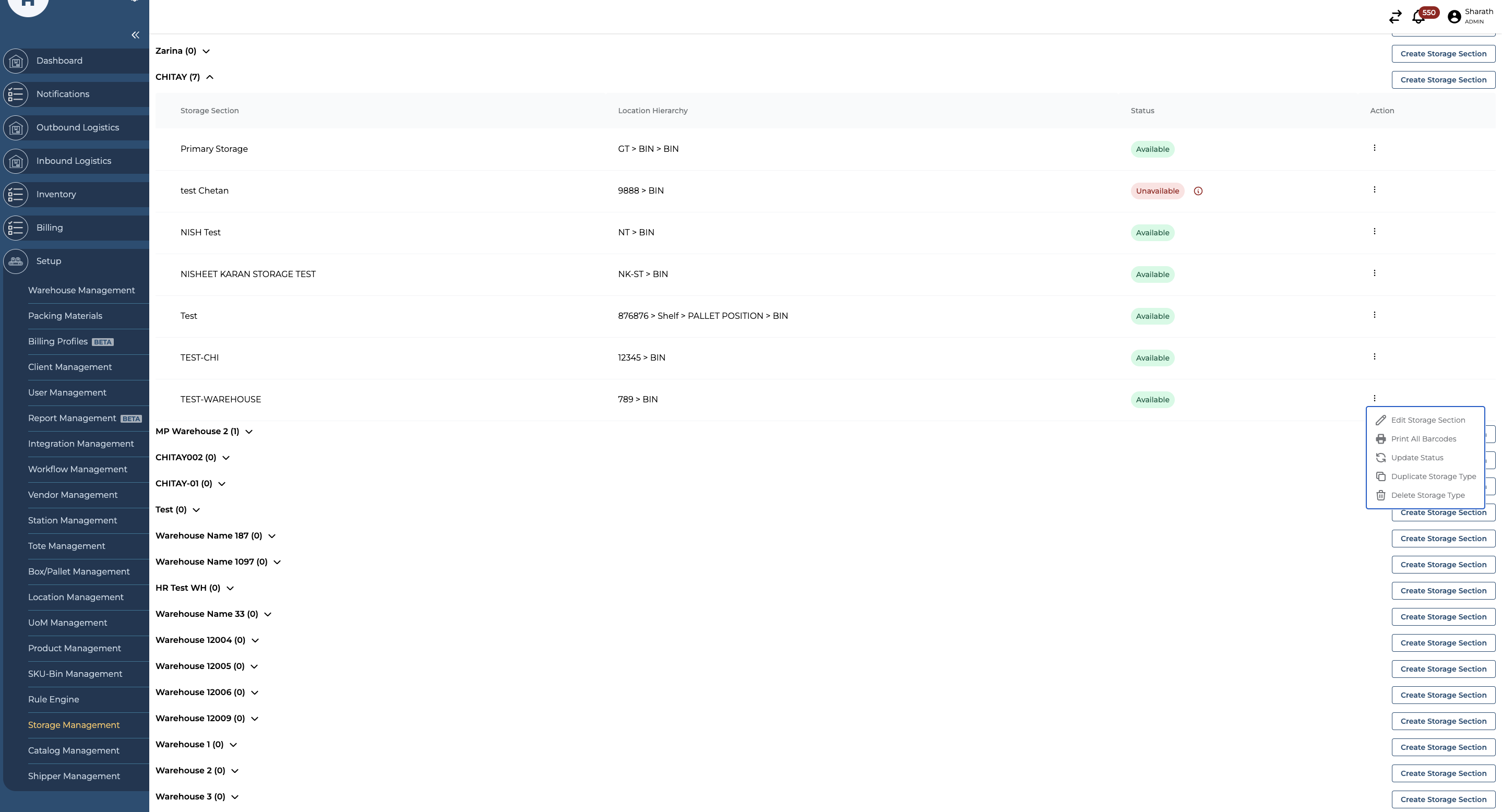
Select a Storage Section and click on edit Storage Section
Click on “Add Hierarchy” option on the bottom left corner
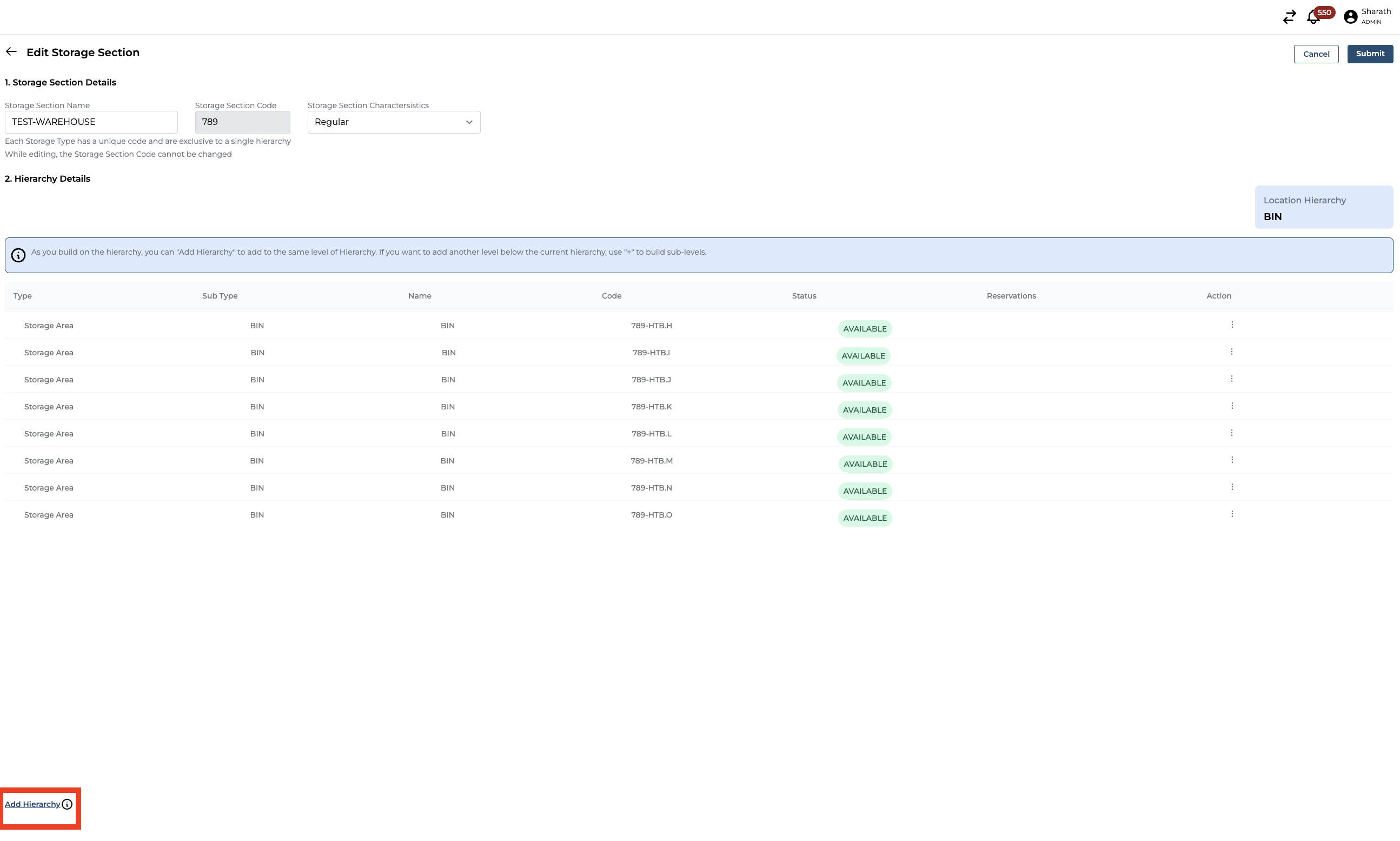
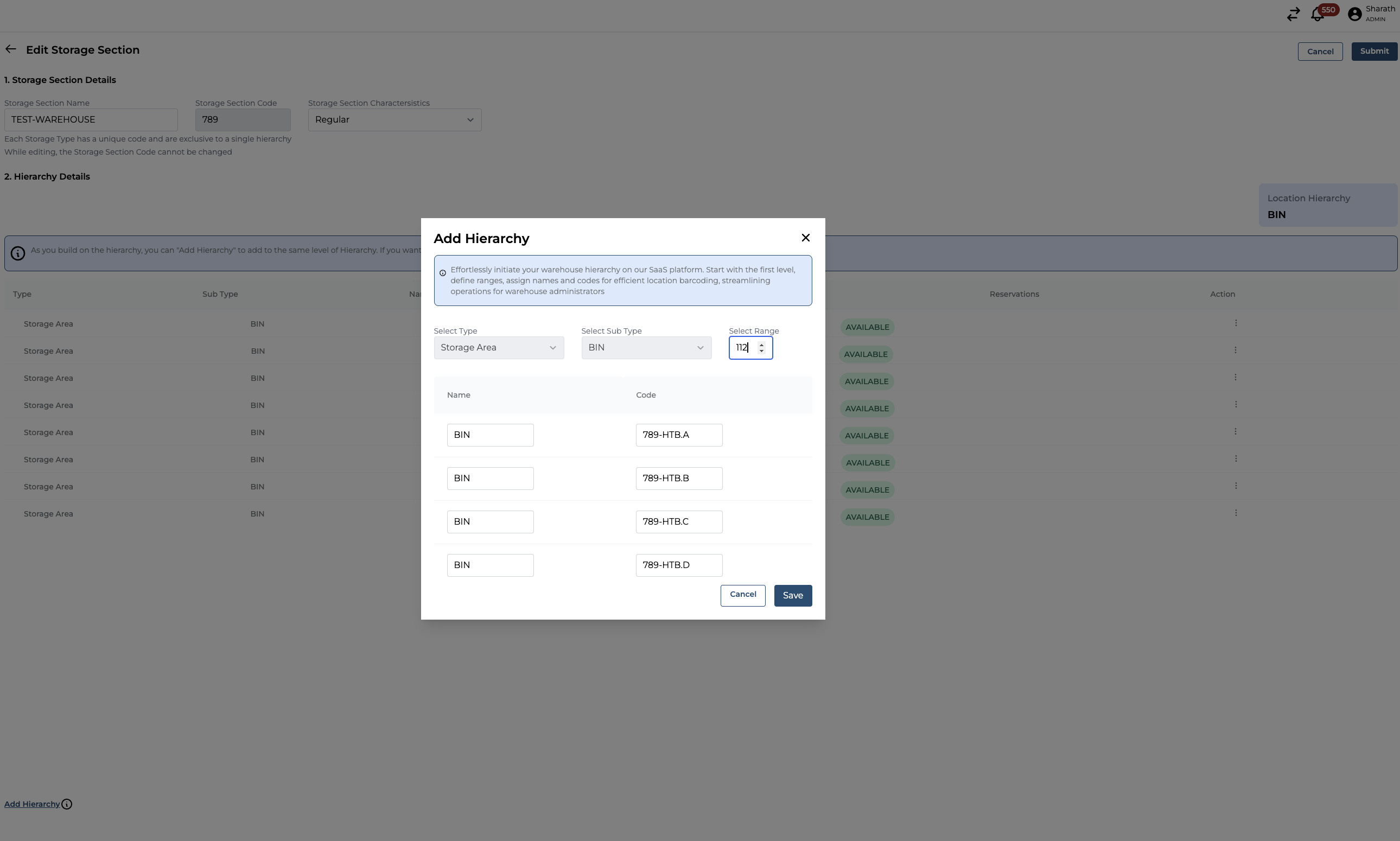
Increase the range of the locations that you want to Add.
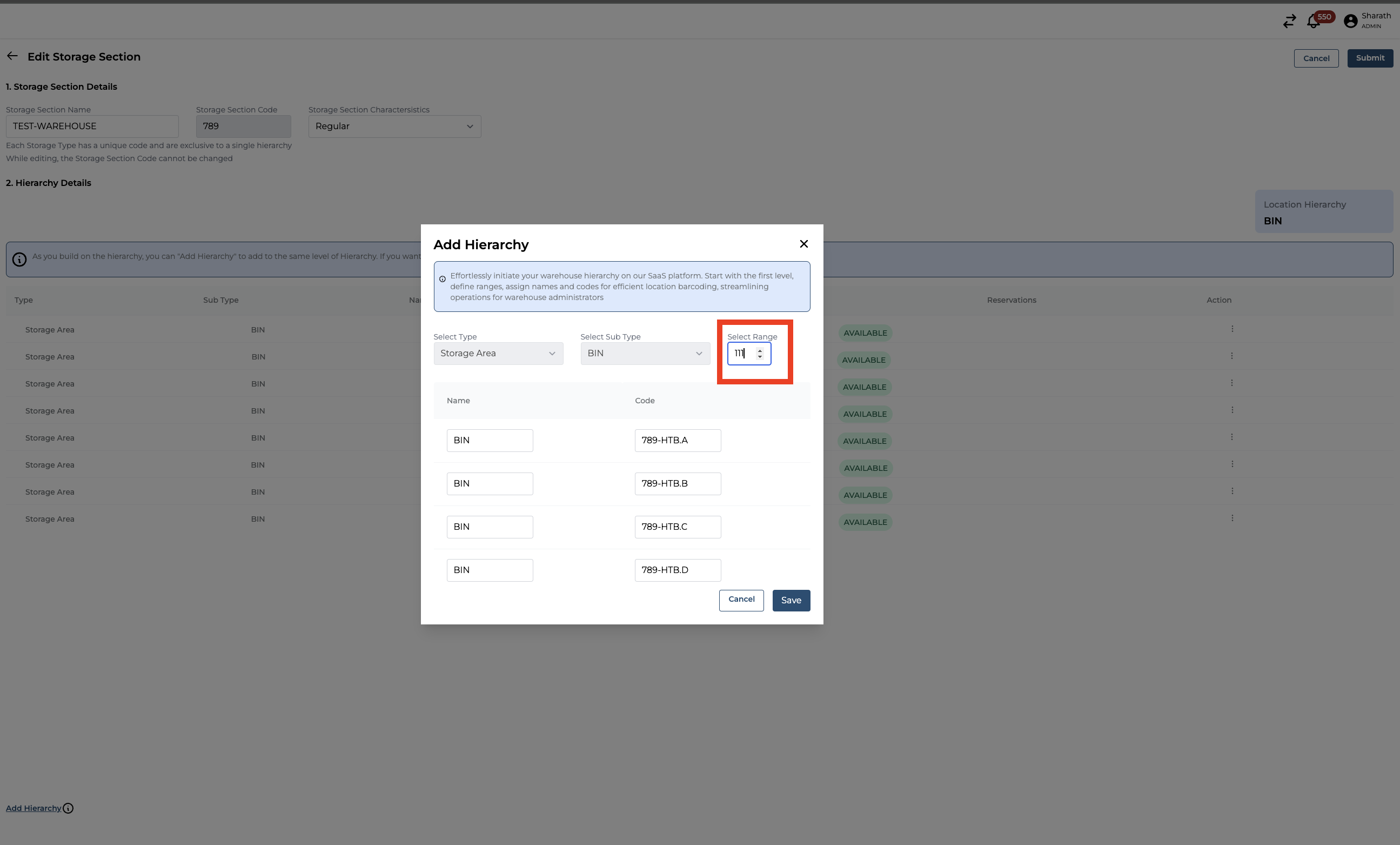
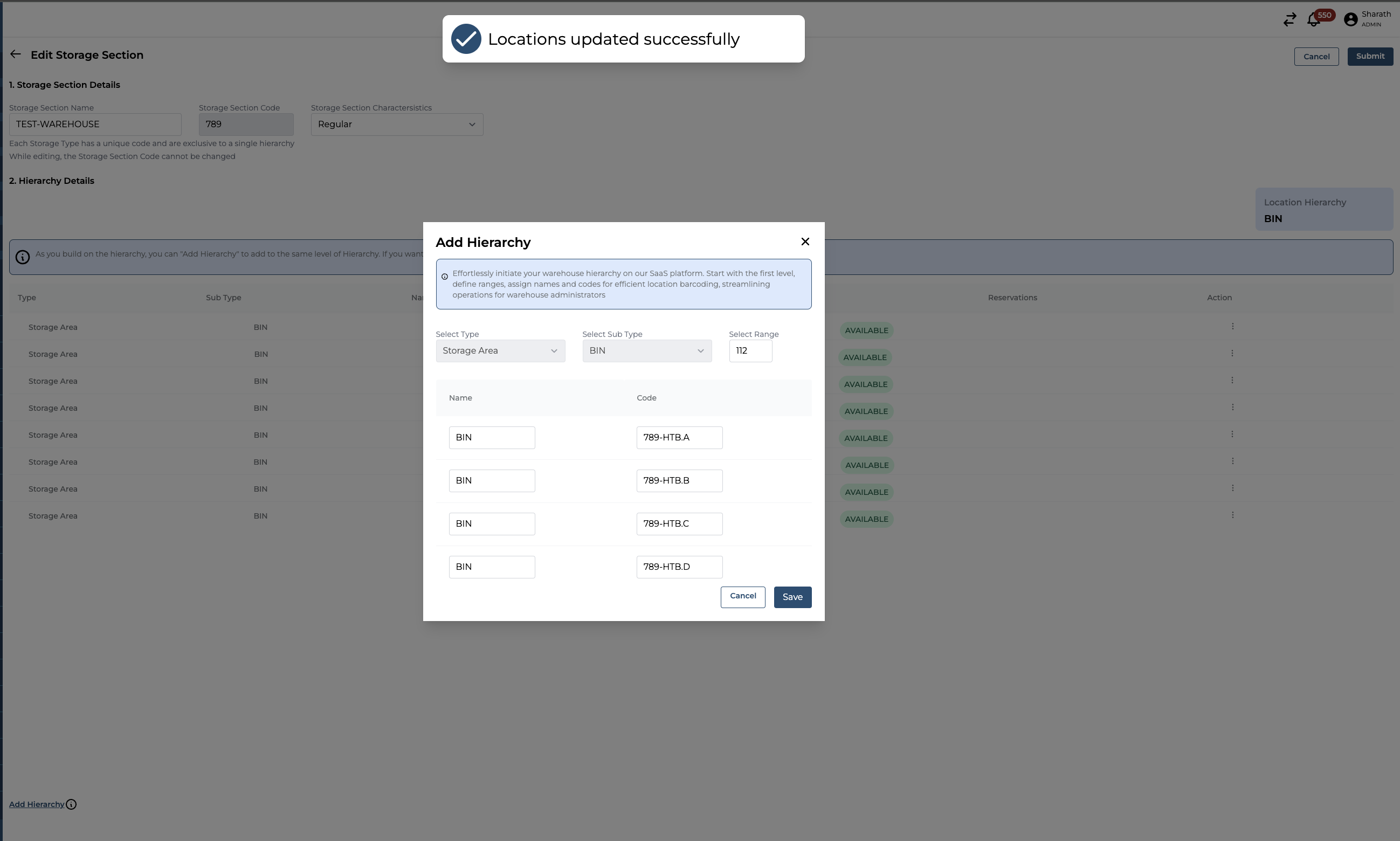
Click on Save
You will see a successful Notification message stating “Locations updated Successfully”
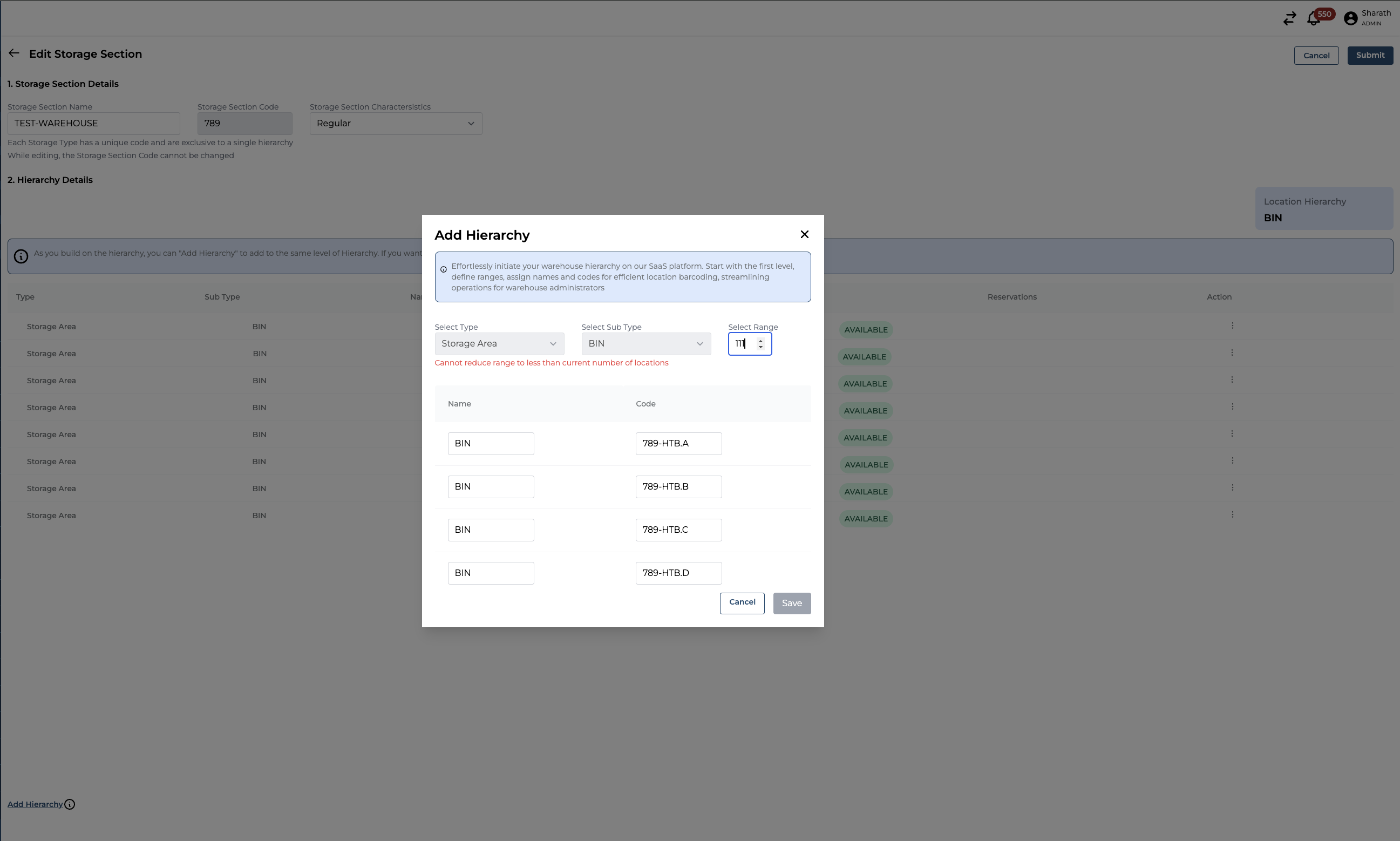
If you are trying to decrease the number of locations that are already created, you will get an error response stating, “Cannot reduce range to less than current number of locations.”
Please ensure that the existing locations in the storage section remain unchanged and are not altered in any way.